Promo codes and promotions
Give every promotion a clear benefit and scope
Prepare promotion benefits and conditions, then manage the codes that customers use to claim the eligible offer.
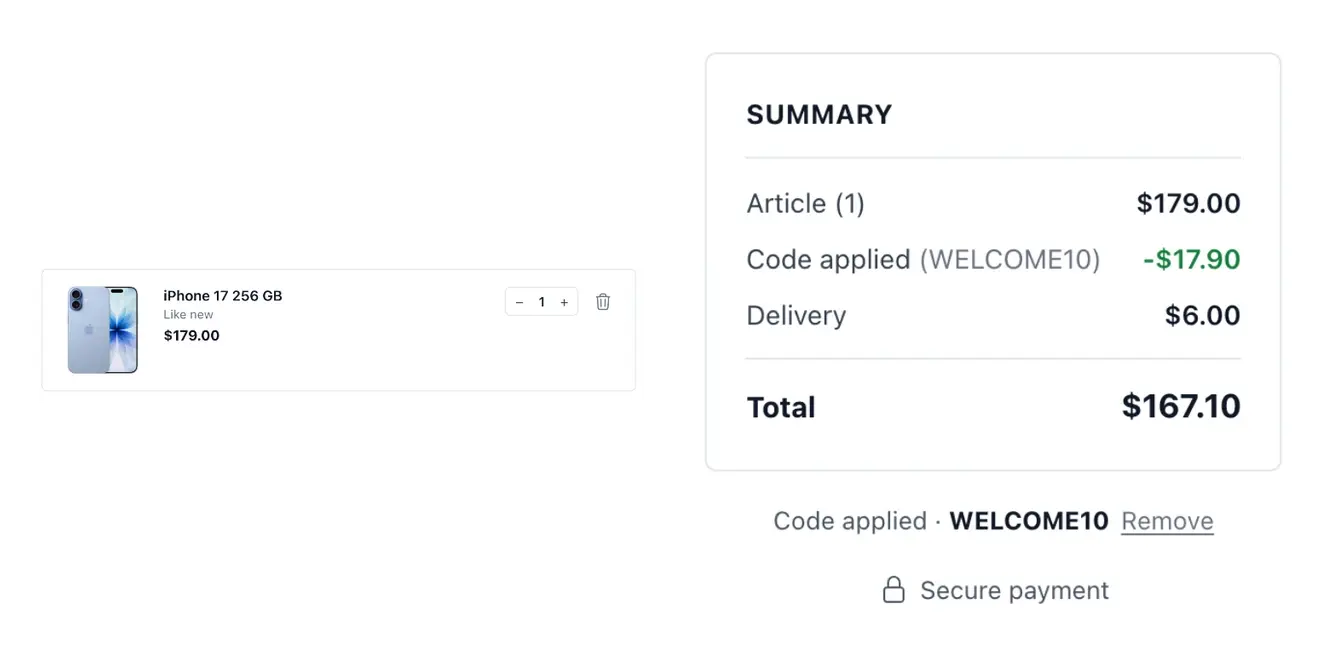
Build offers with understandable conditions
- Choose the offer
Use a percentage or fixed-amount discount, claimed with a code.
- Set its conditions
Limit the offer to the relevant scope and schedule when it applies.
- Follow performance
Read results and history, then pause, reactivate or archive the promotion.
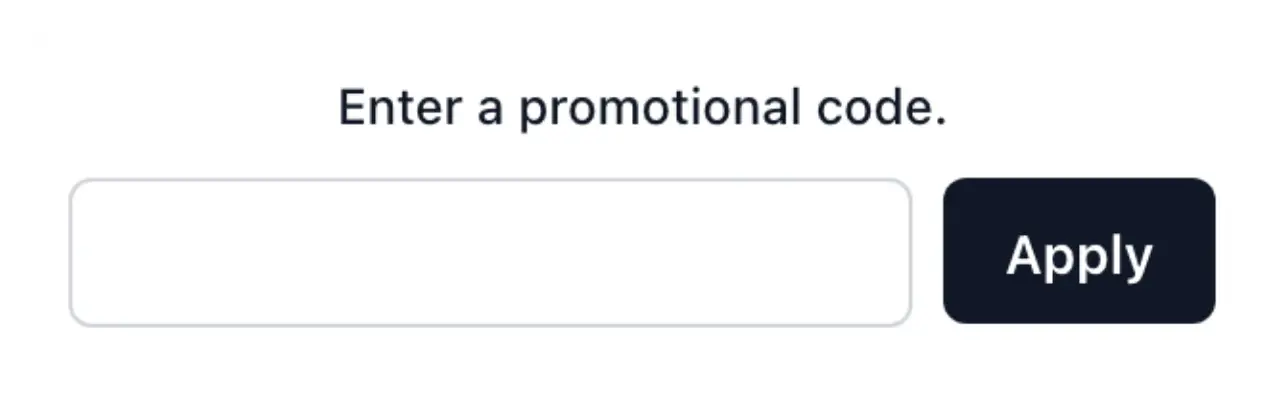
Promo codes: identify who can use the offer
Create and manage the codes attached to a promotion. A code can have its own validity period and usage limit; supported customer-specific codes stay linked to their holder. Review the recorded uses rather than treating a generated code as proof that the offer has been redeemed.
Set its validity period and review the code or offer settings before activation. Scheduling, scope and conditions are as important as the displayed saving when preparing an offer for a particular range or moment.
Prepare the benefit and its eligibility
The promotion defines the benefit. Choose the supported percentage or fixed-amount discount in the offer. The visible code is the means to claim its eligible benefit.
Dates and usage restrictions. Review the validity window and supported usage limits on the code. Keep offer availability aligned with the code’s own settings.
Public or customer-specific codes. Distinguish a shared code from one attached to a holder. Inspect recorded redemptions rather than counting generation as customer use.
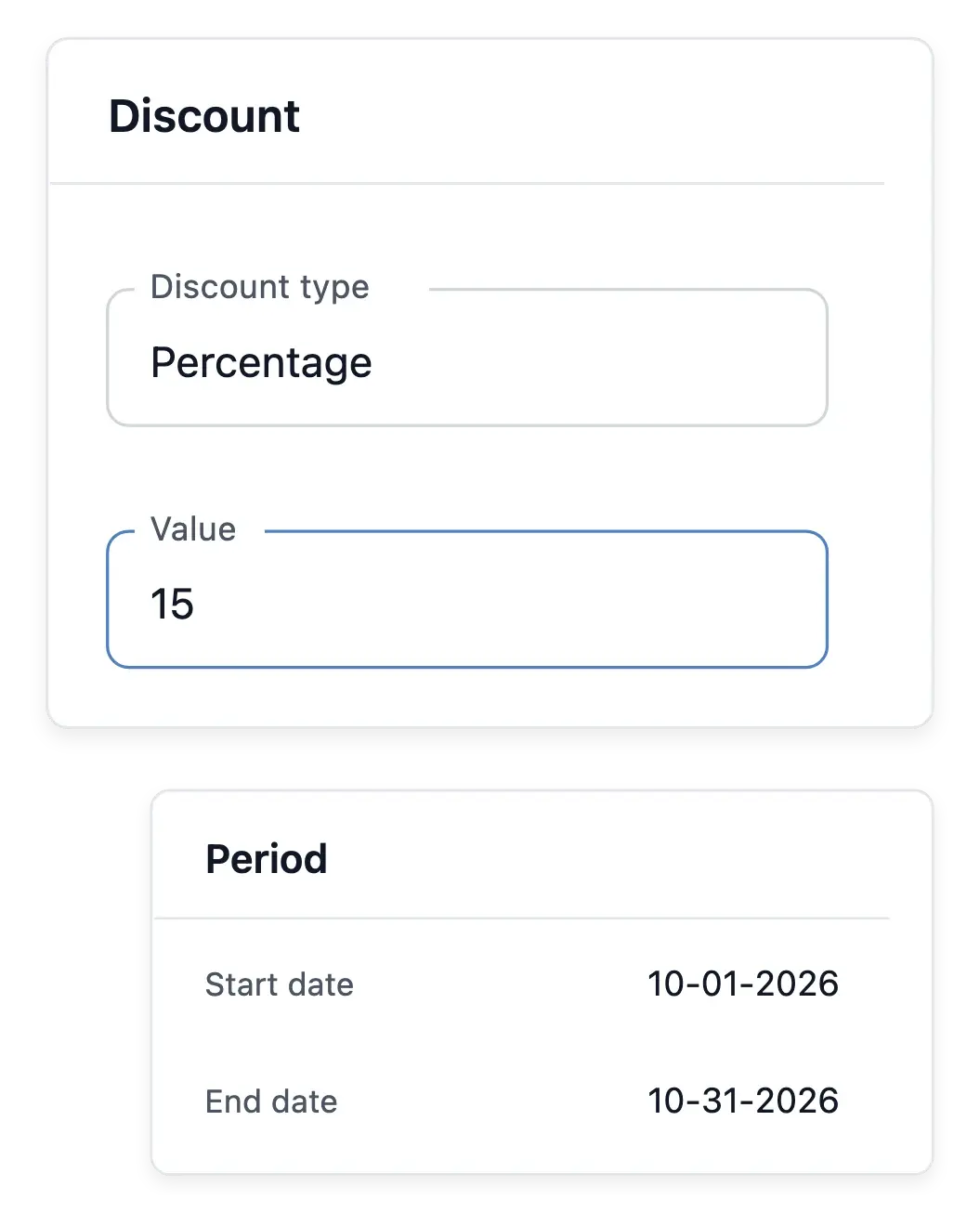
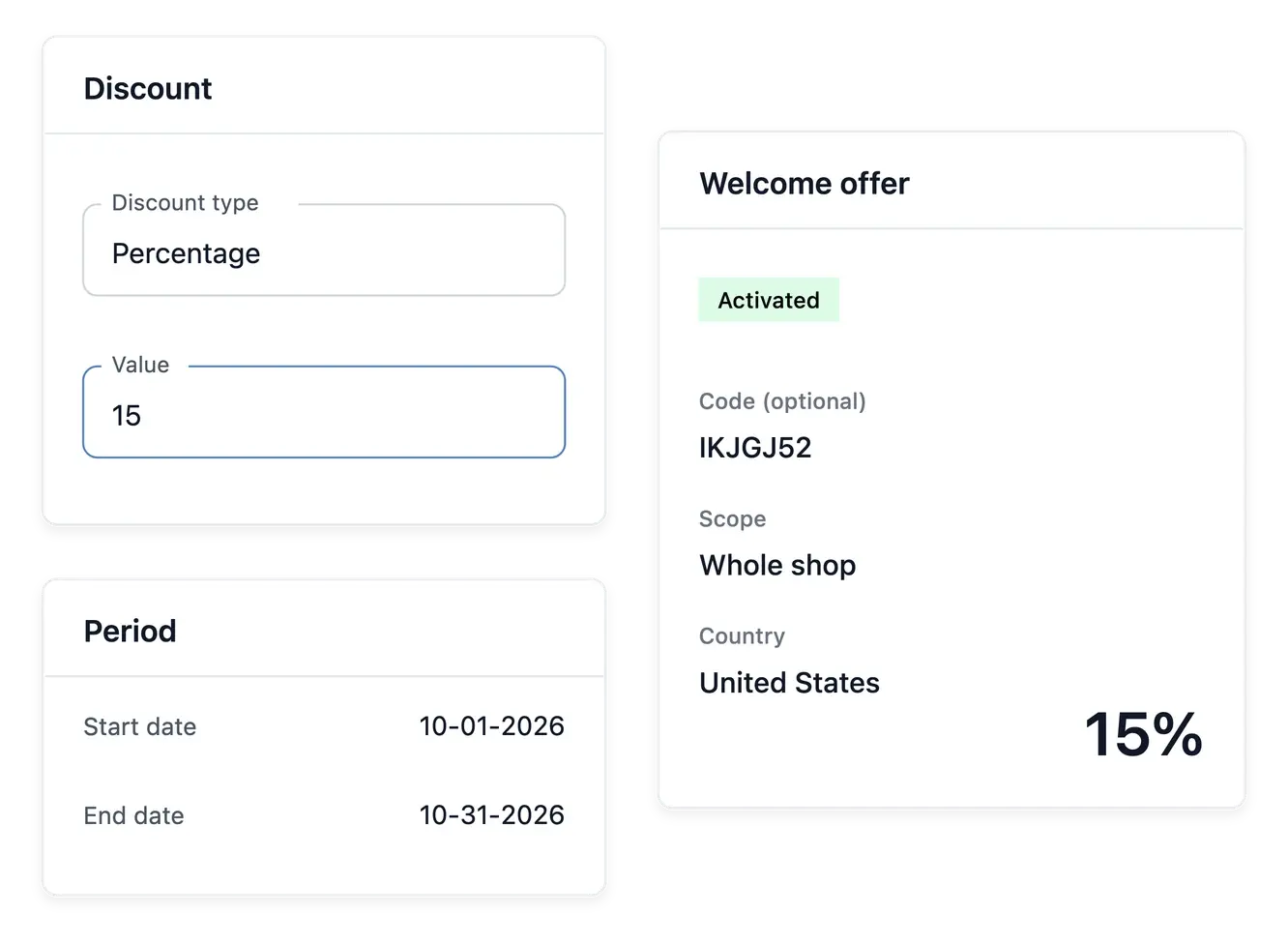
Promotions: define the benefit and its conditions
Set the supported percentage or fixed discount, then prepare the promotion’s conditions and availability period. The promotion defines the offer; its associated codes determine how eligible customers claim it in the supported checkout workflow.
Check the country, basket conditions, validity dates and code restrictions together. Separate public codes from customer-specific codes and inspect the promotion history and performance. These two presentations use the existing offer and code tools; they do not imply a new campaign automation service.
From promotion rules to a redeemed code
Prepare the eligible offer. Set the benefit, country and basket conditions that apply. Review the full promotion before creating or activating its associated codes.
Choose access and validity. Select the appropriate code restrictions and dates. Keep the customer-facing wording consistent with what checkout can actually accept.
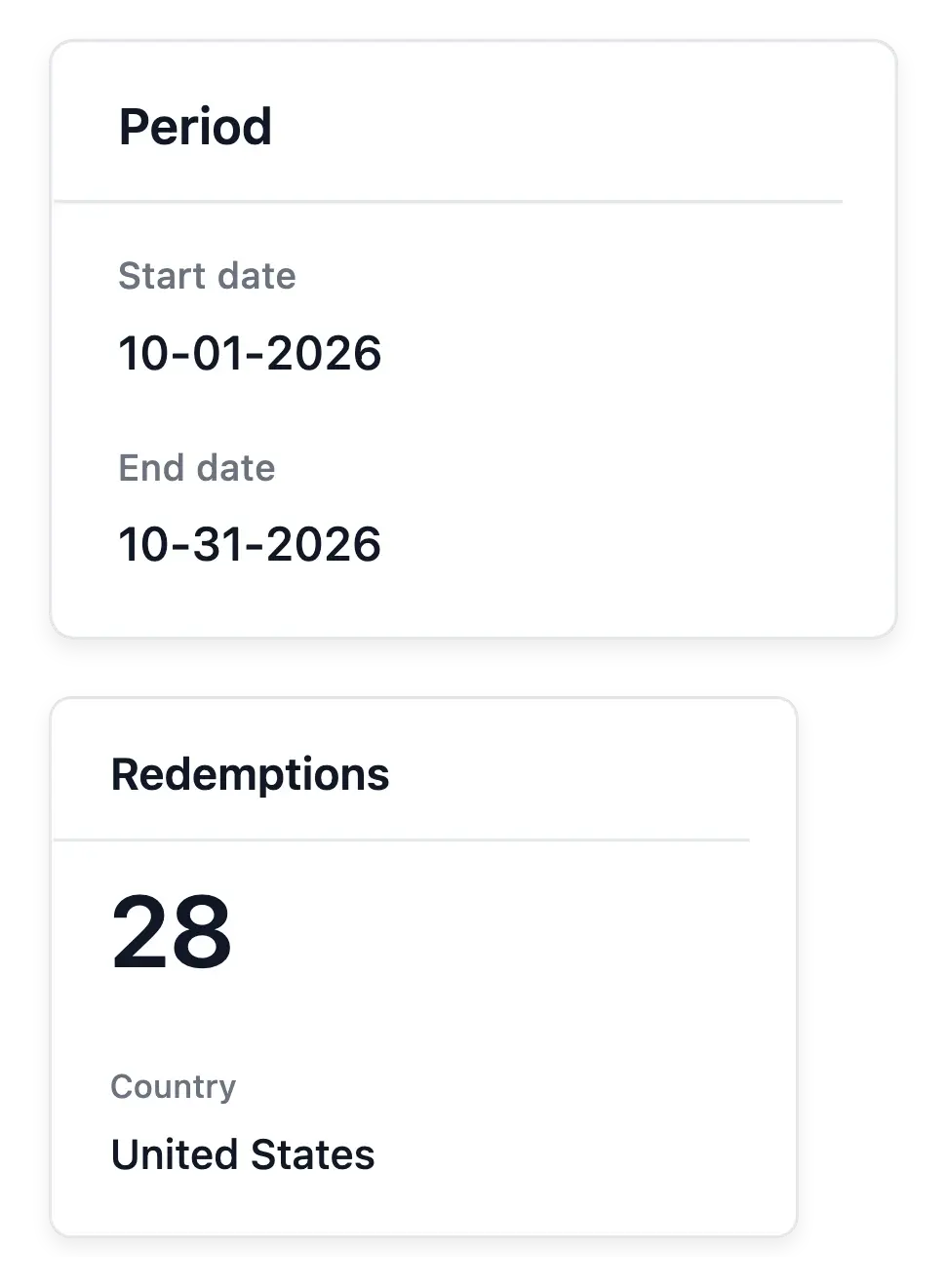
Read actual use. Consult redemptions and promotion performance after customers use the offer. A saving message is presentation; the recorded use is the result.
Give your next commercial offer a clear structure
Prepare the incentive, timing and limits before presenting it to shoppers.
Questions about Vouchers & promotions
Supported types are percentage and fixed-amount discounts, claimed with promotional codes.
Yes. Use its scope and application conditions.
Yes. The promotion settings include its applicable dates.
Yes. Its actions include pause and reactivation, with history retained.
Use its performance view and the relevant sales discount breakdowns.
No. It defines an incentive whose actual use and results you can follow.