Versions and deployment
Publish a version you have actually reviewed
Follow the versions of your application and choose a tested release for the next environment.
Keep construction, testing and live use distinct
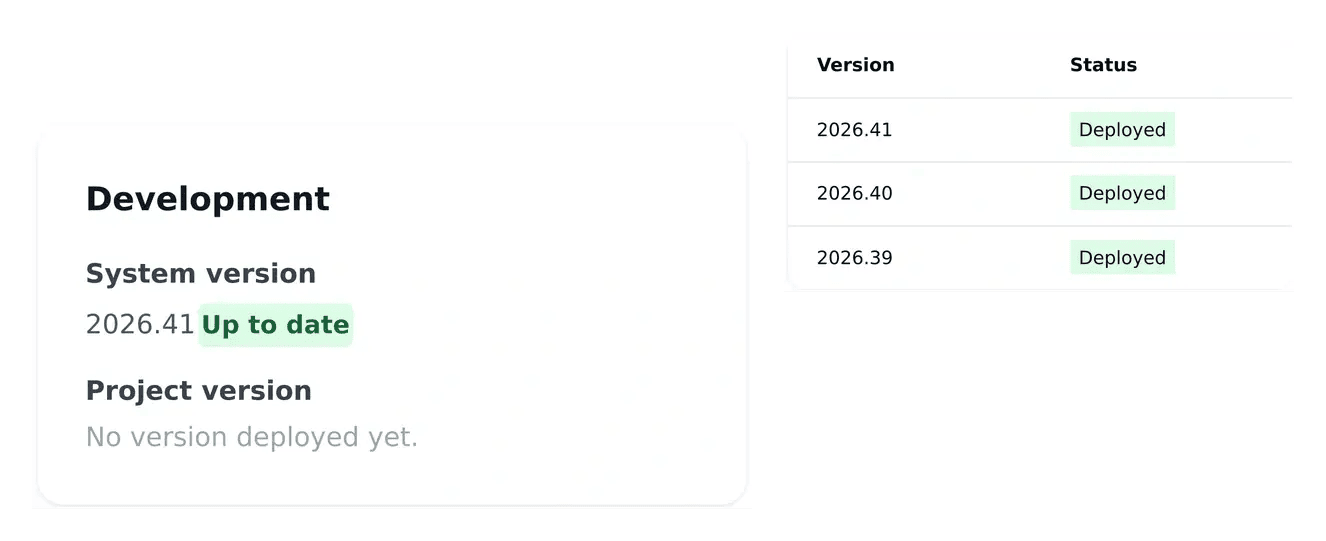
- Inspect the current version
Read what is running in development, staging and production.
- Prepare a release
Use the release tools to publish a version of the work.
- Consult the history
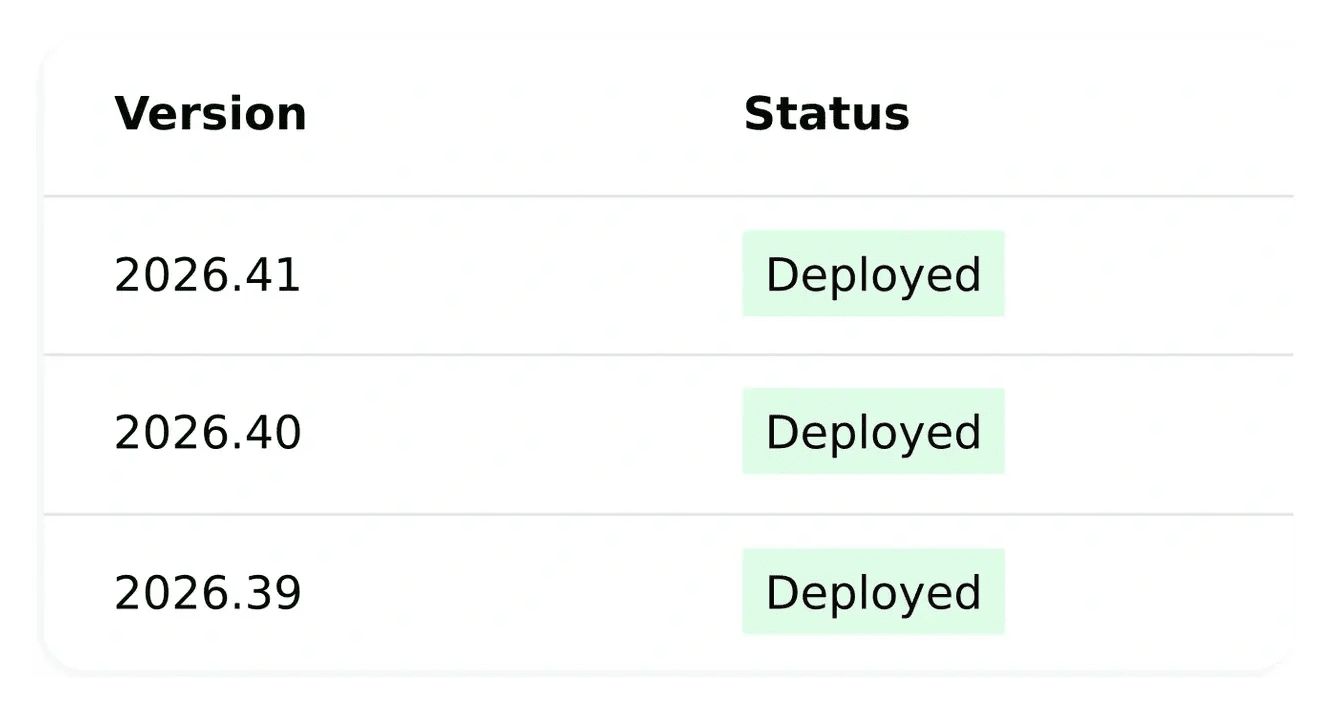
Review recorded versions and deployment progress.
Keep development and publication separate
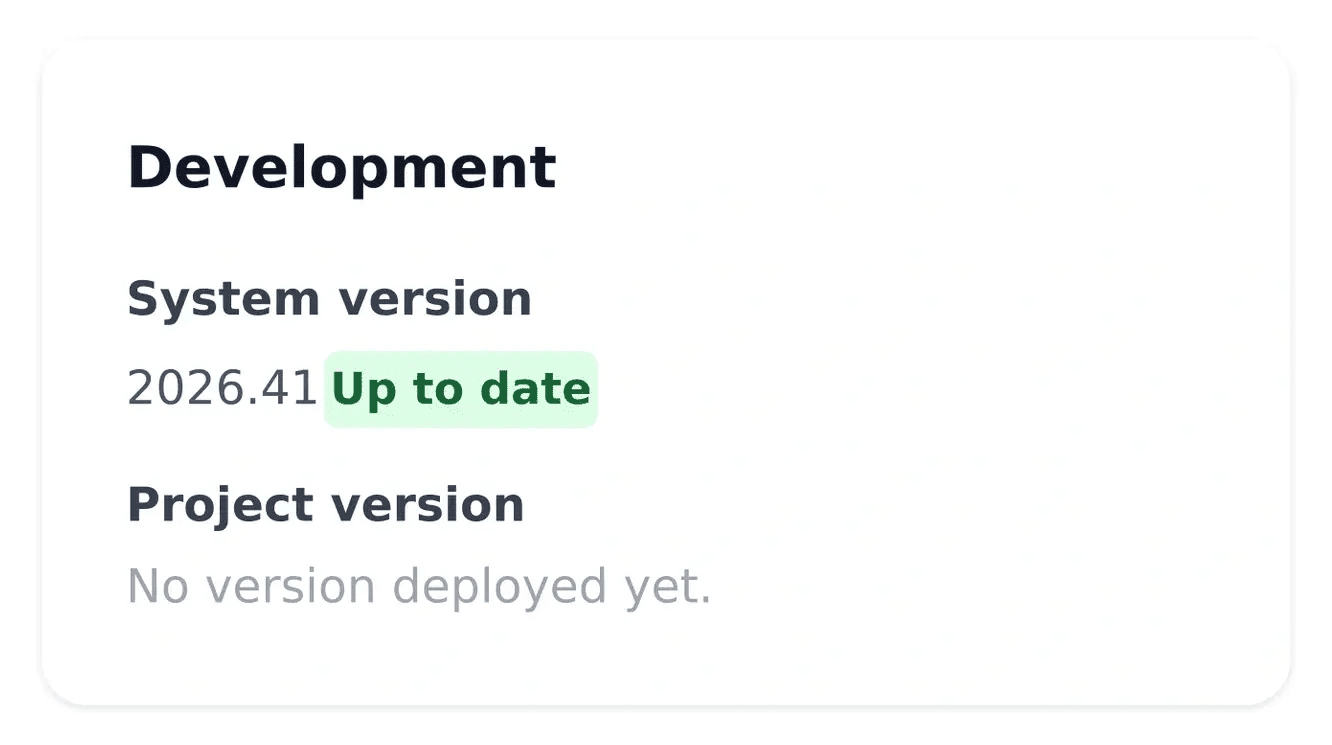
Development receives new work first. Staging gives you a place to verify a selected version before it reaches production users.
Consult the version shown for each environment. Use the release and deployment controls to advance the intended version through the publication process.
Know which version your users can see
Review a completed page change. A request can be complete in development while production still uses an earlier release. Compare the working result with the original need, then create the project version intended for publication.
Test the wider journey. A change to one page can affect the links or actions around it. Staging lets you review the chosen version through the full task, including relevant languages and exceptions, before the production step.
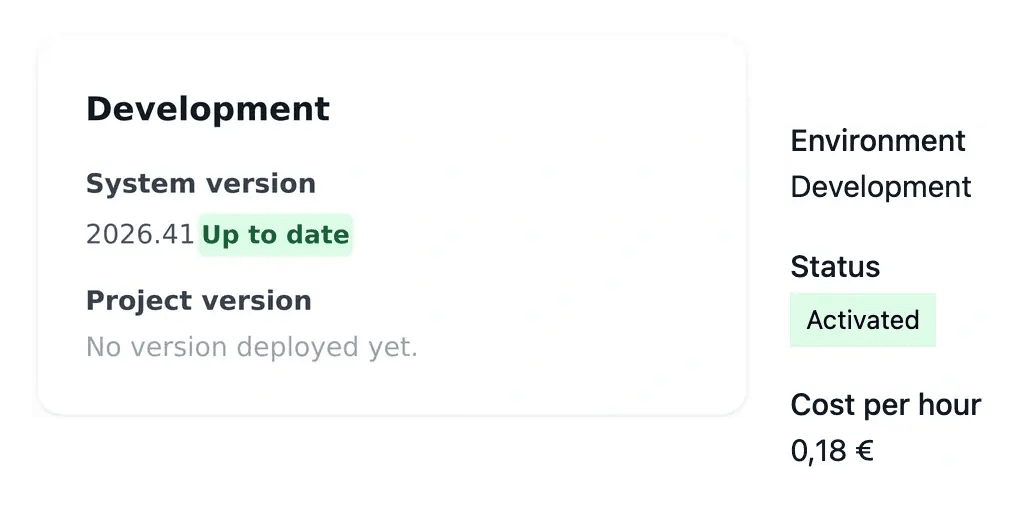
Understand the deployed composition. Application, website and documentation can have different component versions. The deployment views distinguish system and project streams and show the recorded environment state. Check the stream concerned rather than assuming one number describes everything.
Check the complete journey before going live
A useful review includes the changed screen, its links and the task the user should complete. Test in the language and environment relevant to the application.
After publication, read the production version and verify the result. Deployment history helps you understand which release moved through the environments.
Check the version that users will receive
Review the version tested in the previous environment and the destination of the publication. A deployment is easier to verify when the version and target are explicit.
After publication, read the recorded version and test the relevant user journey. Keep the review tied to the delivered change and consult the history when investigating a later issue.
From reviewed work to production
Inspect development. Test completed functionality and compare current and available project versions. Create a version when the appropriate changes are ready.
Verify staging. Deploy the intended project version to staging and complete the changed user journeys. Resolve issues before advancing.
Confirm production. Verify required domains, publish the tested version and read the resulting production state. Check the live journey after the request completes.
Make publication a verified project decision
Connect the completed work to a tested version and the actual result running for users.
Questions about Versions and deployment
It describes the construction result. Creating a version and deploying it are separate actions. Verify the development page and the environment version before announcing a live change.
It provides a place to check the selected release and complete user journeys before production. Test the changed action together with its surrounding links and important exceptions.
They describe different release streams. Read the components and environment concerned in Deployment so you know which work the selected action will publish.
The screen shows prerequisites such as a version to create, staging to complete, required domains to verify or a deployment already in progress. Follow the stated condition before sending another request.
Wait for the deployment state to complete, read the expected production version and repeat the user task on the live service. A recorded request alone is not a finished publication.