Feedback and issues
Give a problem the context needed to resolve it
Report a problem with useful context and keep a visible record of the feedback sent for your project.
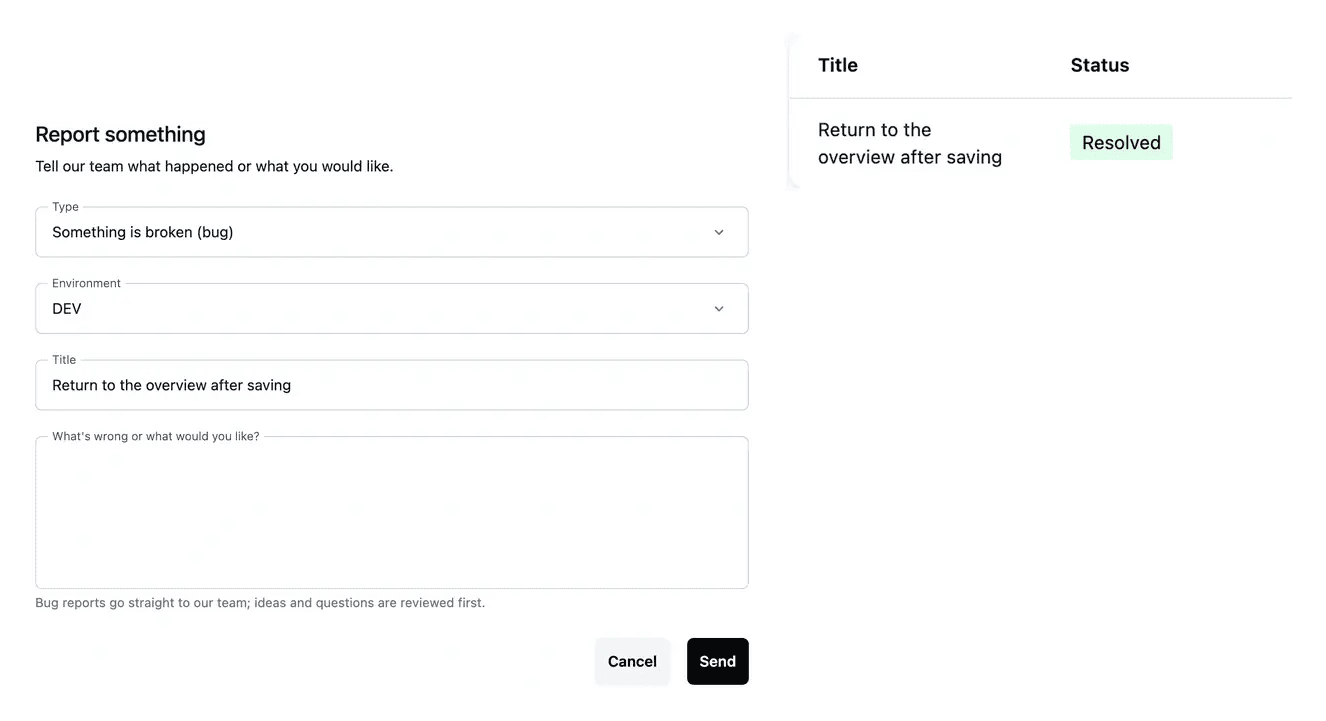
A useful report and a follow-up kept together
- Describe the issue
Explain what you did, what happened and what you expected.
- Keep a record
Find submitted feedback in the project list.
- Open the detail
Review the report and its recorded status.
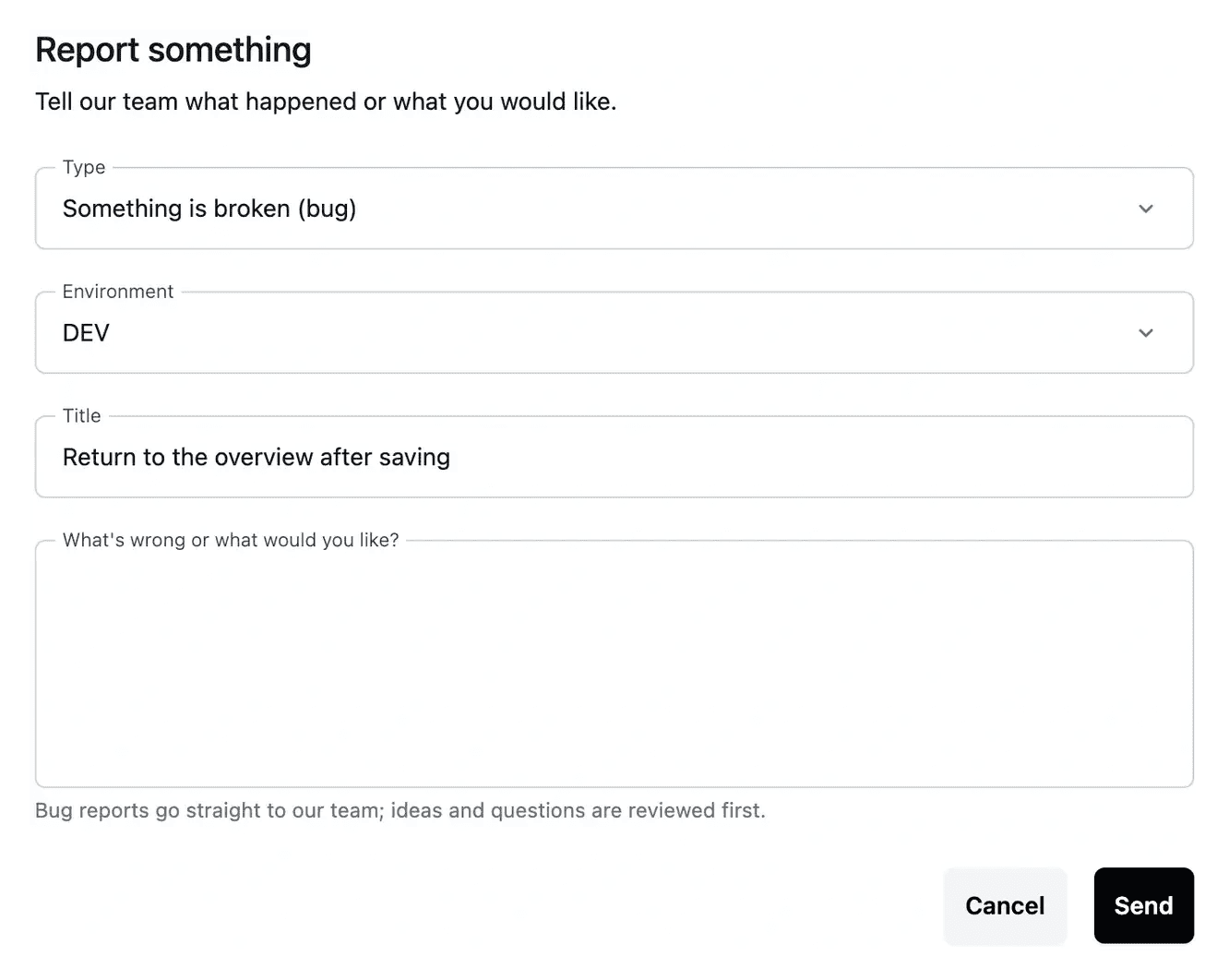
Make a problem reproducible
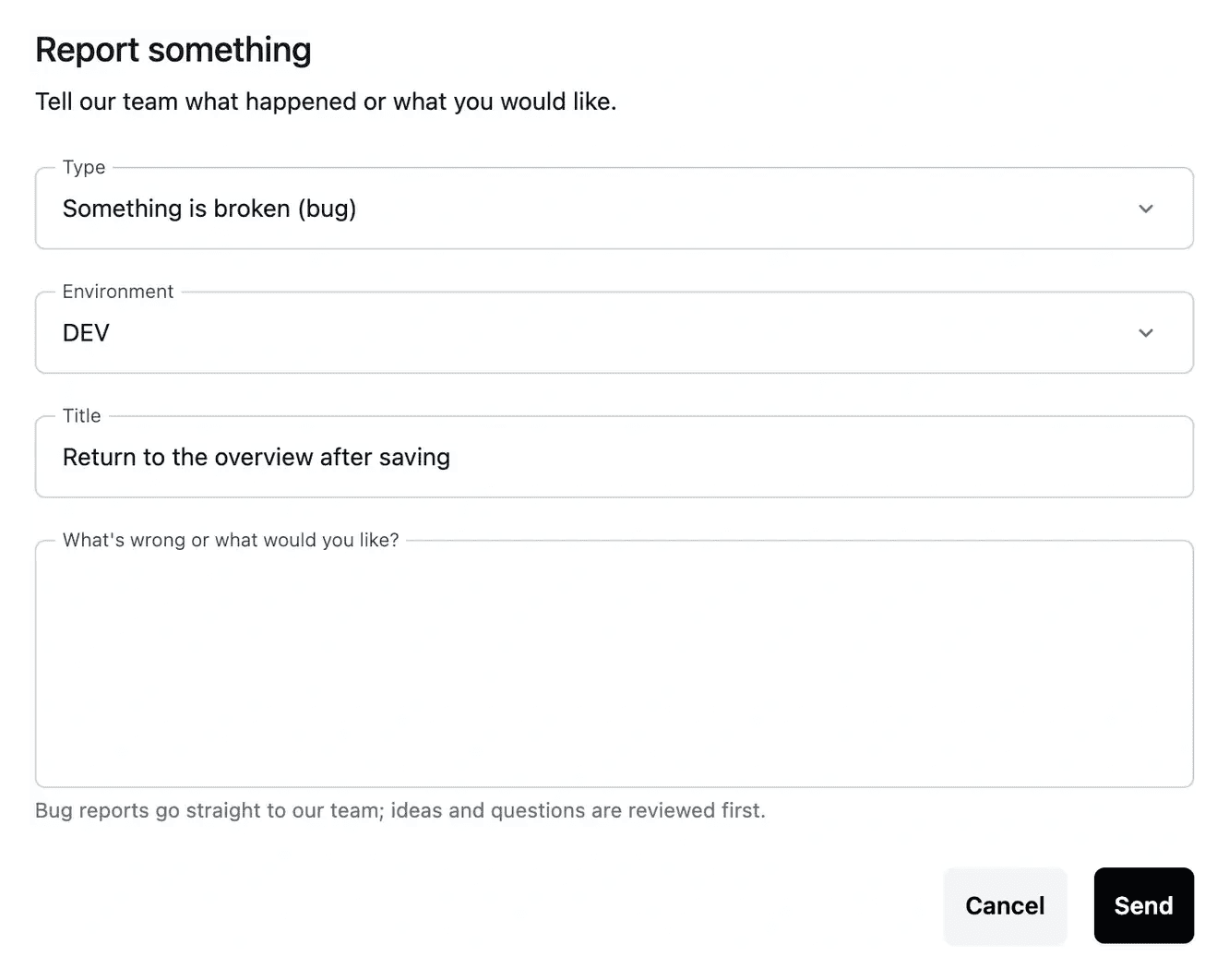
A useful report identifies the affected page and the steps that led to the problem. Include the expected outcome and the actual result.
Check the selected project and environment so the report refers to the correct application. Avoid including passwords or unrelated private customer information.
Make an issue understandable and reproducible
Describe a failure precisely. Identify the page, environment and steps that led to the result. State what happened and what you expected. This turns “something is broken” into a situation that can be investigated and checked again.
Keep a question or idea in context. Feedback can record a bug, improvement idea or question. Use the type that fits and explain the business result you want, so the follow-up remains attached to the original subject.
Continue the conversation. The report detail holds its state and conversation. Add missing information there, then use the recorded response when verifying a correction in the relevant application version.
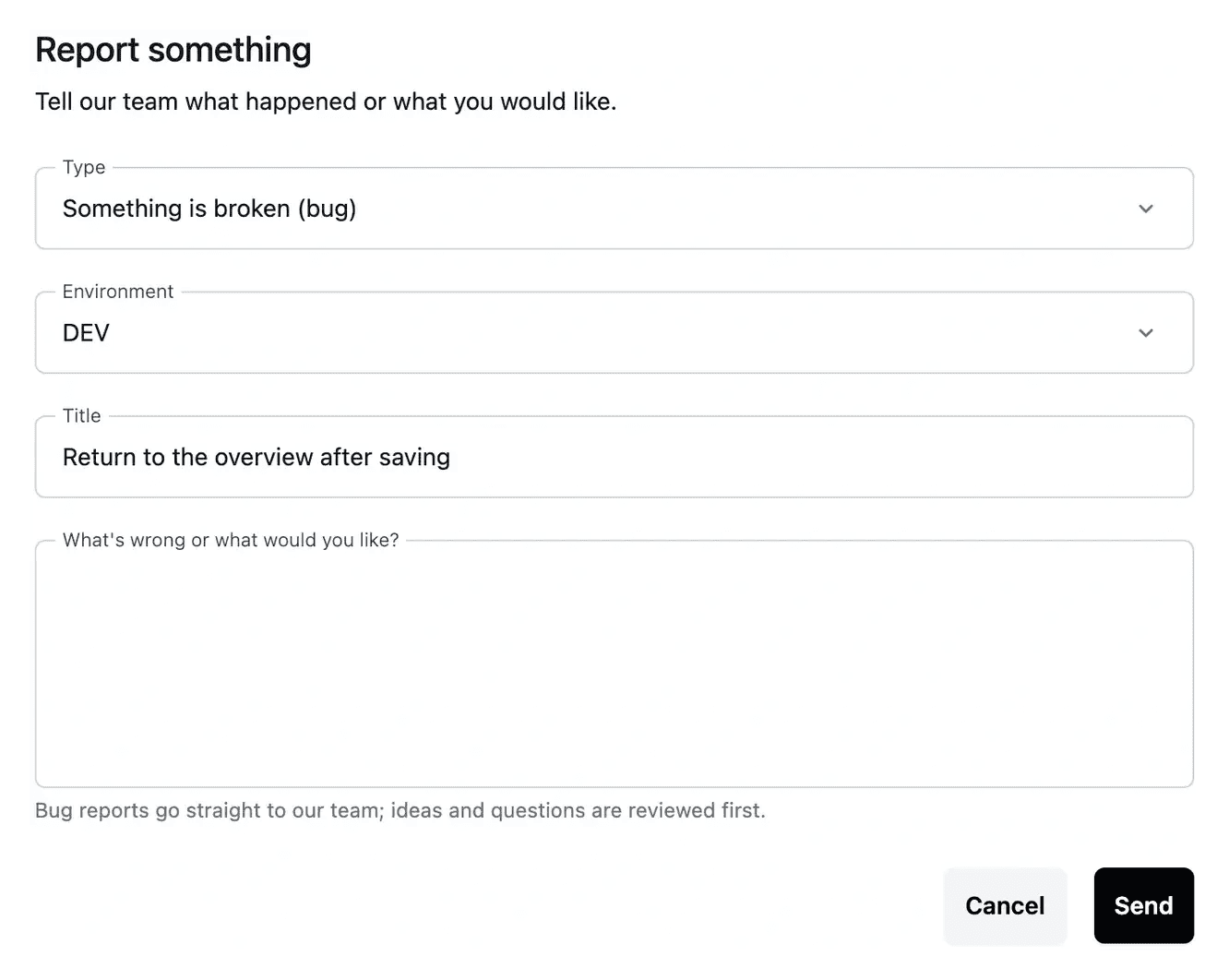
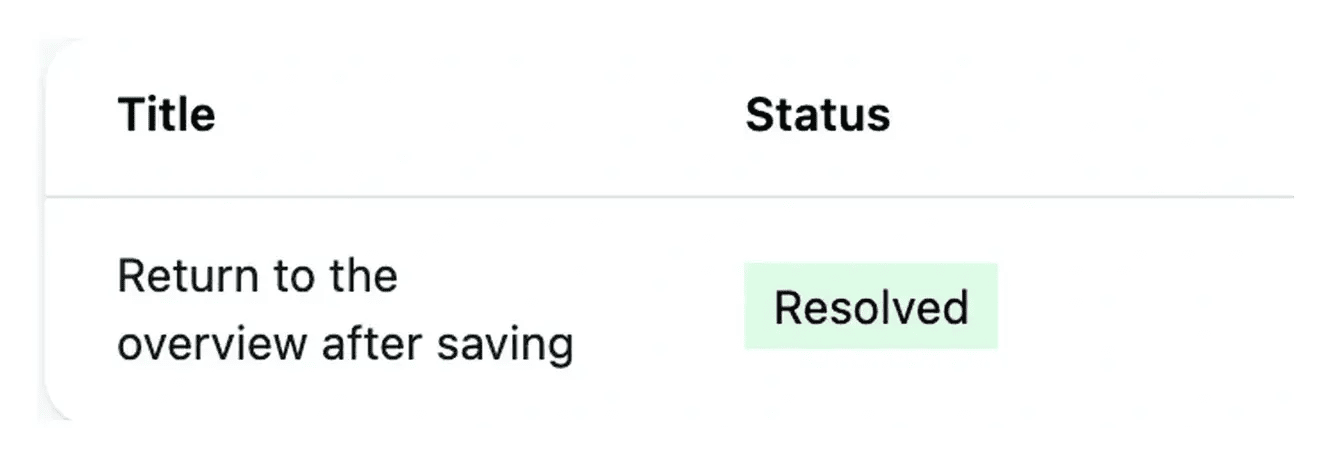
Choose the right path for the next action
Feedback records a reported issue. An AI change request attaches a requested application change to a selected page. Use the tool that fits the result you are asking for.
After submitting feedback, revisit its detail and status. Once a correction is available, verify the original steps in the relevant application version.
Make a problem easier to reproduce
Include the page, the environment, the actions taken and the result observed. Add the expected outcome so the person reviewing the report understands what should happen.
Before opening another report for the same situation, read the existing item and its follow-up. A clear, contextual record keeps later checks connected to the original problem.
From a report to a verified result
Identify the situation. Select the project and environment, describe the steps and distinguish actual from expected behavior.
Follow the recorded report. Open its detail, read the response and provide additional context in the attached conversation when needed.
Repeat the original case. Check the relevant version and reproduce the steps after a correction. A precise follow-up explains any result still missing.
Make your next report useful from the first message
Bring the page, reproduction steps and expected outcome so the issue and its review remain understandable.
Questions about Feedback and issues
The page or task, selected environment, reproduction steps, actual result and expected result. An example should clarify the behavior without exposing passwords or unrelated customer information.
Use an AI change request for a targeted change with an existing page selected. Feedback records an issue, idea or question and its conversation. Choose the path that matches the outcome you are requesting.
Open the report detail and use its message field. The conversation keeps the new context with the original subject and recorded responses.
Read the report state and detail from the feedback list. Use the response and relevant application version when assessing whether the result addresses the reported situation.
Repeat the original steps in the intended environment and version. If the result still differs, provide the precise remaining situation in the same follow-up.