Newsletter
Keep subscriber consent ready for your next campaign
Keep subscribers and proof of consent together, prepare campaign drafts and synchronize configured Brevo contacts.
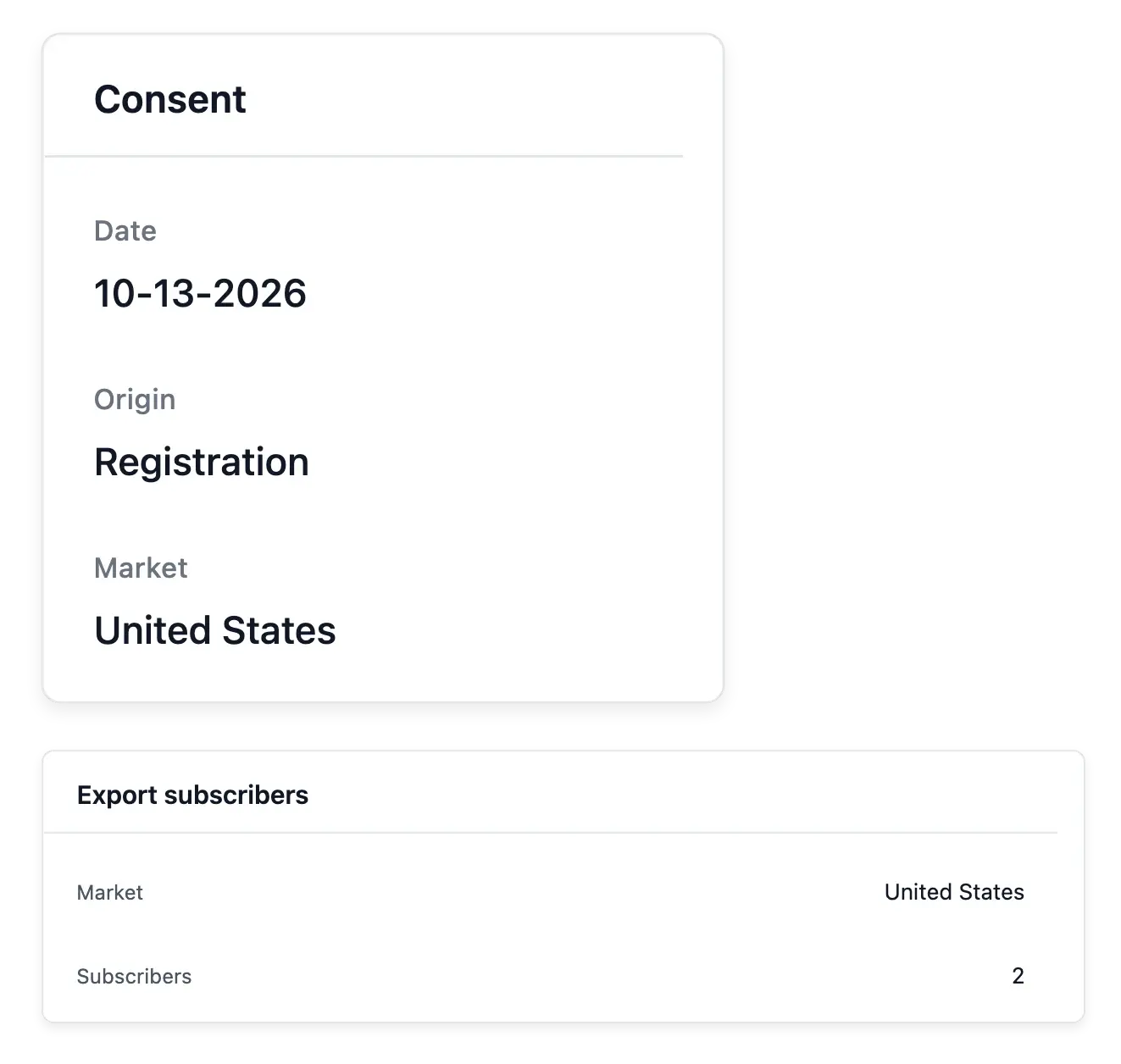
Prepare an audience that actually agreed to hear from you
- Subscriber consent
Keep the accepted wording, date and origin of an opt-in and record departures.
- Prepare an audience
Draft campaigns for everyone or one market and see the audience size.
- Exports and synchronization
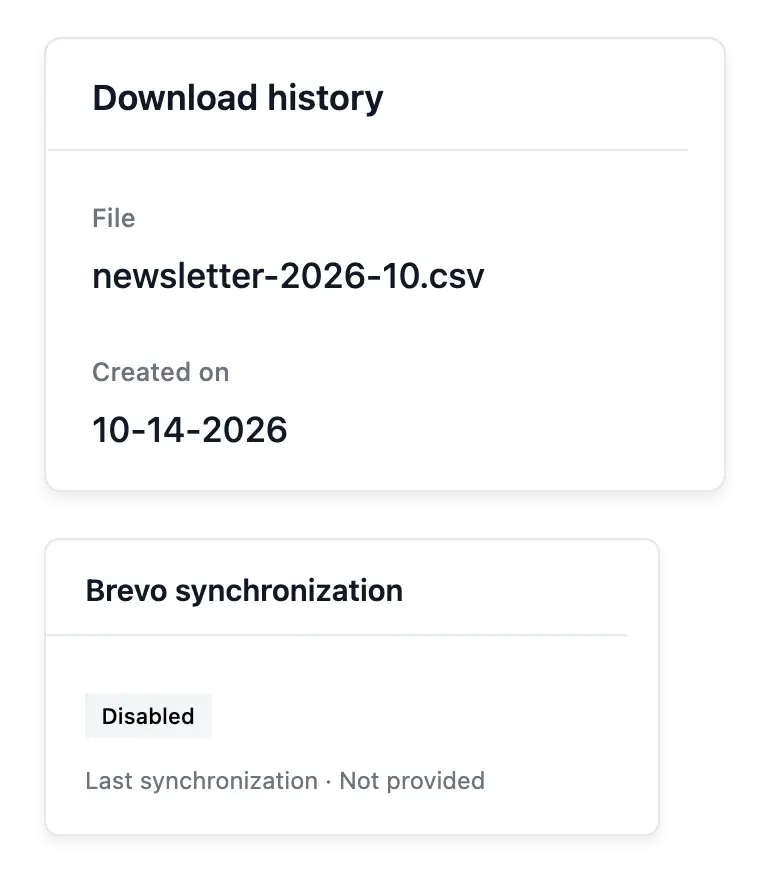
Download subscribers for a market and period and follow configured Brevo synchronization.
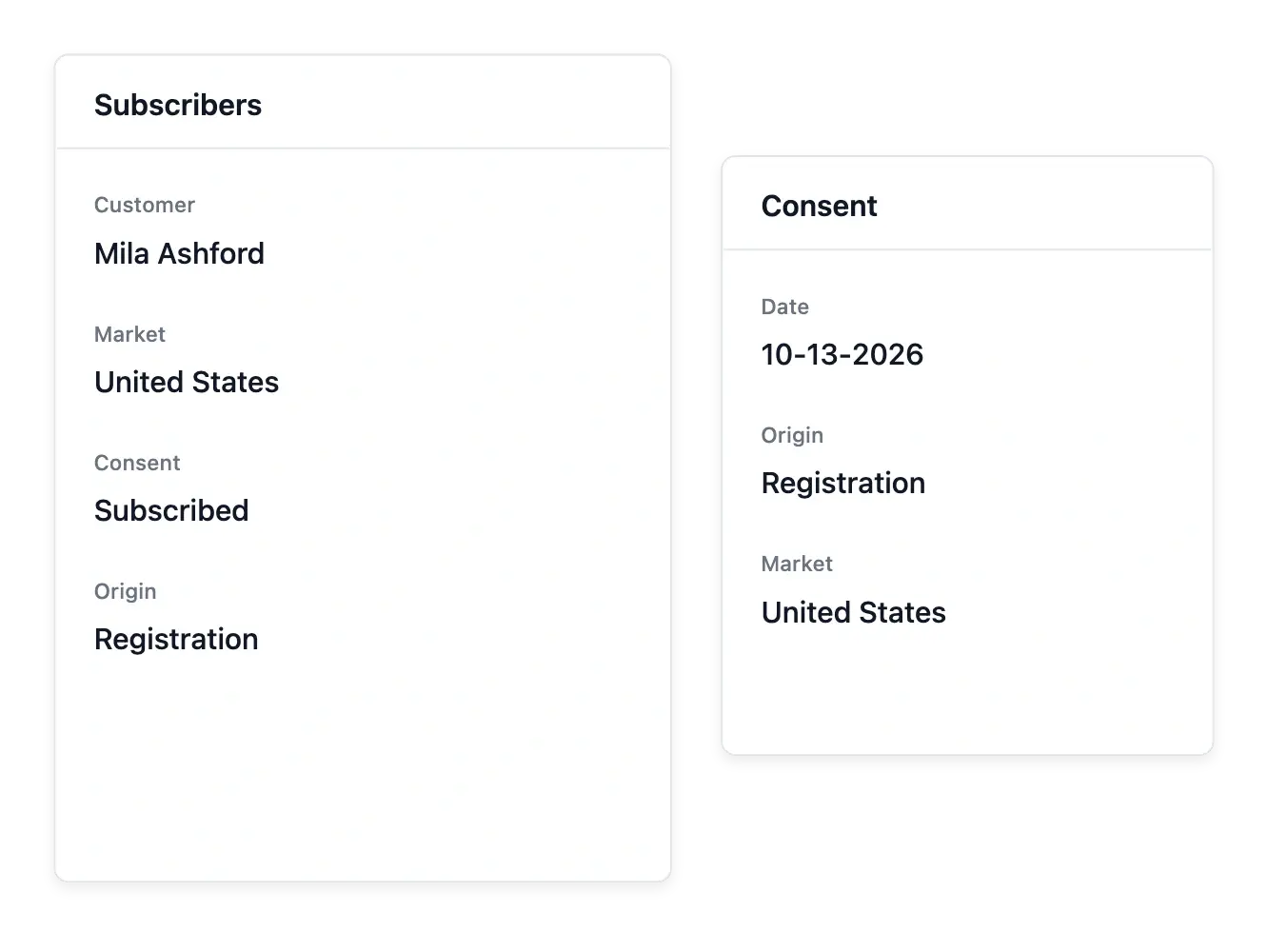
Keep subscription and its evidence together
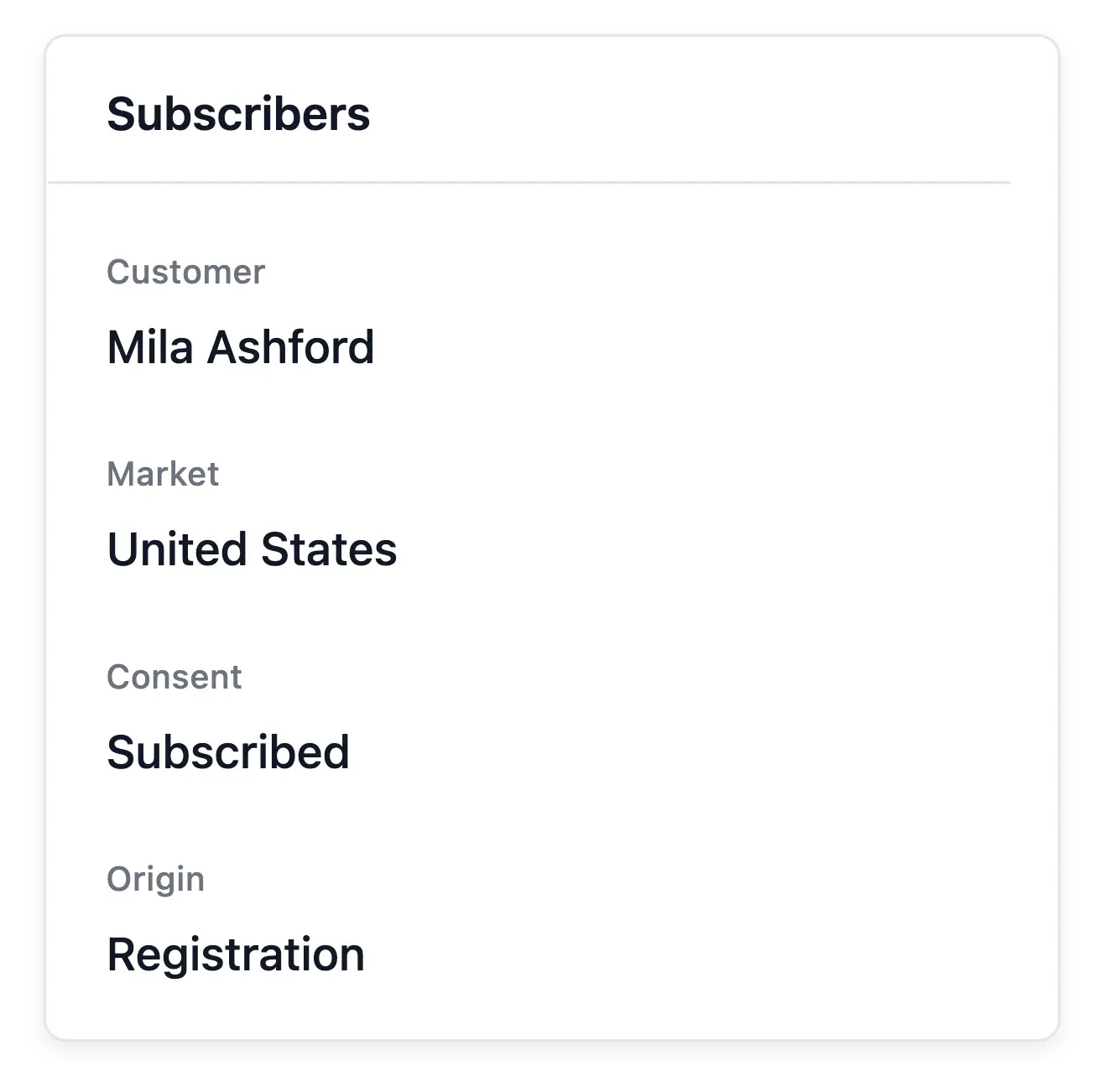
Newsletter records the wording accepted at opt-in with its date and origin. Browse subscribers by market and subscription state, and record a departure when someone asks to stop receiving marketing emails.
Prepare a campaign draft with its name, description and intended audience: everyone or one market. The audience count helps you understand the reachable group before moving to your sending workflow.
Keep consent, audience and sending distinct
Consent provenance. The subscriber record keeps accepted wording, date and origin. Maintain a departure when the person asks to stop marketing messages.
Market and subscription state. Browse subscribers by market and current subscription state. An email address in the list does not mean every campaign should include it.
Configured synchronization. When Brevo synchronization is configured, inspect its state. A local subscriber record is not proof of a successful external update.
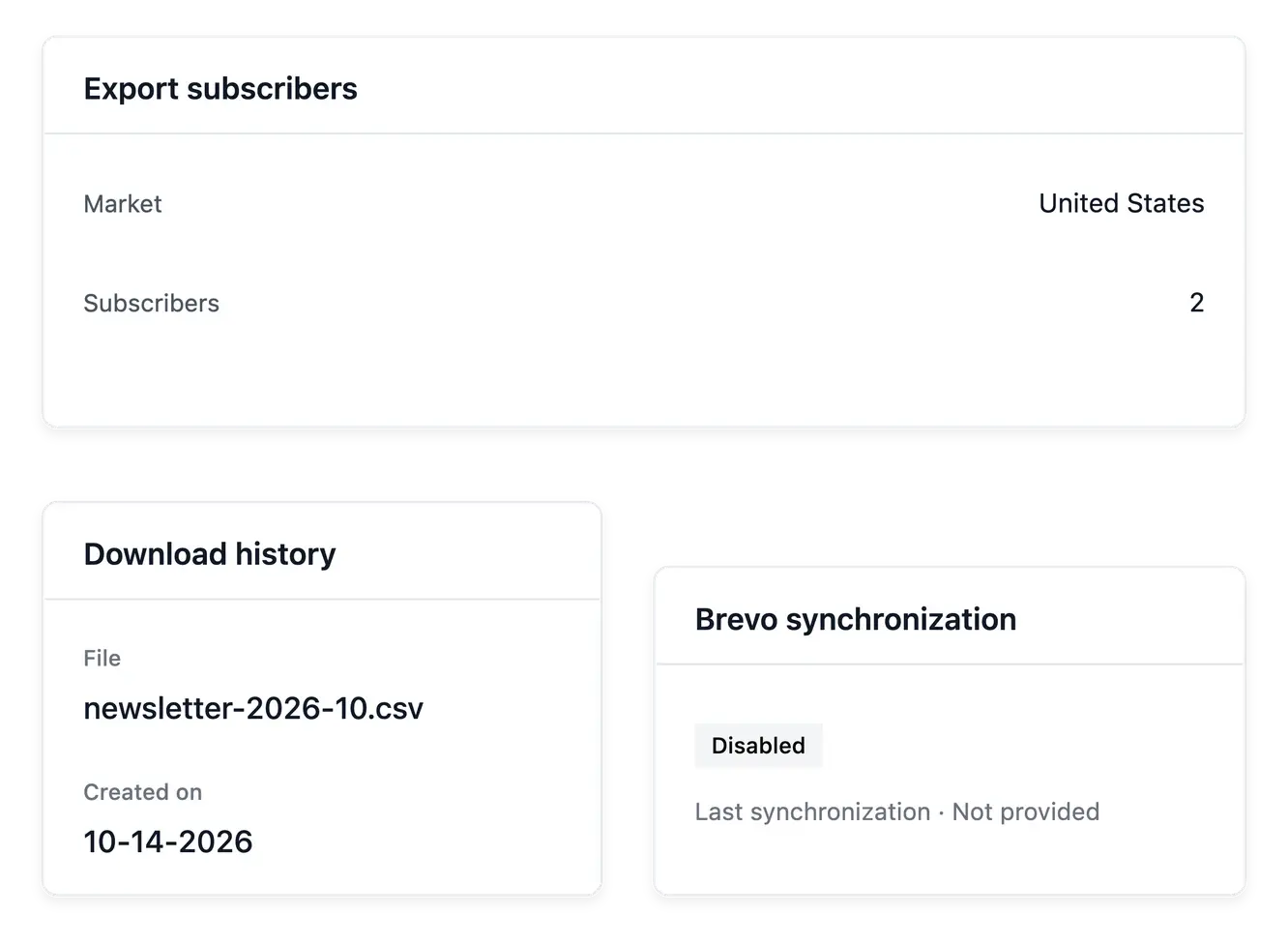
Connect subscriber preparation to your emailing tool
Export subscribers for a market and period, then consult the download history. When Brevo synchronization is configured, follow its state rather than treating the presence of an email address as a successful external update.
Campaign preparation currently creates and maintains drafts; it does not launch a campaign send from these screens. Subscriber consent, an exported file and a draft campaign are separate steps in your marketing work.
Prepare a market-specific marketing handoff
Review the eligible audience. Choose the relevant market and inspect subscription information. Keep consent context attached to the subscribers you intend to use.
Prepare the handoff. Use supported market and period exports and consult their download history. Retain the source and purpose of the prepared audience.
Use the separate sending workflow. Current campaign preparation maintains drafts. Exporting subscribers or saving a draft does not launch an email campaign from these screens.
Build customer communication on a maintained audience
Organize opt-ins, departures and campaign preparation around real subscription records.
Questions about Newsletter
The accepted wording, date and origin are recorded with the subscription context.
Yes. Record the departure so the person is marked unsubscribed.
Yes. Campaign preparation supports everyone or a single market, with its audience count.
These screens prepare and maintain drafts; campaign sending is a separate later step.
Yes. Select the market and supported date period, then consult the export history.
Yes. Configure the connection and follow its synchronization state.