Integrations
Understand what each shop connection is ready to do
Find the supported Google, advertising, affiliate, Brevo, payment and product-feed services and understand each connection’s current state.
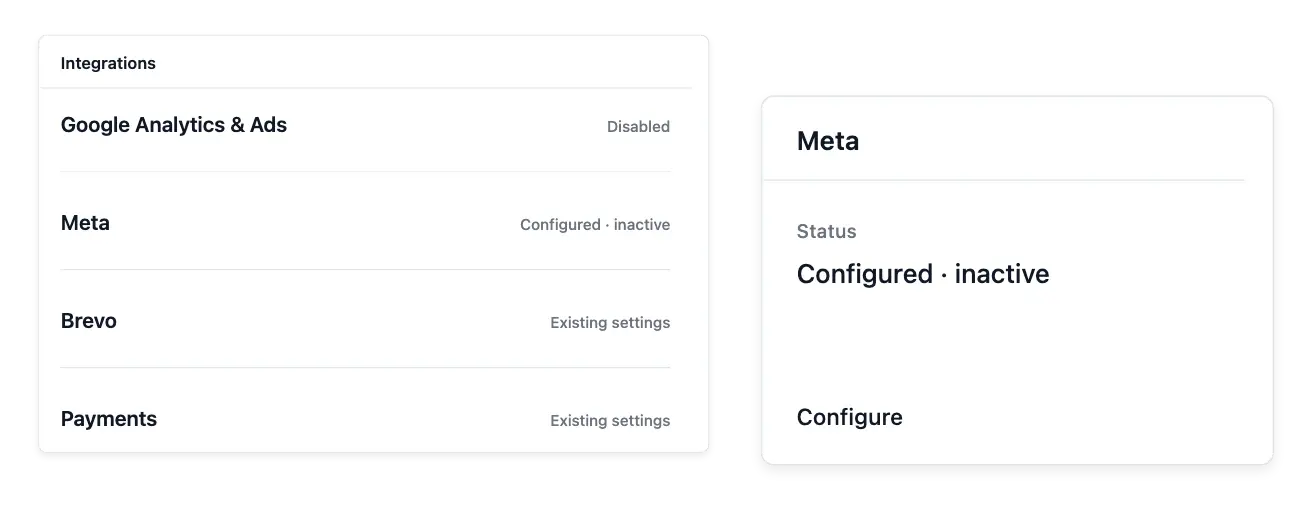
Prepare outside services with a clear readiness state
- One connection board
Find all available connections and their readiness states together.
- Your service accounts
Enter the settings required by each supported service.
- Measurement controls
Configure the supported Google measurement and conversion settings and review consent guidance.
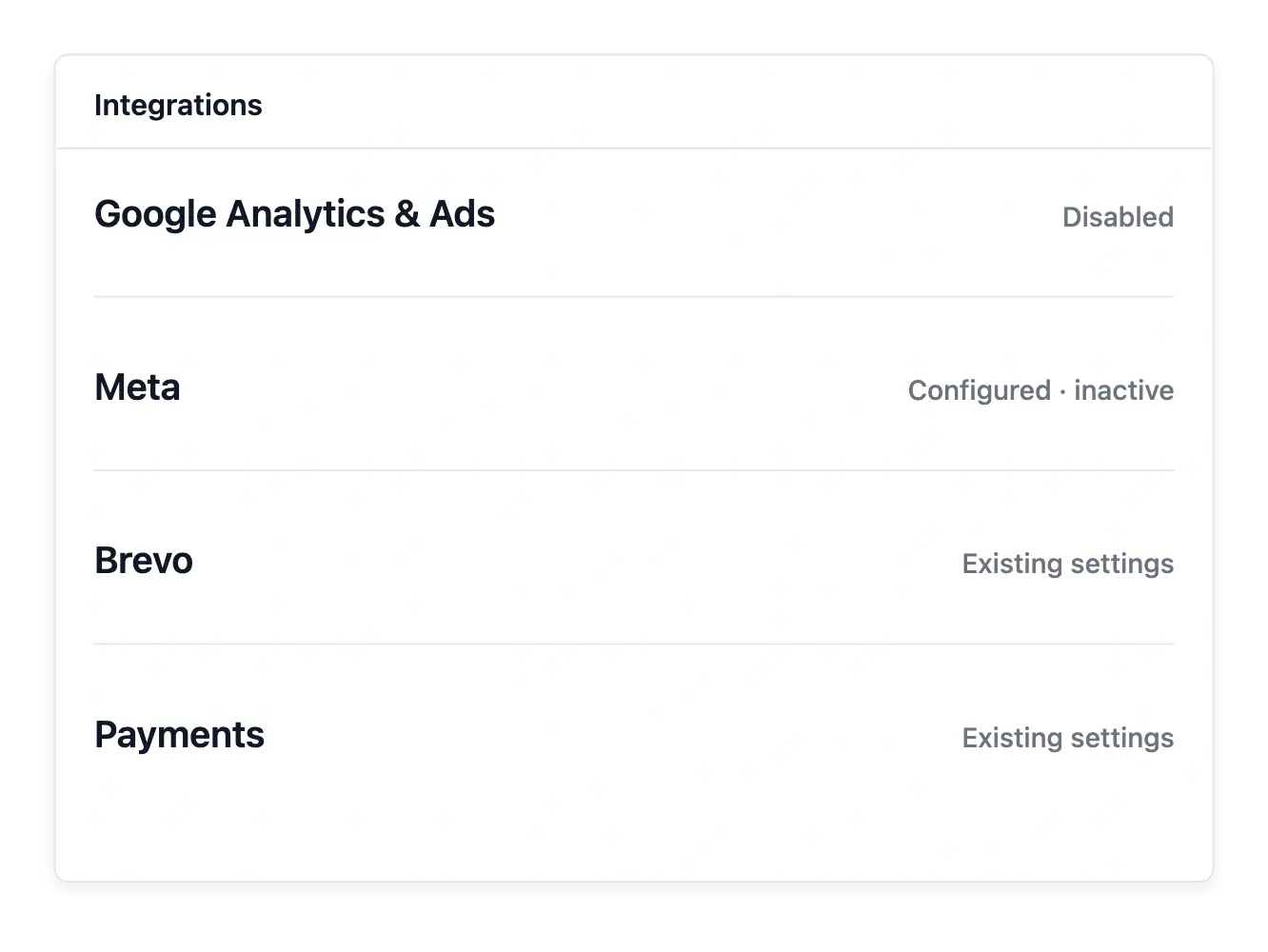
Find the right settings from one board
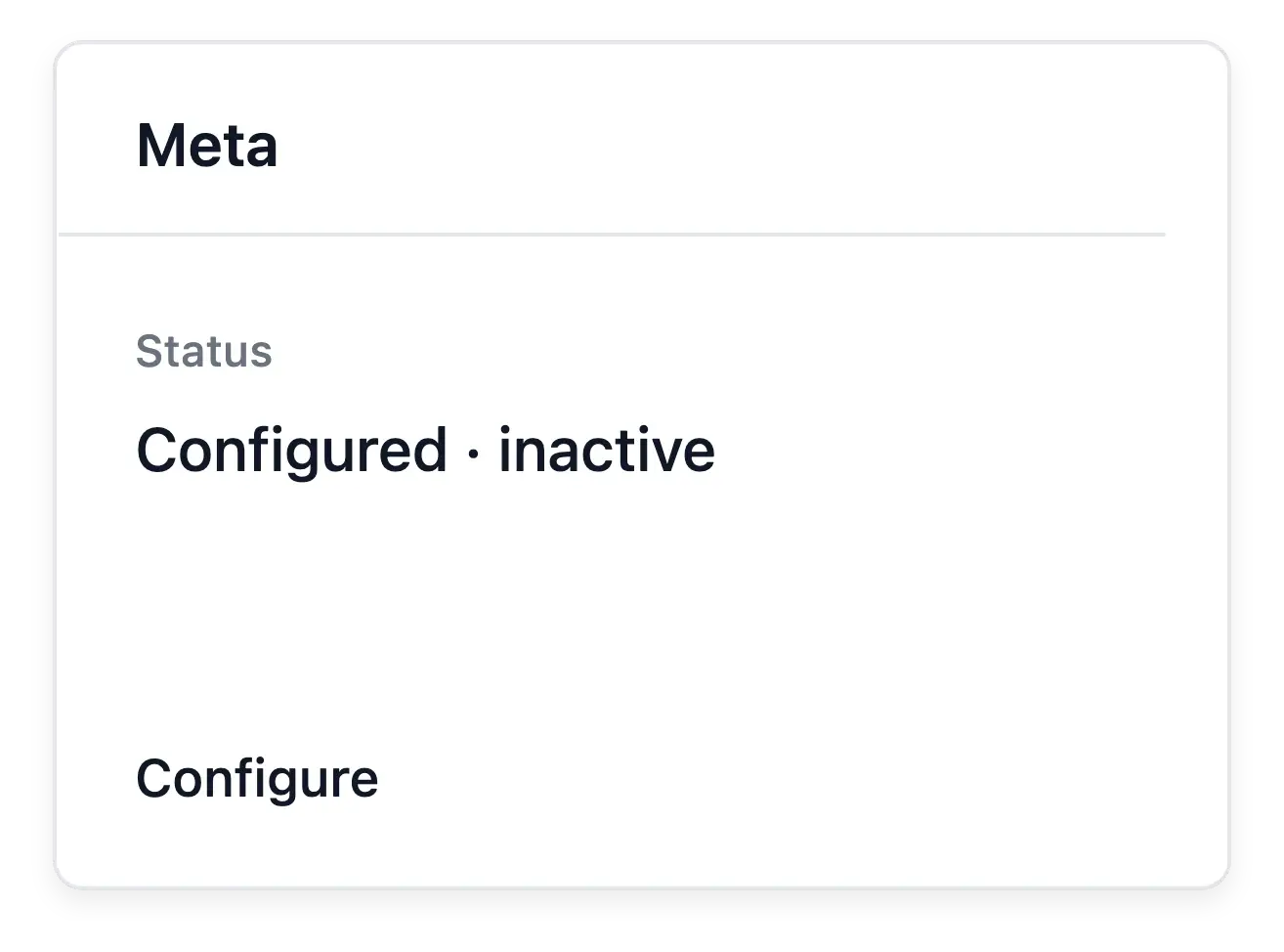
The integration list includes Google measurement, Meta, TikTok, Taboola and Criteo, plus the Awin and CJ Affiliate partner settings. Google measurement depends on the configured tag and consent conditions; the advertising and affiliate entries currently store their supported public identifiers as preparation, rather than proving that a live tracking adapter is running.
The same list provides access to configured Brevo newsletter synchronization, Stripe, Adyen and PayPal payment accounts, and product feeds where those tools are available. These services have different requirements: subscriber consent and lists, verified payment credentials, or feed country, language and currency settings.
Read connection settings without assuming activation
Provider-specific configuration. Use the available integration entry for the supported service. Its required settings depend on that provider and its own account.
Configuration and availability. Read the state separately from saved identifiers. A configured identifier does not prove an active service or campaign.
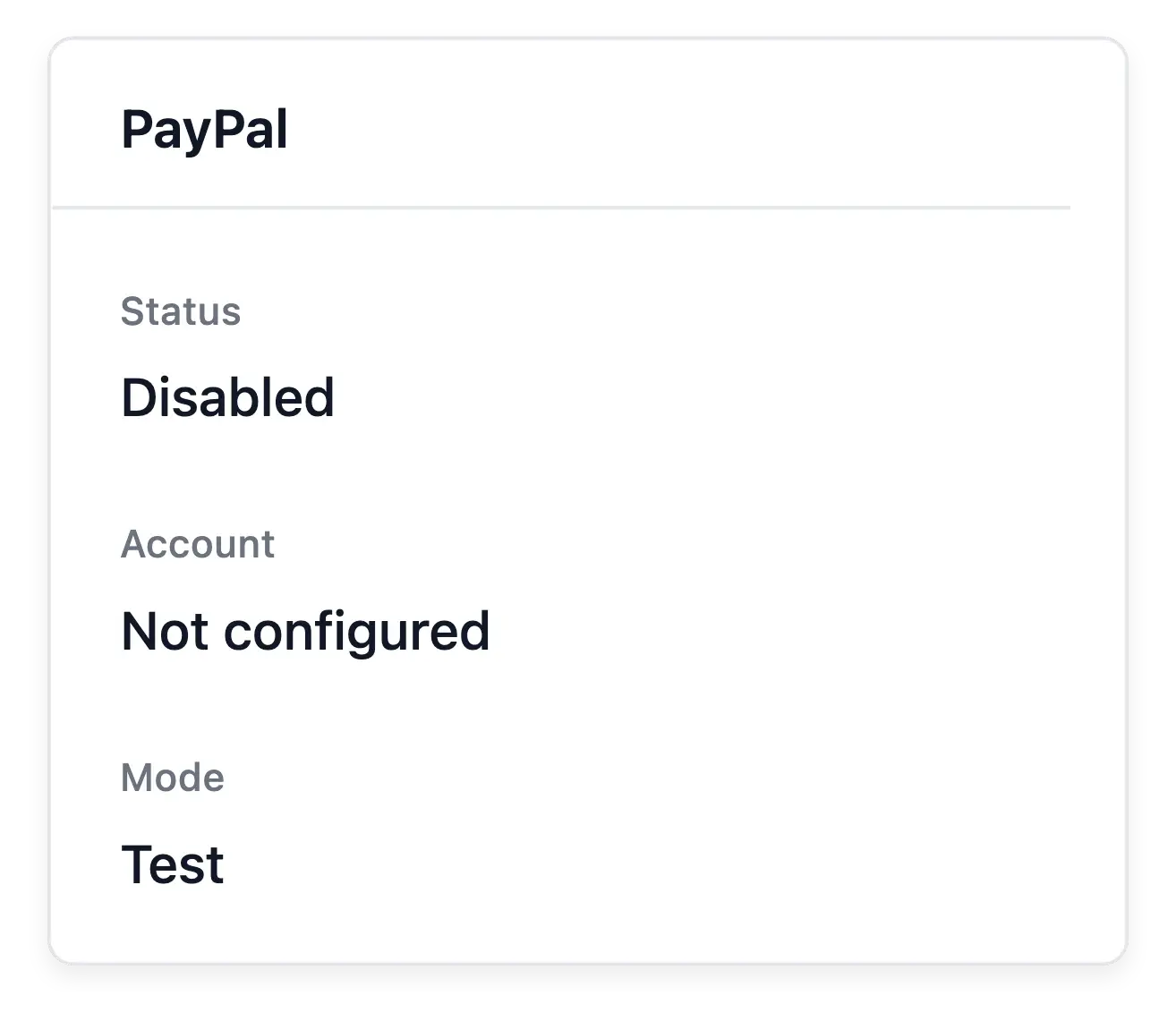
Payment services in context. Review payment-provider settings alongside the buying path. A connection’s readiness is different from the outcome of an individual transaction.
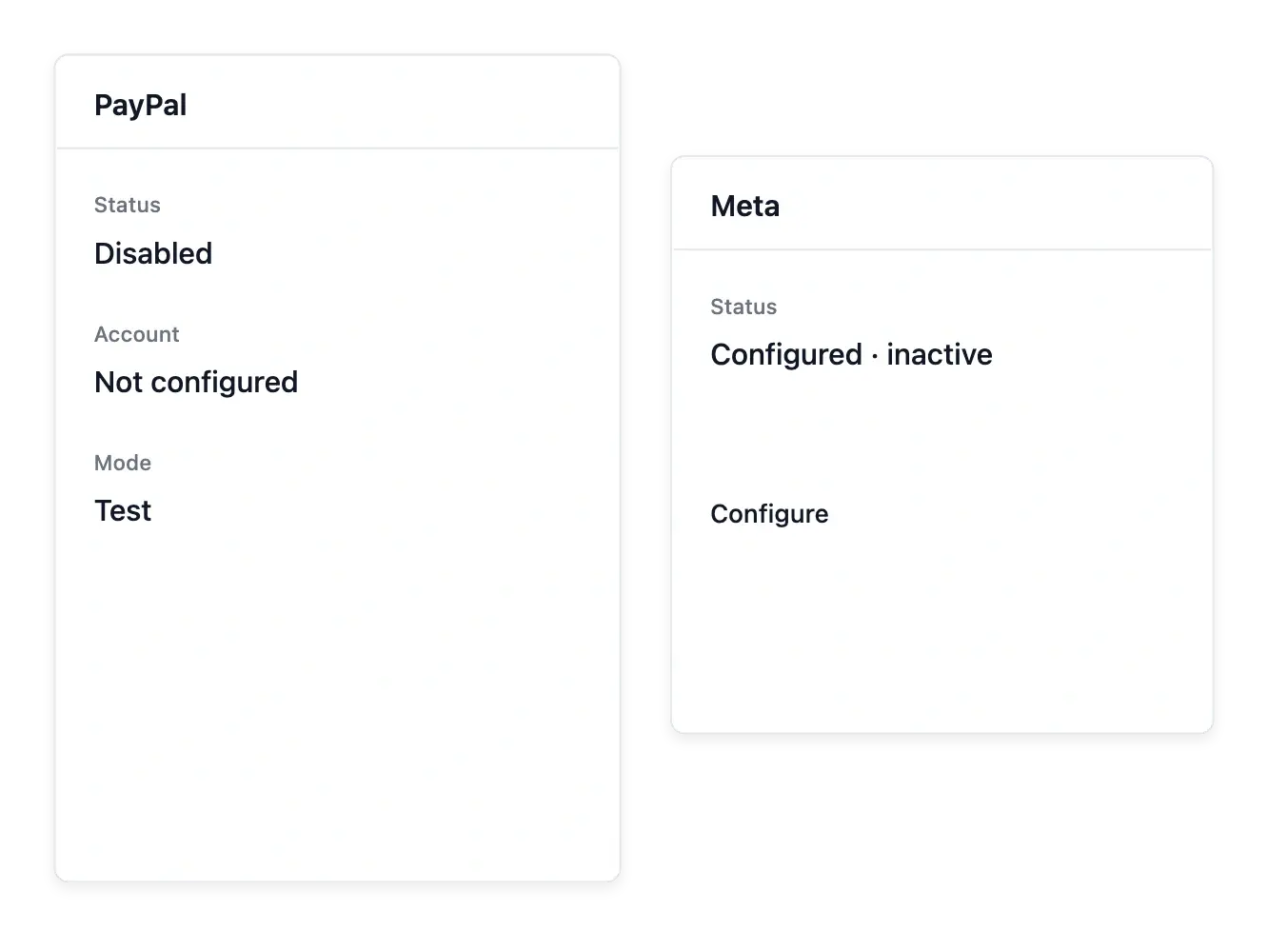
Check readiness before relying on a connection
Distinguish an empty setting, saved preparation and an active service. A provider name in the list does not mean Ultineo has connected your external account, installed every tracking event or created an advertising campaign. Check the relevant service screen and its actual result.
If the integration you need is missing, contact the Ultineo team with the service name and the data or workflow you want to connect. The team can assess the request; a contact request does not promise that the connector already exists.
Connect the service your workflow actually needs
Identify the intended service. Choose the supported provider needed for payment, measurement or another available workflow. Review its requirements before entering account details.
Complete the supported setup. Maintain the required configuration and inspect the recorded state. Keep credentials in their intended protected settings.
Verify the actual result. Check the relevant shop operation and the provider’s own reporting. A saved integration does not guarantee approval, delivery or advertising activity.
Connect a developing shop with clearer expectations
Prepare the supported settings and verify what each service currently enables.
Questions about Integrations
No. Saving supported configuration does not establish ownership or a live connection.
Yes. Use its supported identifiers, purchase-value settings and consent guidance.
No. Current coverage depends on consent and the supported post-payment return path; refunds are not counted in that path.
No. Supported preparation fields do not imply every partner's measurement is active.
In the outside service's own account, rather than this configuration board.
No. Bring the required details from an account you maintain with that provider.