Import & export
Make bulk catalogue changes with a readable result
Move catalogue data in and out as spreadsheets, with an import report for every line.
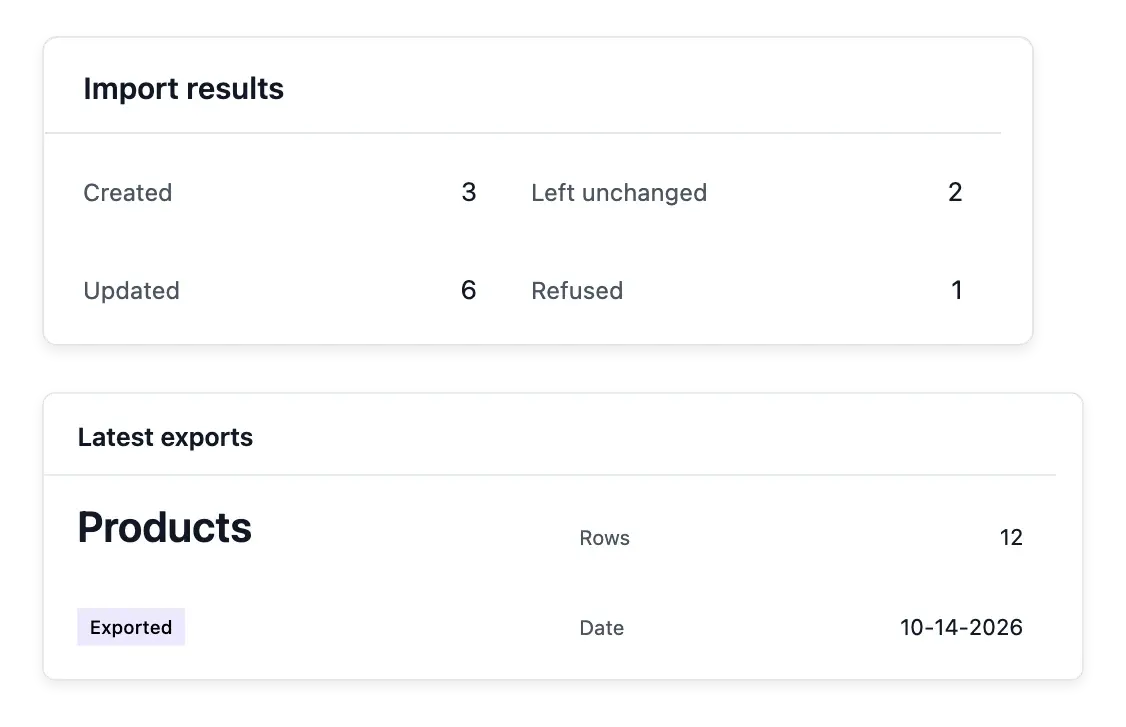
Move catalogue work beyond one item at a time
- Bulk catalogue changes
Prepare multiple product changes in a spreadsheet.
- A line-by-line report
Read what was created, updated, left unchanged or refused during import.
- Take your data with you
Export products, categories, brands and groups when you need a file.
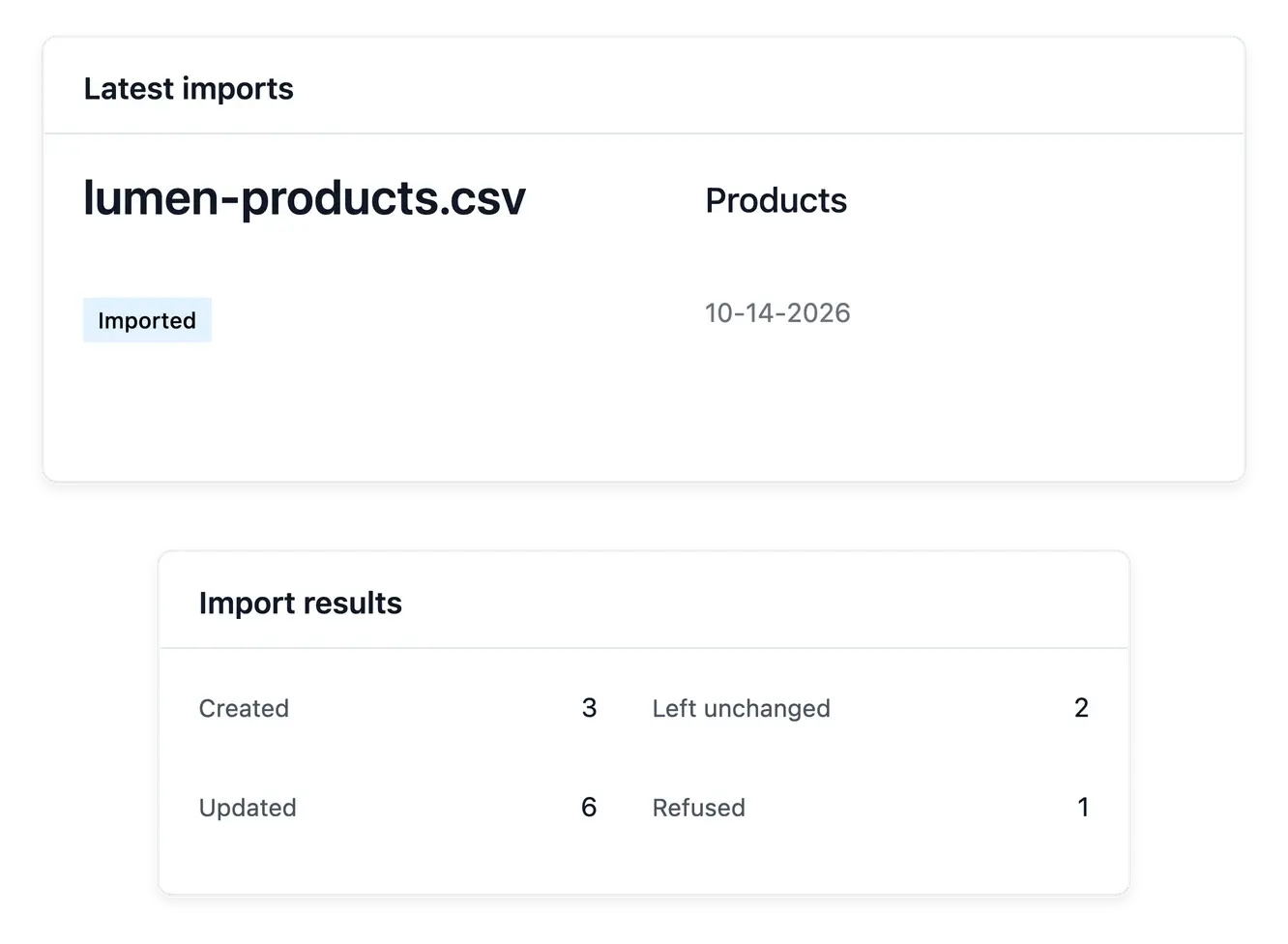
Prepare a file and inspect its results
Use catalogue import when the same preparation would otherwise mean opening many records. The exchange supports product, category, brand and group data; prepare the file for the set you intend to change.
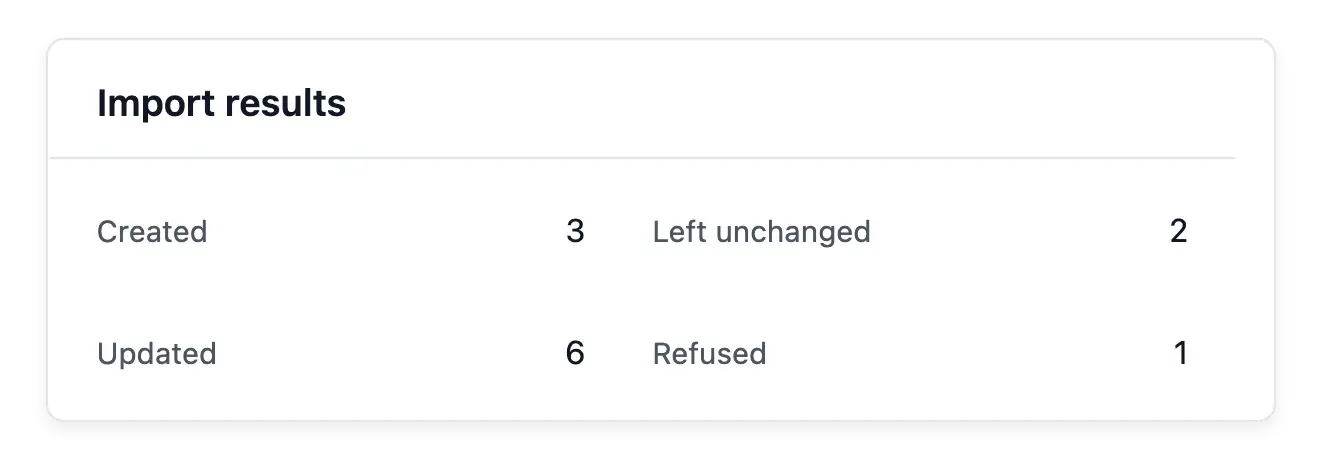
After application, read the line-by-line result: created, updated, unchanged or refused. A file being accepted is not proof that every row changed. Correct refused data and review quantities when the file includes stock changes.
Read the result of every catalogue exchange
Supported catalogue sets. Prepare product, category, brand or group data using the supported exchange. Match the file to the set you intend to change.
Line-by-line outcomes. Inspect created, updated, unchanged and refused rows after application. File acceptance is different from every row being successfully applied.
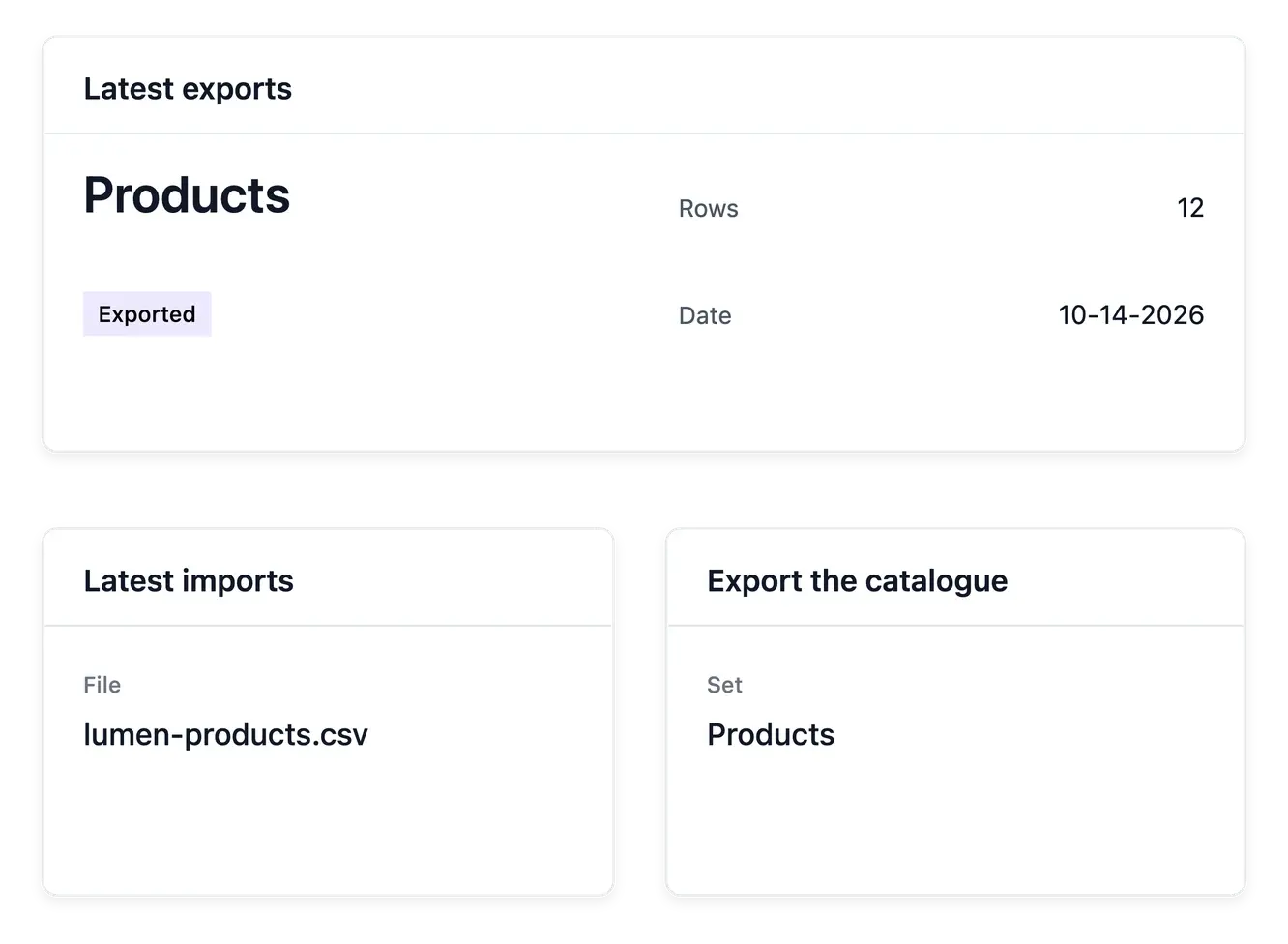
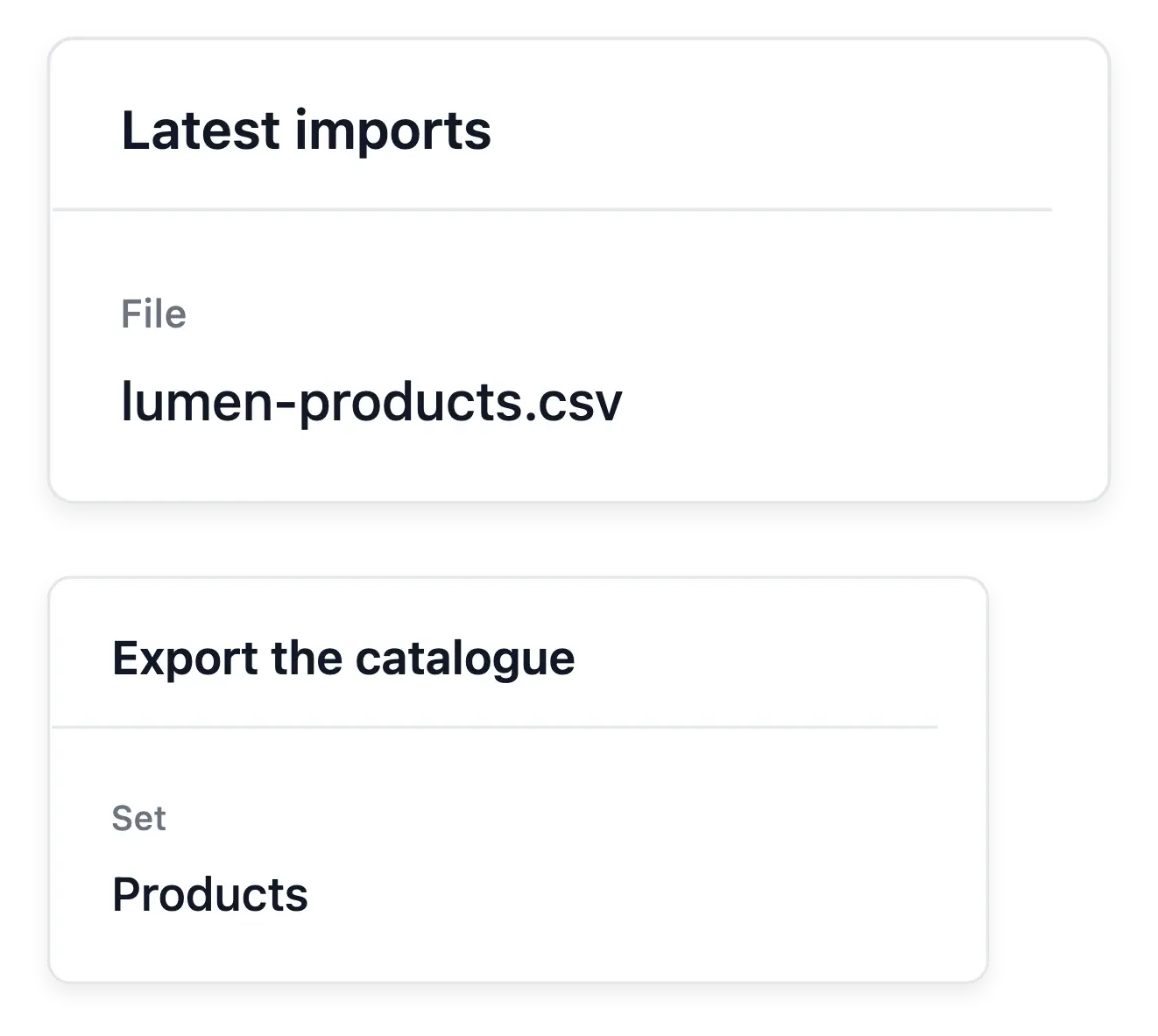
Import and export history. Read what was processed, when and by whom. Keep your own uploaded source file: it is not retained as a downloadable archive.
Keep a trace of bulk catalogue work
The import and export histories show what set was processed, when and by whom. Use exports to take the supported catalogue data into a spreadsheet for review or further preparation outside the application.
The uploaded import file is not retained as a downloadable archive. Keep your own source file and read refused-line details when the import is applied; the run journal provides the summary of what happened.
Prepare, apply and inspect the file
Prepare the source. Review the required columns and intended references before importing. Check stock quantities carefully when the exchange includes quantity changes.
Apply and inspect. Read the immediate row results and refused-line details. Correct the source rather than assuming the whole file took effect.
Keep a reviewable handoff. Consult the run history and use supported exports for spreadsheet review. Retain the original file alongside your own preparation records.
Prepare a larger range with a controlled workflow
Exchange catalogue files and check the results before treating a bulk update as complete.
Questions about Import & export
Supported sets include products, categories, brands and product groups.
No. The report distinguishes created, updated, unchanged and refused rows; inspect the result.
Yes. The journal records each run's set, counts, operator and time.
The import source file is not retained for download. Keep your own copy before uploading.
Their details are shown when the import is applied; the history retains the run summary.
It exports the supported catalogue sets, rather than every order, setting and business record.