Groups & variants
Make every version easy to choose
Bring related products together with clear choices for characteristics and condition. Each version keeps its own reference, price and available stock.

Present related versions as one choice
- Group related products
Bring the products that are versions of one reference together.
- Choose the option axes
Use characteristics or condition grades and order their presentation.
- Present the choices
Show pills, swatches, cards or lines with the pricing information you select.
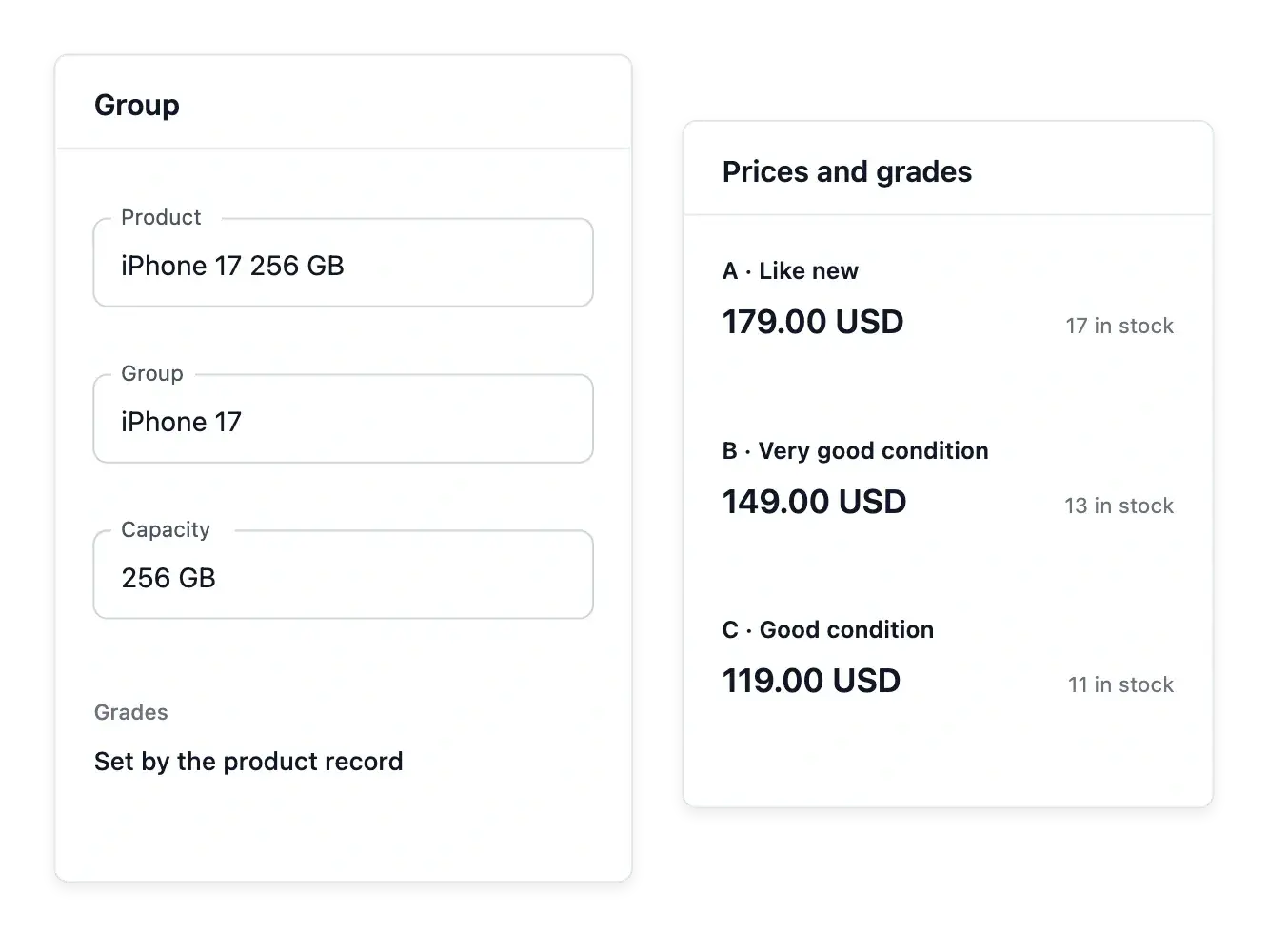
Gather versions around a shared reference
A product group brings together items that are versions of the same reference. Define what differs between them, a characteristic or the condition grade, then order those axes for a readable choice.
Add the existing products to the group rather than recreating their records. Each version keeps its own reference, price and stock, so a common presentation does not turn different available offers into one indistinguishable item.
Put the meaningful differences first
Choose the axes that distinguish the products in a group: a characteristic or the condition grade. Order those axes so customers encounter the useful difference before they compare the available references.
Maintain the accepted values and assign them to the right grouped products. Capacity and color describe the selected version; the group does not merge its stock or price with another reference.
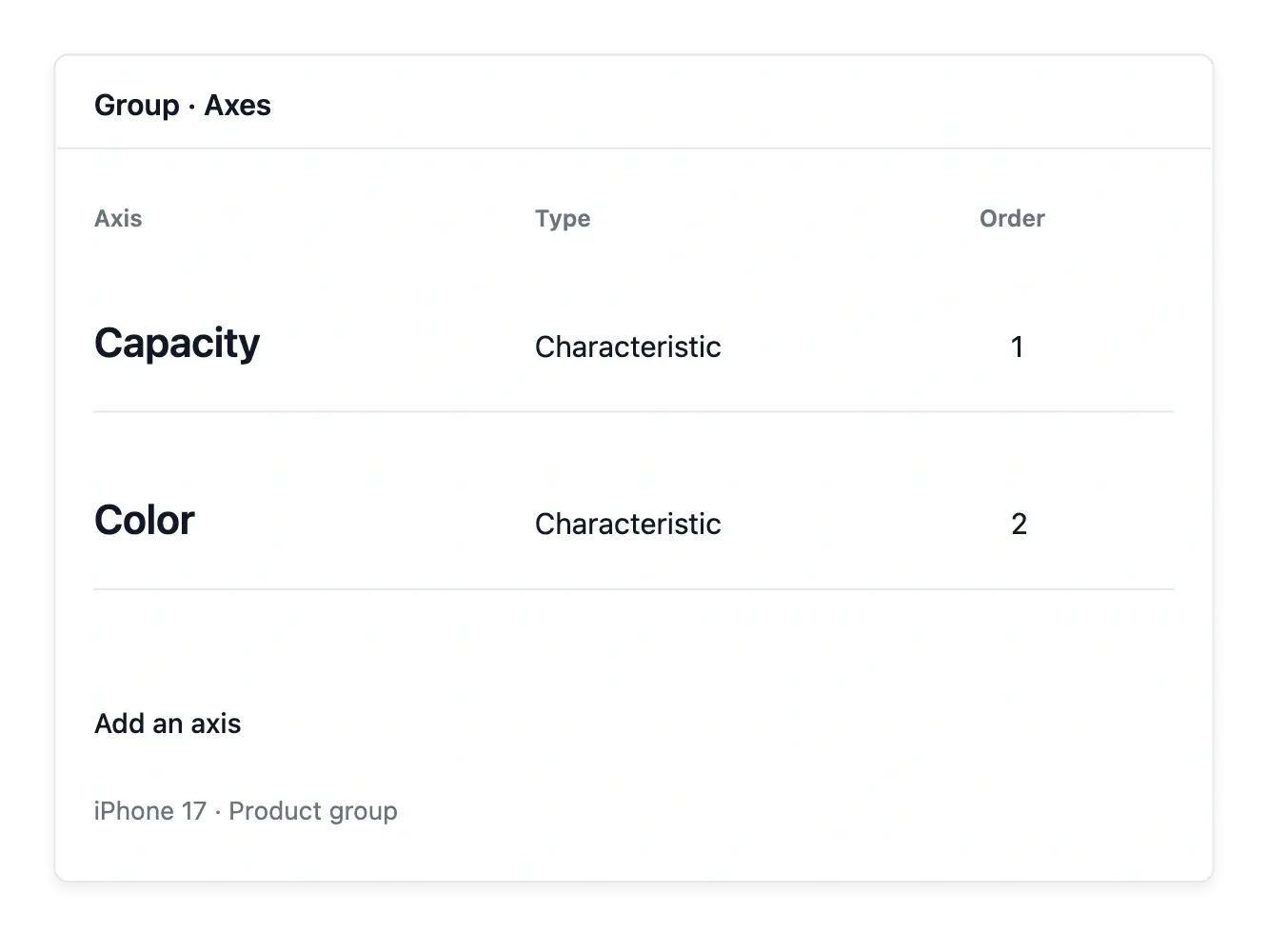
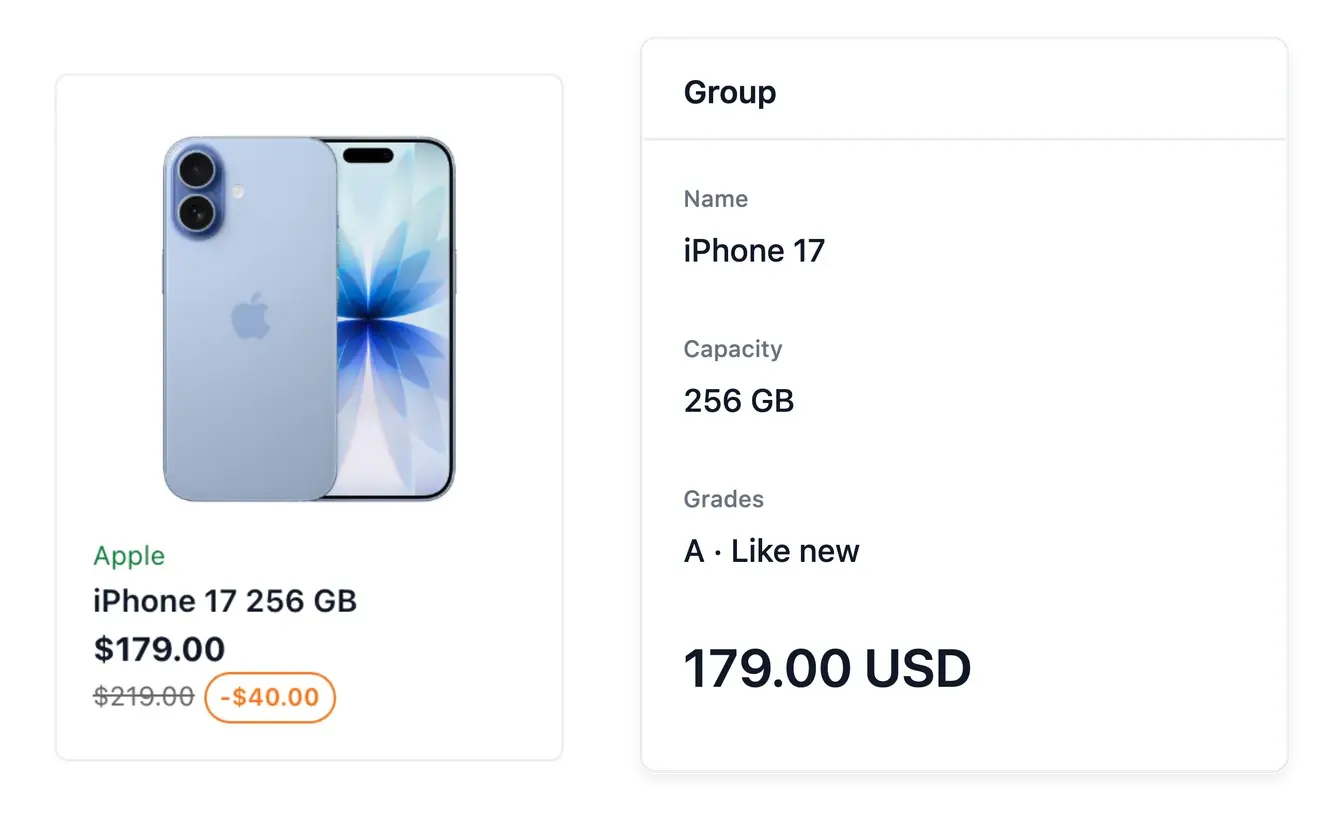
Choose how shoppers explore the alternatives
Supported presentation settings include pills, swatches, cards or lines, with the pricing information you choose. Select a style that makes the actual difference understandable, whether it is color, capacity or condition.
Review the group when adding a new version: its membership, option values and ordering should agree. The group organizes selection; the product records remain the source for each item's availability and information.
Choose a presentation that suits the option
Use the available pills, swatches, cards or lines to present a group’s choices. A concise capacity value can work as a pill, while the presentation of another axis may need a different supported style.
Check the ordering and pricing display with the grouped products. The chosen appearance helps shoppers compare; the selected product record remains the source of its selling information and availability.
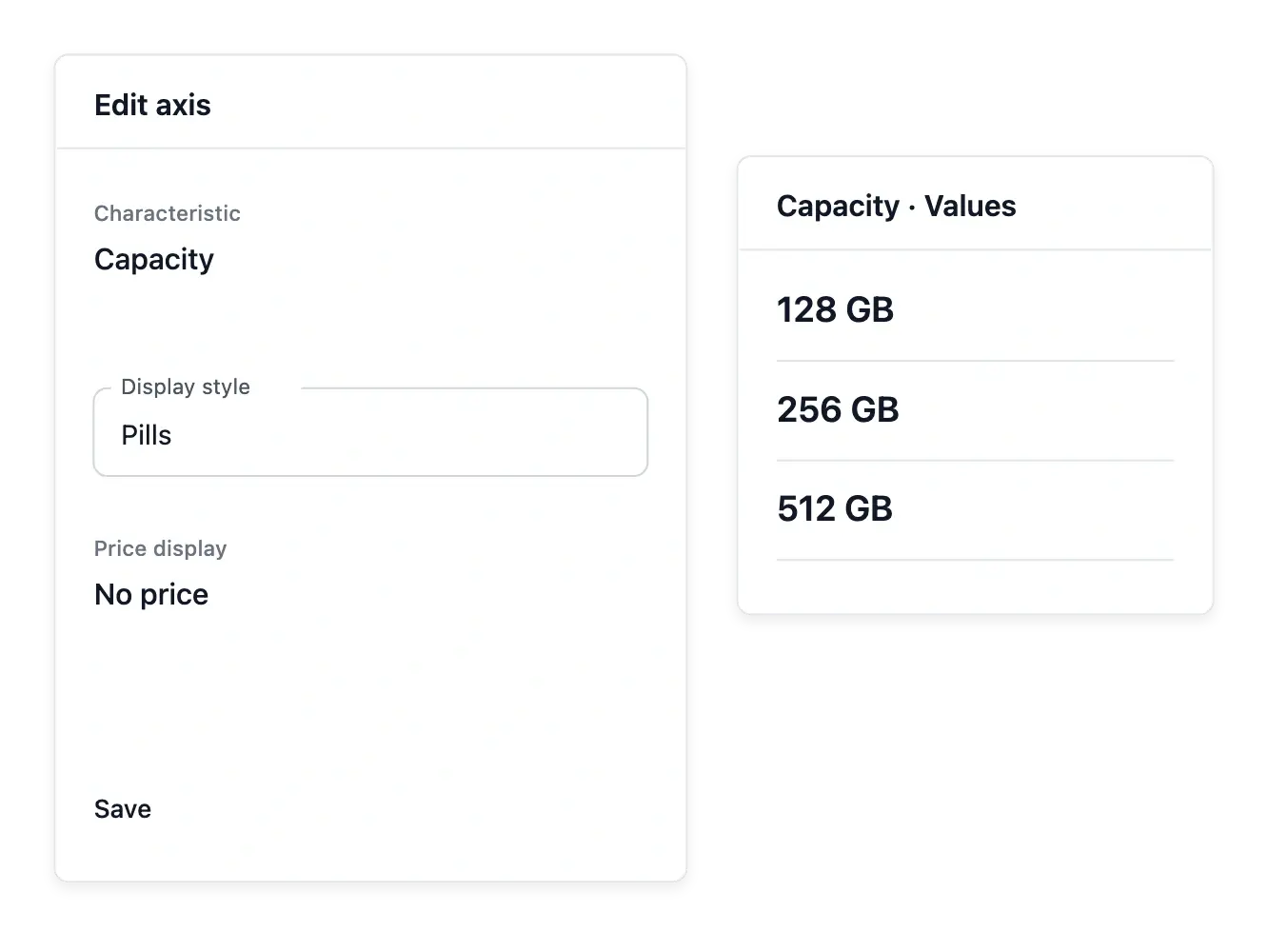
Give a wider range a clearer presentation
Bring related products together without losing the details of each version.
Questions about Groups & variants
It gathers products that already exist. Add the versions you want to present together.
An axis is built from one of your characteristics or from the condition grades.
Yes. Price, reference and stock remain attached to the individual product or offer.
Yes. Their order is configurable in the group settings.
Yes. Available presentations include pills, swatches, cards and lines.
Maintain selling information on the product; the group controls how versions are organized and presented.