Clarifications
Resolve the business rule before the build guesses
Answer the questions that make a project requirement or change request precise enough to build.
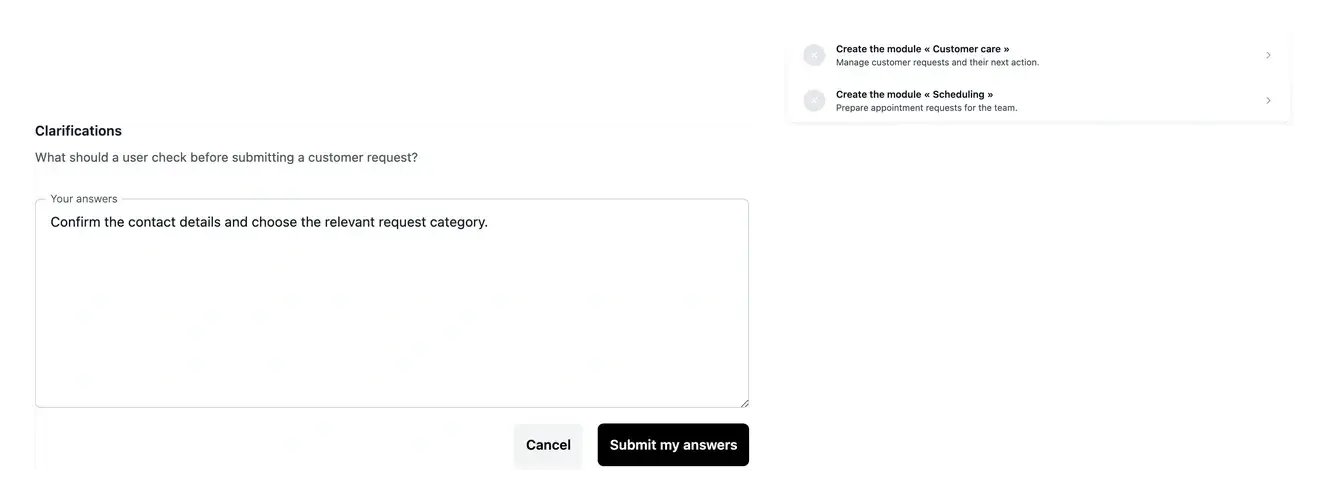
Keep the expected result explicit
- Find missing information
Open the questions attached to the relevant project work.
- Provide useful answers
Explain business rules with examples and supporting context.
- Keep answers together
Respond within the function, page or request concerned.
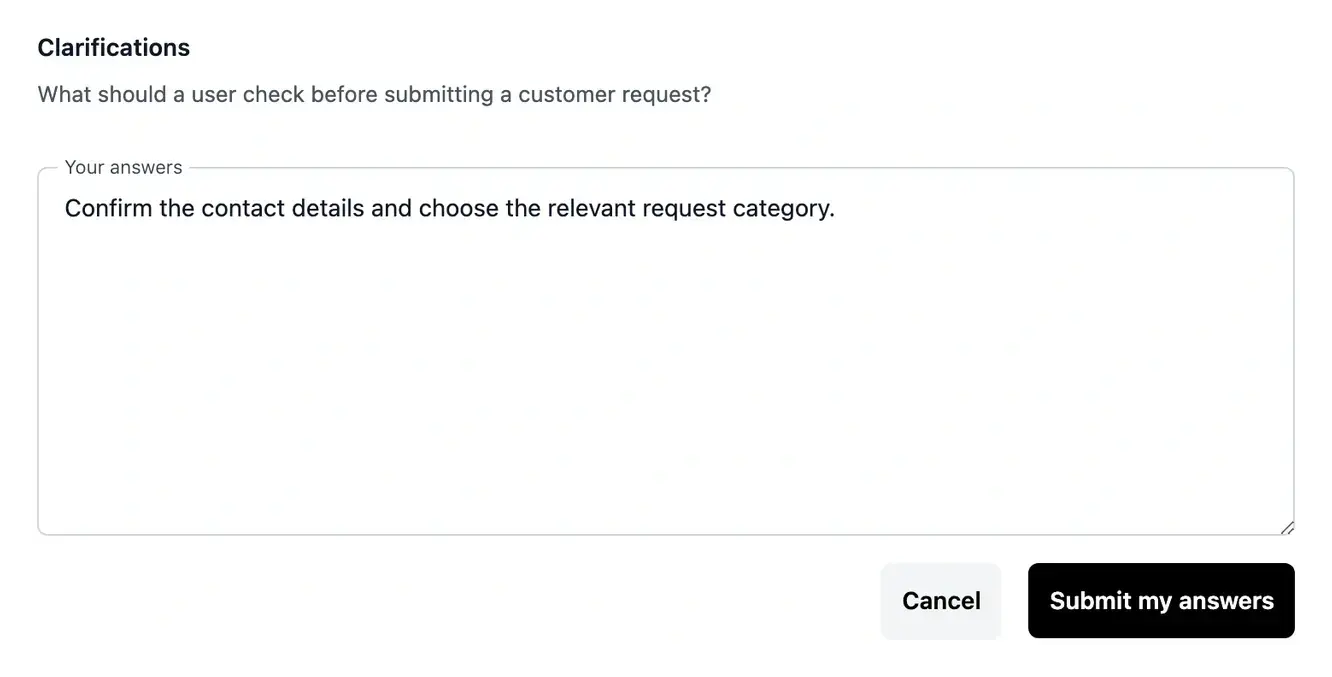
Explain the decision behind the screen
Some requirements leave several possible interpretations. Clarifications let you supply the missing rule rather than expecting the build to guess which outcome you intend.
Answer with an example: a normal case, an exception and the result the user should see. Attach reference material when the question needs more context.
Give the missing information where it is needed
Define an exception. A requirement may say that a customer can submit a request without explaining what happens when a document is missing. Describe the normal case, the exception and the message or action expected. The answer makes the business decision explicit.
Connect a reference to a question. An existing form or process document can explain a rule clearly. Attach the relevant material when the response form offers it and identify the important part in your answer. The context remains tied to the function, page or request concerned.
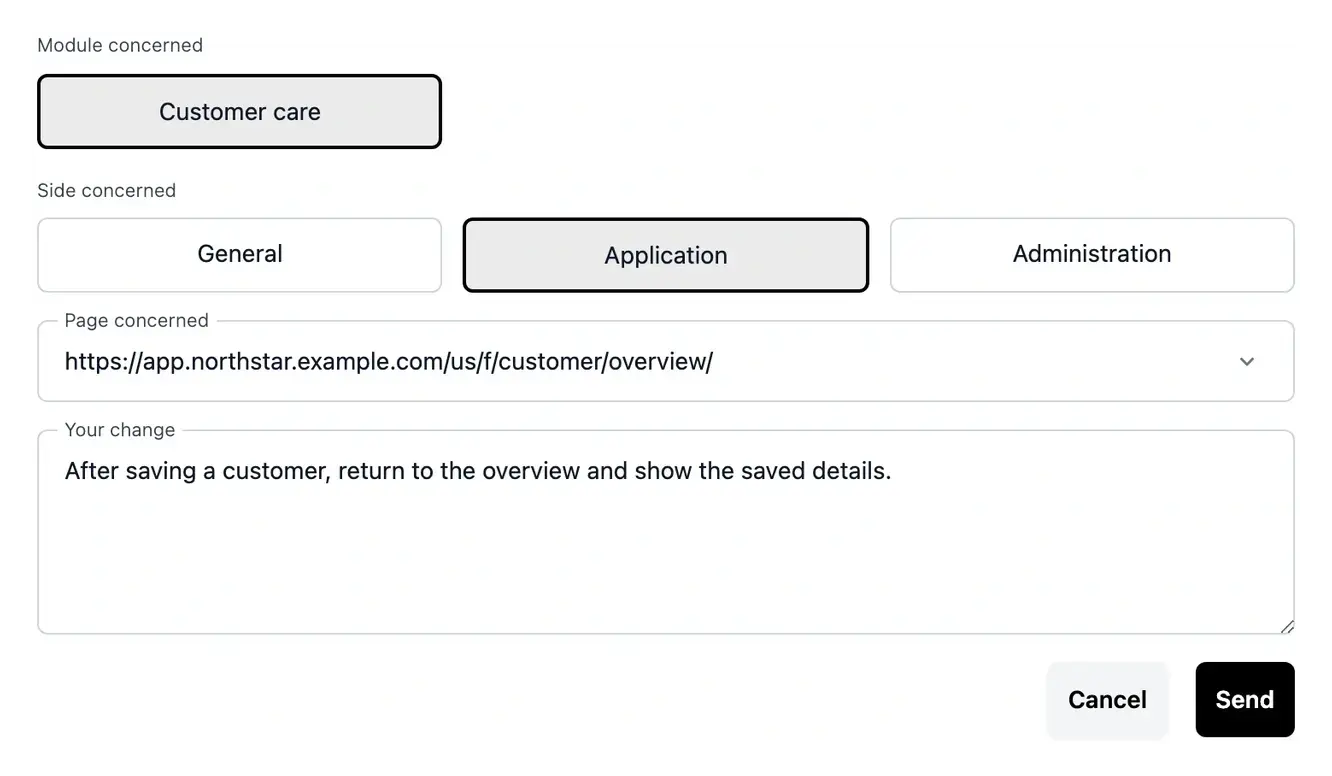
Continue a Studio change. A change request may need clarification before work can continue. Answer its questions from the request detail, rather than sending a separate description elsewhere. Its follow-up then contains both the original request and the missing information.
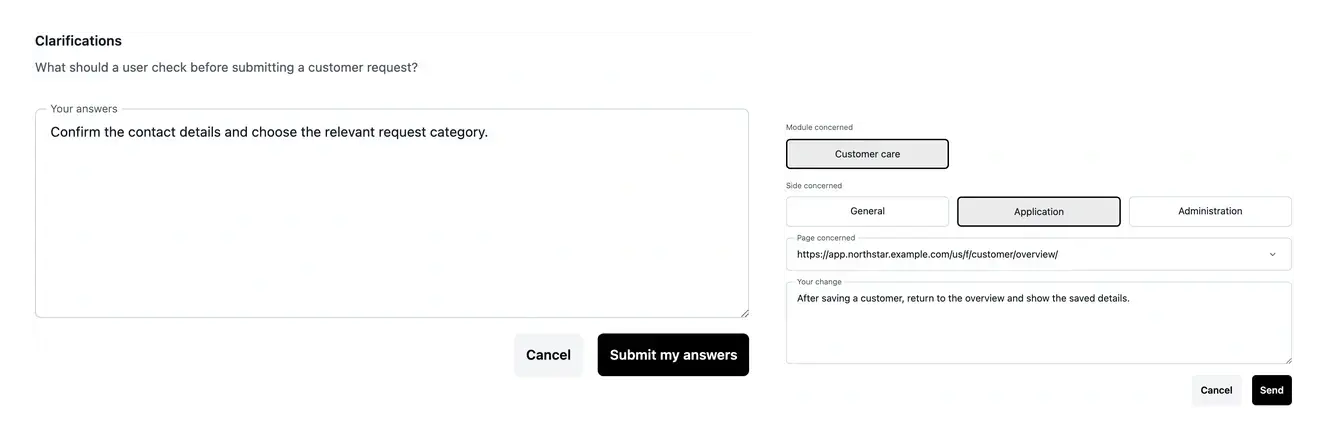
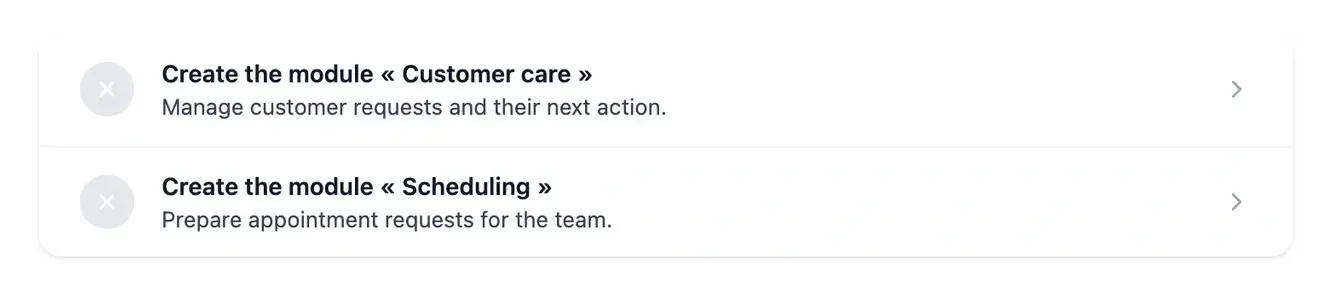
Keep the response connected to the work
Questions belong to their project area, function, application page, website, documentation or Studio change. Open the corresponding item to respond in context.
Consult Tasks to find work requiring attention, then follow its status after responding. A response resolves information; the resulting implementation still needs review.
Turn an open question into a usable decision
A useful answer specifies the rule to apply and illustrates it with a real-world situation. If several outcomes are possible, explain which one your users need.
Keep the answer in the relevant project question. The decision can then be read together with the function or change request it clarifies, rather than getting lost in a separate conversation.
Turn an open question into usable project context
Read the question. Open the item requiring attention and inspect the information still missing. Check the project and requested outcome.
Describe the rule and examples. Explain who acts, what information is used and what result should follow. Include a normal case and a meaningful exception.
Follow the updated work. Submit the response in the relevant form and follow its state. Review the resulting definition or implementation when it becomes available.
Give each decision enough context to be implemented
A concrete answer prevents a business rule from remaining implicit. Keep it attached to the work and use the same example when checking the result.
Questions about Clarifications
A rule or expected result is still unclear. The question identifies the information needed to continue. A precise answer helps define behavior that cannot be inferred reliably from a short requirement.
Use the clarification view attached to the area, function, page, website, documentation or Studio request concerned. That context keeps the response connected to the right work.
Describe the user action, input and expected outcome. Add an exception when it changes the rule. Explain the relevant part of any supporting reference rather than attaching it without context.
Yes, if the new information still leaves an important decision unresolved. Read the current question and supply the missing detail instead of assuming the first response is always sufficient.
A response supplies information for the next preparation or build step. Review the resulting work and use the separate publication process for a tested version.