Callouts
Put the right message beside the buying decision
Highlight shop messages and product offers with banners, badges, notes and price labels.
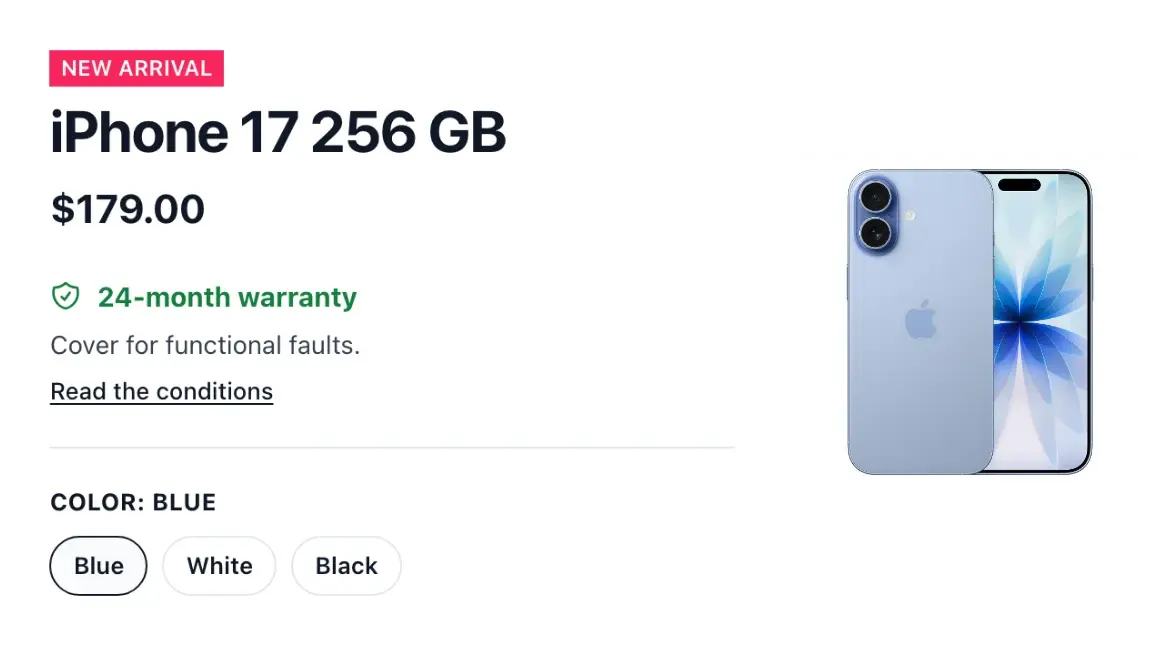
Make your shop's messages recognizable
- Shop announcements
Write the message shown across the top of your storefront.
- Product highlights
Configure badges, chips, notes and tags on product cards.
- Visible offers
Choose how former prices and savings are described on catalogue tiles.
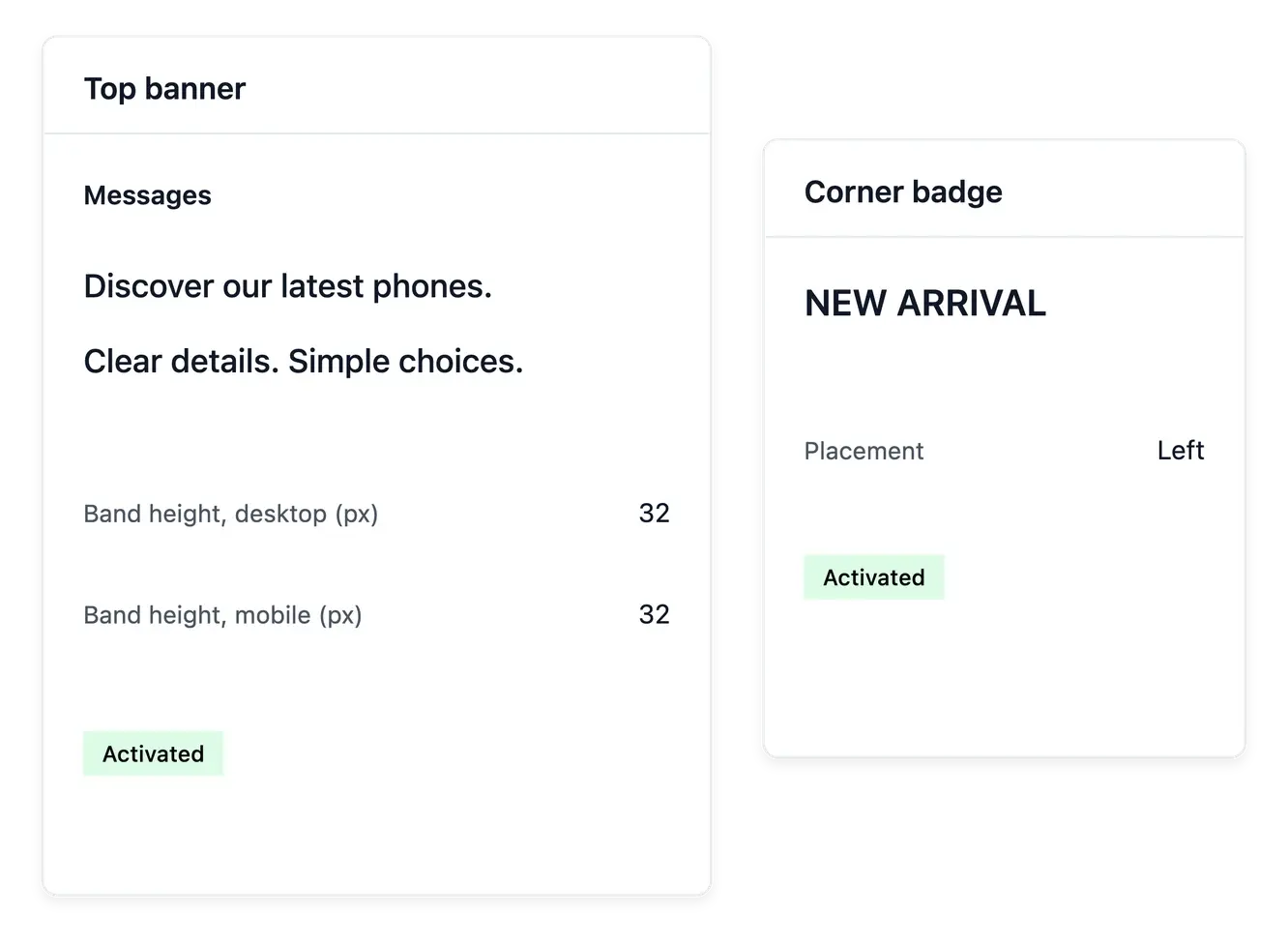
Give announcements and product mentions a purpose
Callouts manages the short messages placed across the storefront: the top announcement band, product badges, chips, notes and tags. Use them to explain a real offer or product distinction without rewriting the whole page.
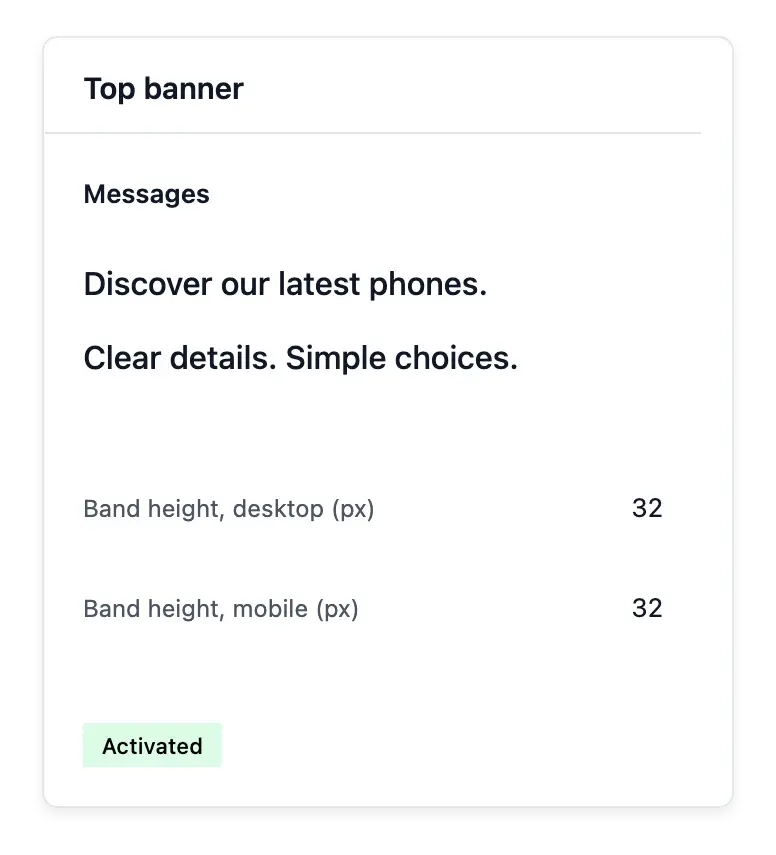
Choose the available colors, typography and placement settings and inspect the preview beside the controls. Several announcement sentences can rotate in the top band, while product-card wording remains attached to its own use.
Give each short message the right role
An announcement at the top. Maintain the top band’s sentences and supported rotation. Use it for messages relevant to the shop as a whole.
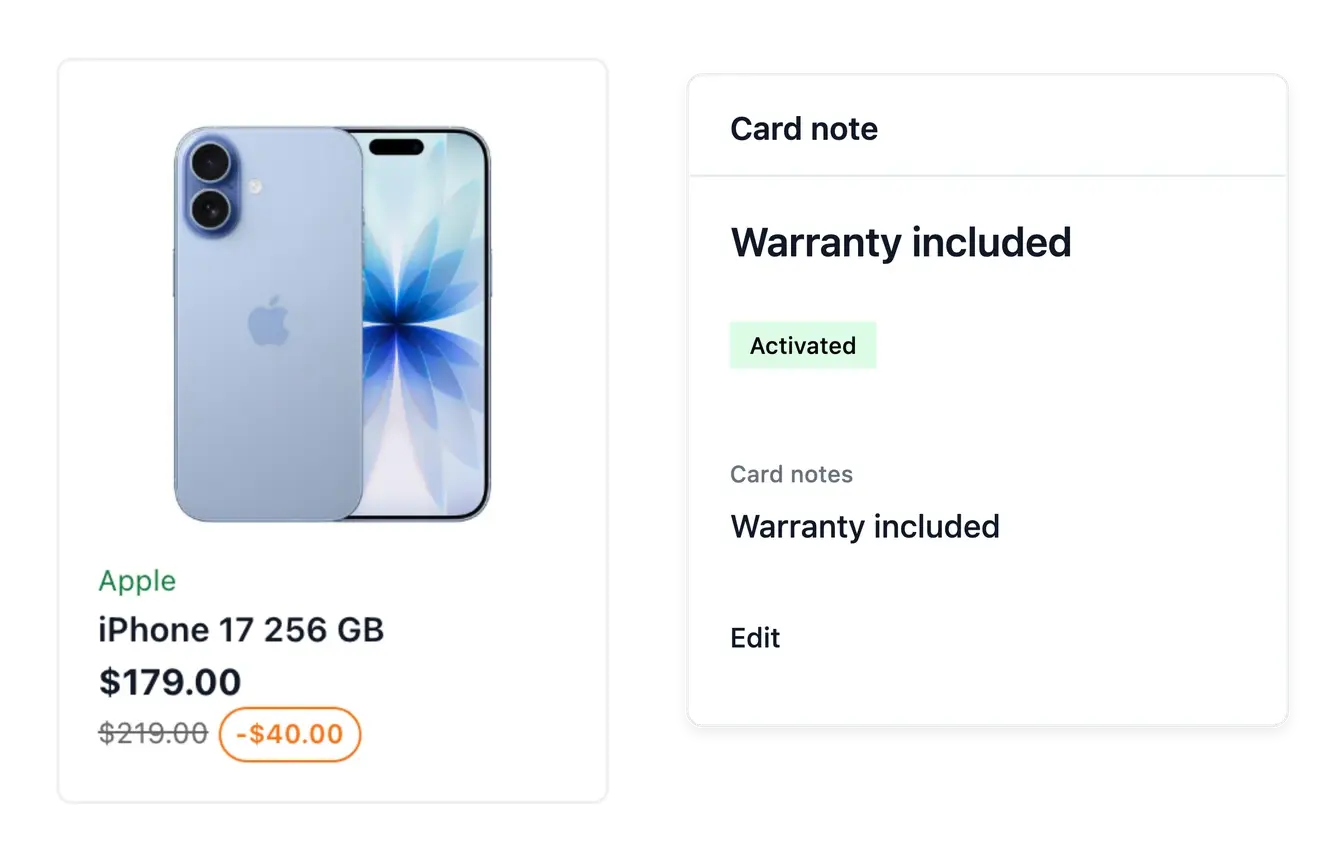
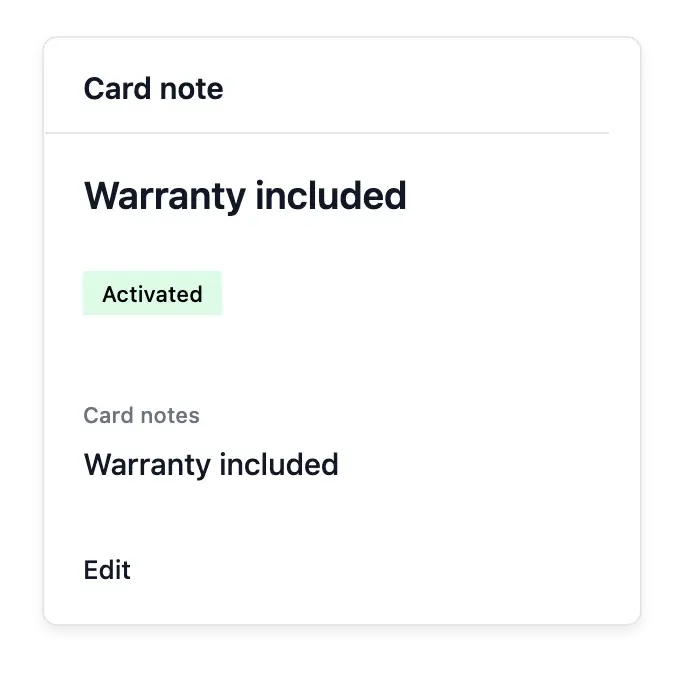
Product-specific wording. Use the badge, note, chip and tag tools for the relevant items. Shared wording can be corrected without rewriting every description.
Appearance beside the controls. Review the preview when changing typography, colors or placement. A visible saving label does not activate a discount.
Keep a shared vocabulary across the range
The wording lists help you find where badges, notes and tags are used. Rename a shared term or apply it to the relevant products instead of correcting the same phrase one product at a time.
A visible message and the discount it describes are different settings. Configure the underlying offer in Promotions and use callouts to present it clearly; a decorative saving label does not create a discount by itself.
Present an offer without changing its rules
Configure the underlying offer. Prepare its conditions in Promotions first. The message should describe an offer that is available to the intended customer.
Choose the message location. Use the top announcement for shop-wide information and product wording for a particular item or distinction.
Review wording and scope. Inspect where the wording is used and keep it current. Check dates and eligible items in the underlying promotion separately.
Give your shop's next campaign a clearer voice
Use consistent announcements and product mentions to make real offers easier to understand.
Questions about Callouts
Yes. Multiple configured sentences can rotate in the announcement band.
Yes. Supported settings cover its appearance and placement, with a preview.
Yes. Shared wording management updates the products using the term.
Yes. The wording lists provide usage context and affected products.
No. It presents information; the actual offer is configured in Promotions.
No. Callouts dresses these specific messages; the theme sets the broader appearance.