Brands
One clear identity for every brand
Maintain each brand’s name and logo once, then attach the shared entry to the right products. Keep identities consistent as your catalogue expands.
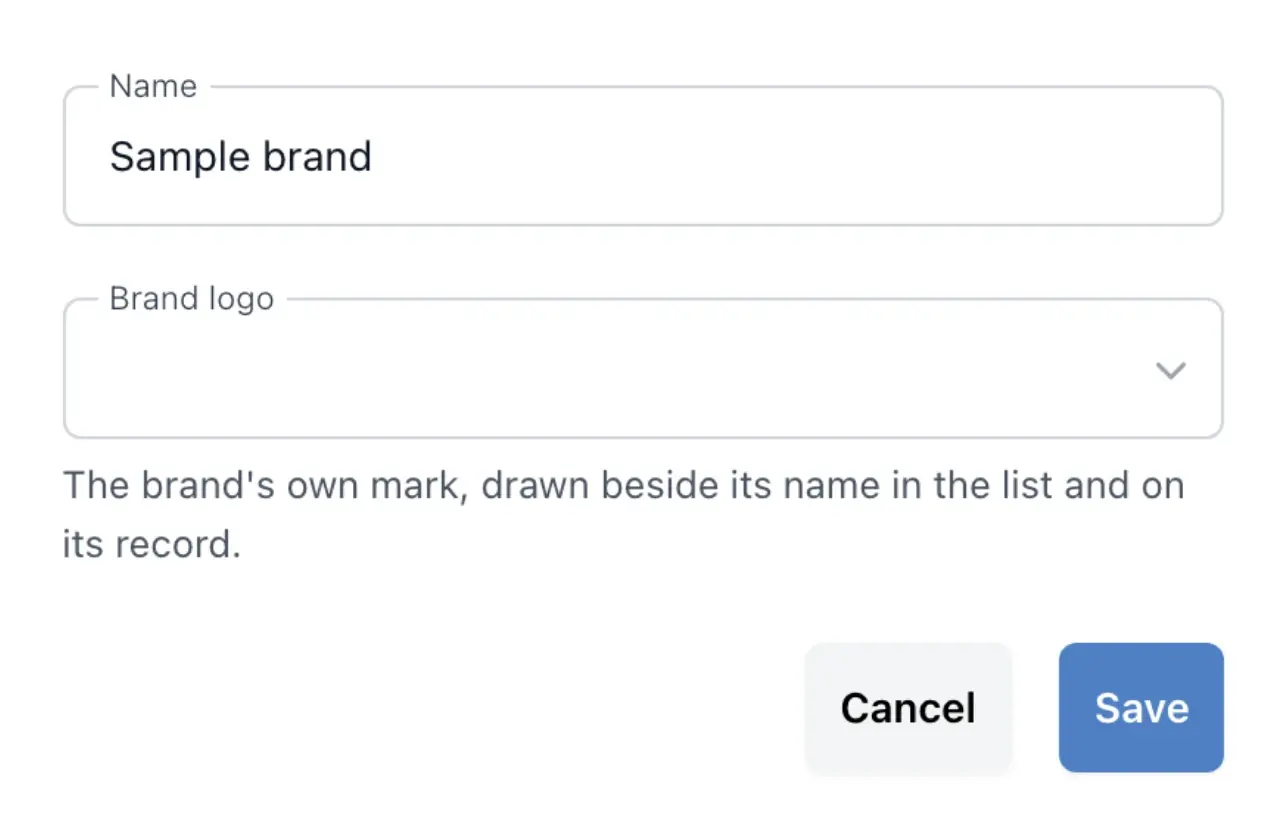
Make each brand recognizable
- Your brand directory
Keep each brand’s name, logo and the products carrying it together.
- Your own images
Choose and replace logos from your shop’s image library.
- Safe removal
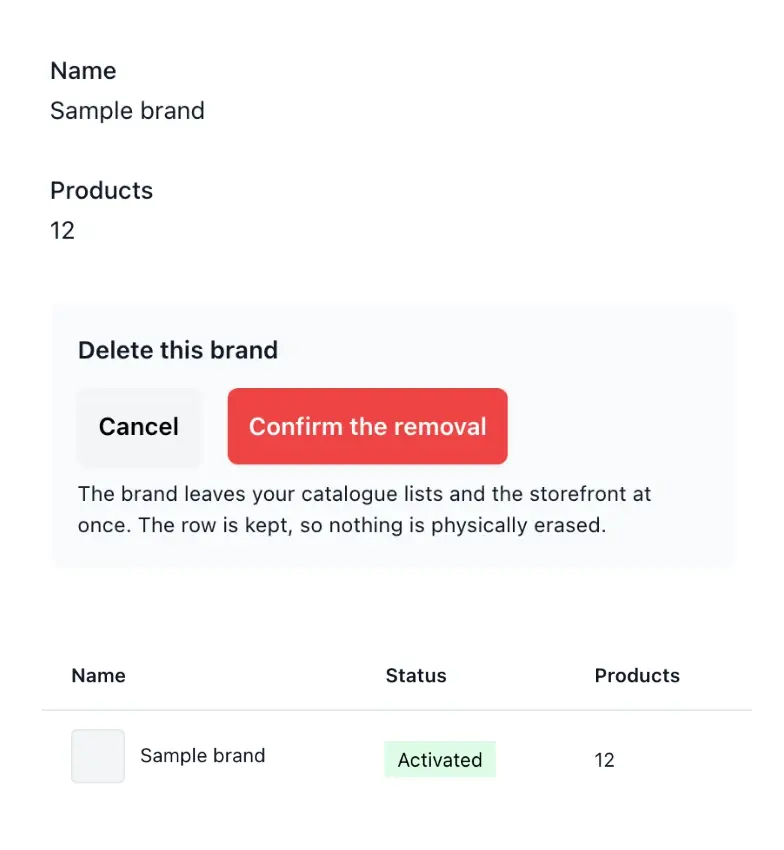
See affected products before removing a brand; the products themselves stay.
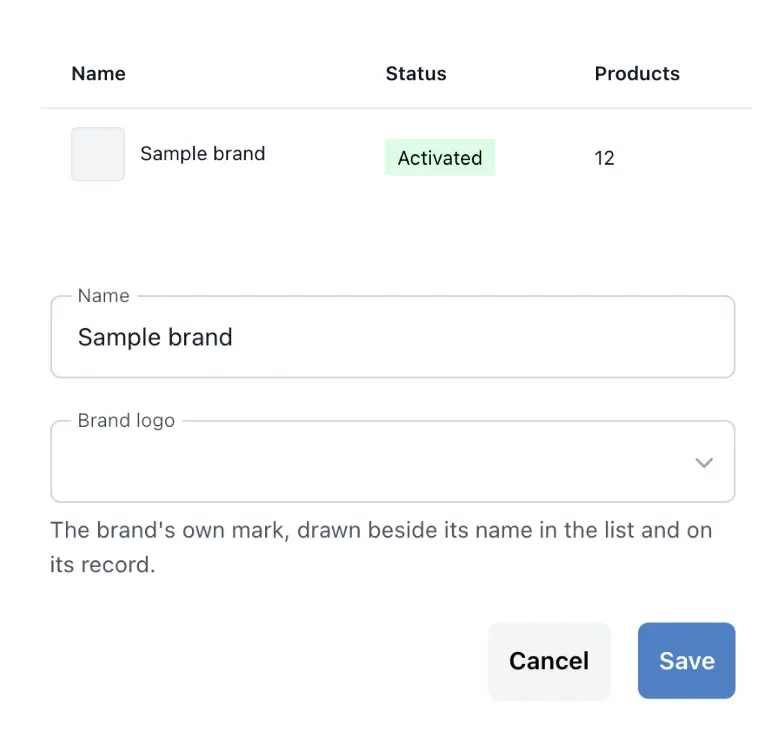
Maintain a useful brand directory
Keep the brand name and its logo together, then attach products to the right entry. A shared directory avoids slightly different spellings and gives your team one place to correct an identity used throughout the range.
Choose logos from the shop image library and replace them as needed. The brand information gives the product usage count, helping you assess its place in the catalogue before making a change.
Give each brand a recognizable identity
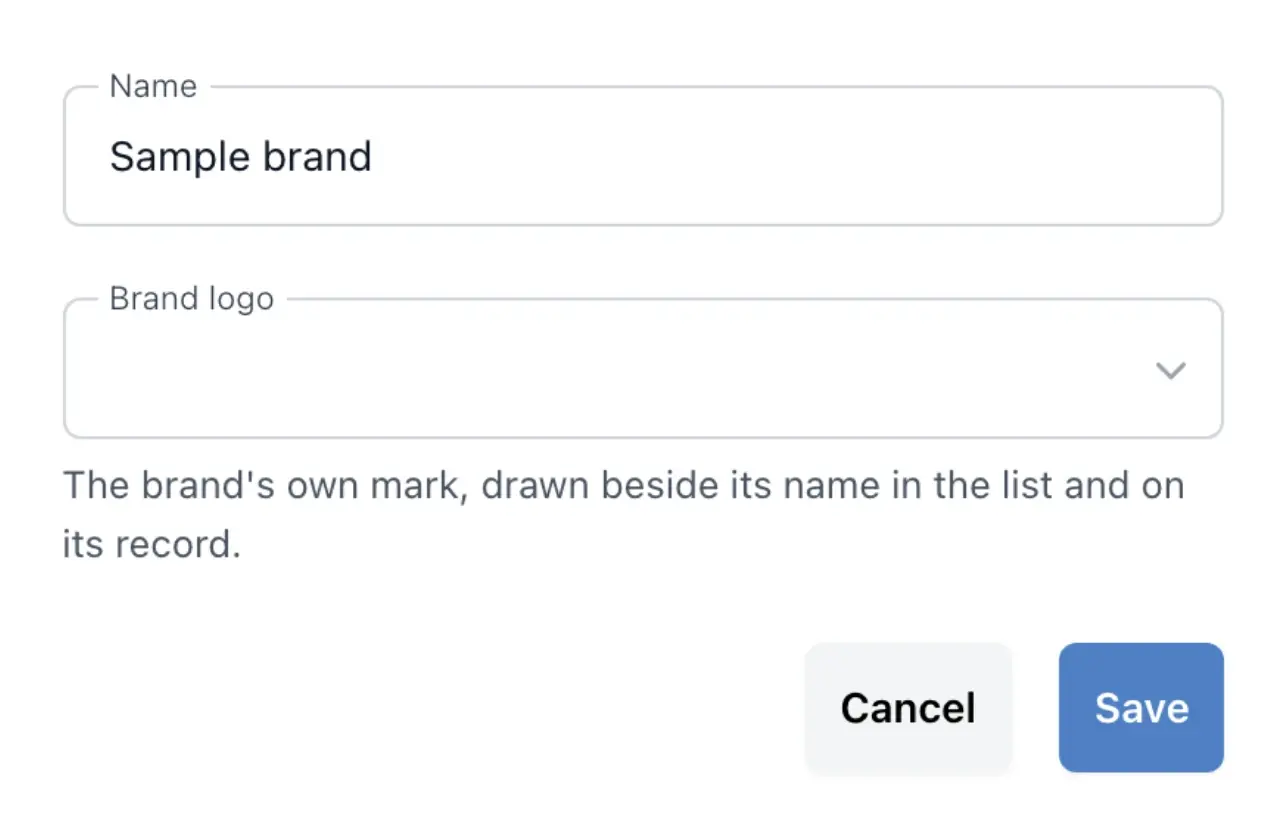
Maintain the brand name and choose its logo from the shop image library. Replacing the logo on the shared entry keeps the identity together instead of asking the team to upload a different file on each product.
Use a clear name before attaching the entry to the range. The directory holds the brand identity; each product still carries its own photo, category, specifications and offer.
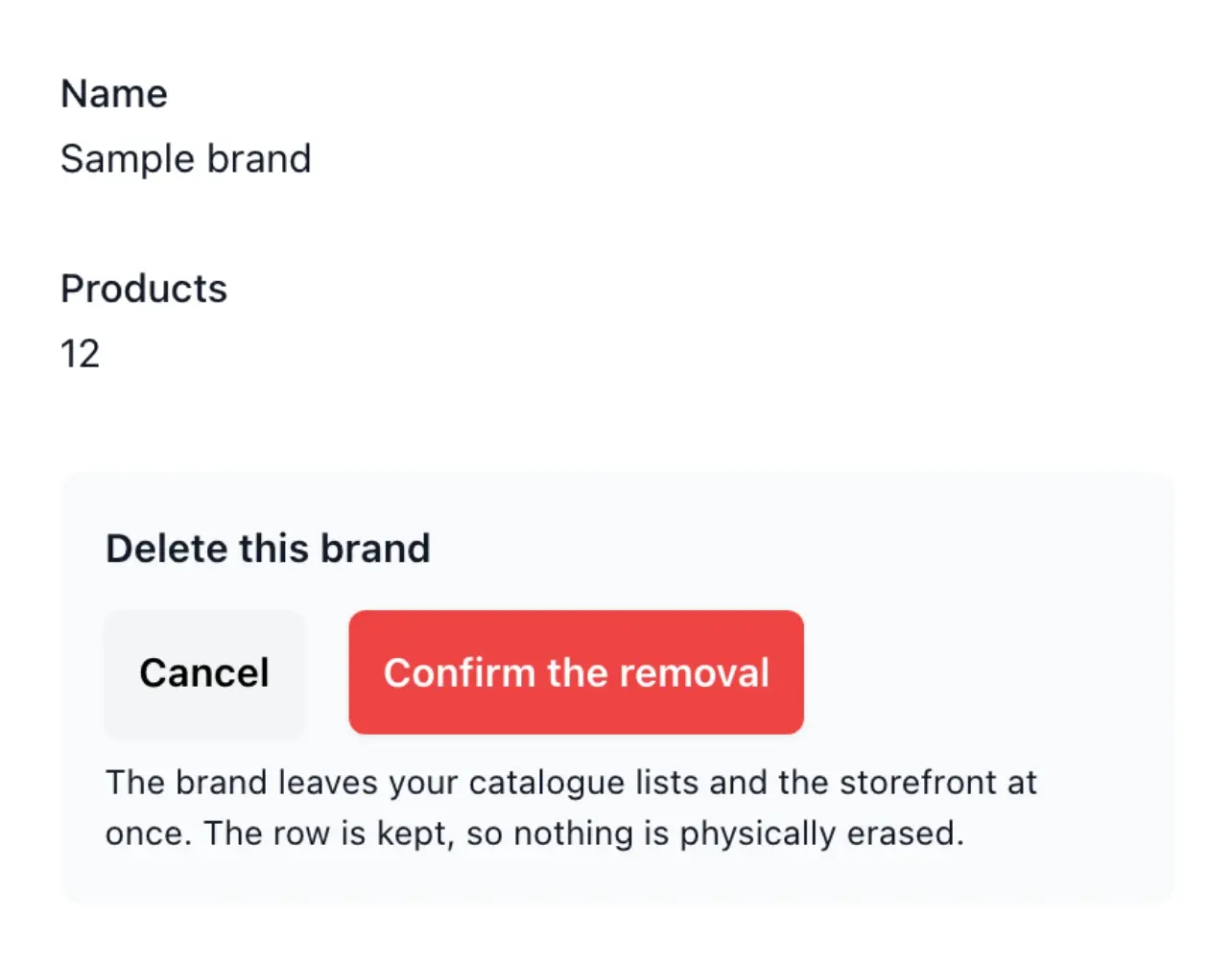
Keep brand changes separate from product removal
When retiring a brand entry, review the affected product count first. Removing the brand does not remove the products themselves; it changes the vocabulary available to describe them.
Combine the directory with categories and product characteristics. A brand answers who makes the item, while its category and characteristics explain what it is and how it differs from alternatives.
Check the products attached to a brand
Consult the brand’s product usage count before changing the directory. On each product record, attach the existing brand entry so the same maker appears consistently across the catalogue.
When retiring an entry, check the affected products and correct their assignment where needed. Removing a brand entry leaves the product records in place.
Give your range recognizable identities
Keep names, logos and product assignments consistent as new brands join your shop.
Questions about Brands
Use the product's information settings and select an entry from your brand directory.
Yes. Choose the image from your shop's image library.
Yes. The brand's image settings let you change the selected logo.
Yes. Brand information provides its product usage count, including the context shown before removal.
No. The removal concerns the brand entry; the products remain in the catalogue.
No. Brands describe the maker or commercial identity; categories organize the products into shelves.