Project preparation
Give your application project a useful starting point
Turn your idea into a clear brief, with the business context, users and practical constraints needed to start.
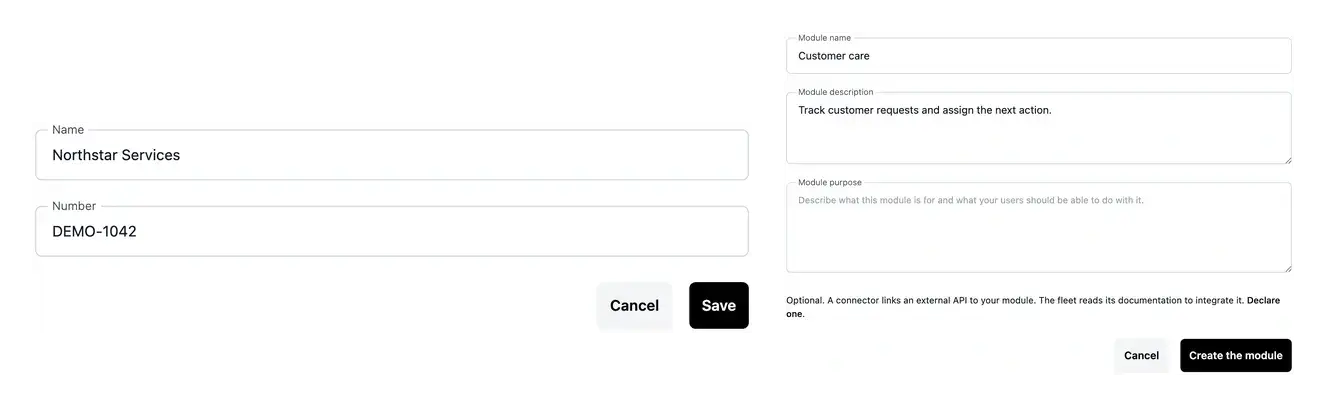
Clarify the decisions that shape the build
- Explain your activity
Describe who will use the application, their needs and the outcome you expect.
- Bring useful references
Add existing documents and examples to explain your current workflow.
- Choose your starting context
Identify the main country, hosting location and project offer during preparation.
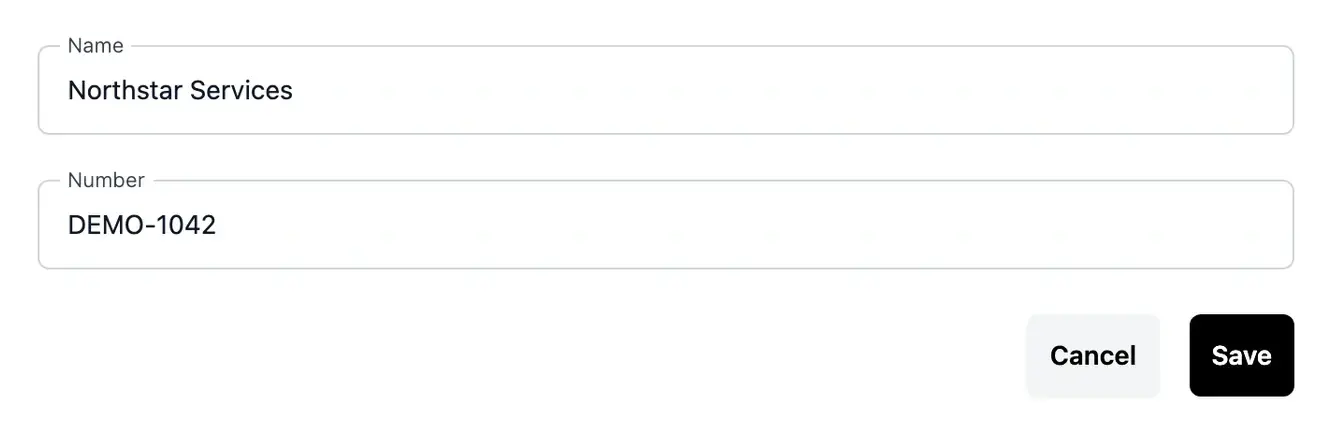
Start with the work your users need to do
A useful brief describes a concrete situation: who opens the application, what information they enter and what they need to achieve. Explain the steps and decisions that currently take time.
Include the constraints that matter, such as an existing service to connect, countries to serve or documents already used by your team. These details give the project analysis a better starting point.
Start from a real business situation
Replace a fragmented process. Your team may move the same request between a spreadsheet, email and several tools. Describe the people involved, the information each person needs and where the process loses time. This gives the project a concrete purpose: simplify a defined journey, rather than reproduce disconnected screens.
Prepare a service for customers. Explain how someone discovers your service, submits information and receives a result. Identify the steps customers complete themselves and those your team must approve. These distinctions help define the application’s scope before the first page is built.
Bring an existing system into the picture. Provide the documents, examples and service documentation that explain your current activity. State which parts should remain and which should change. Useful references give the analysis context while keeping the desired result specific to your business.
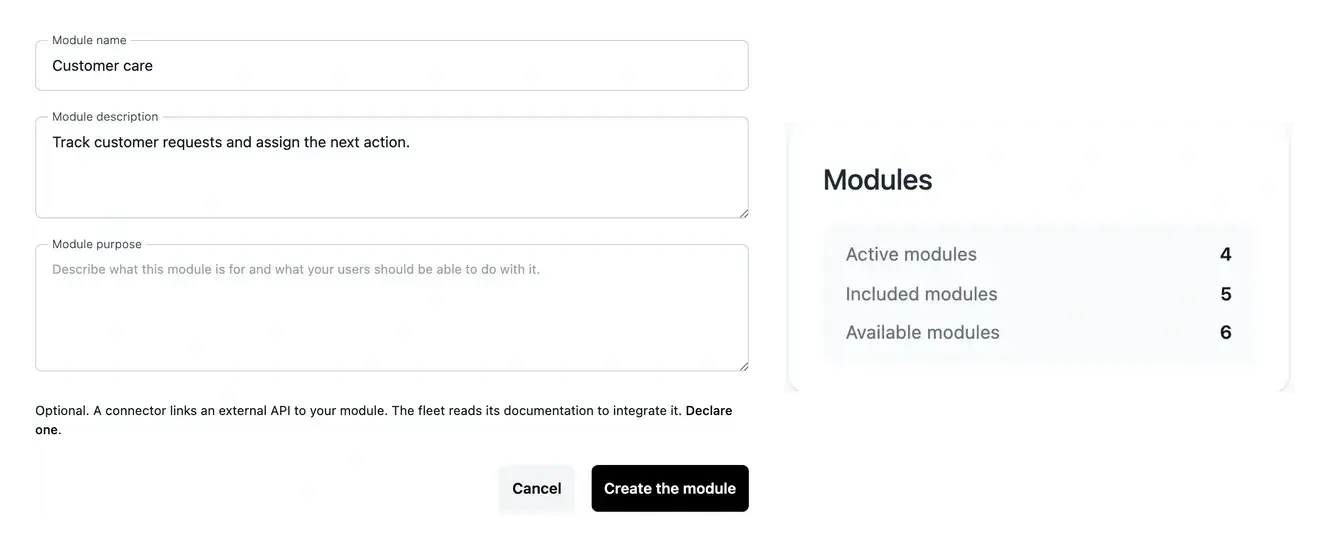
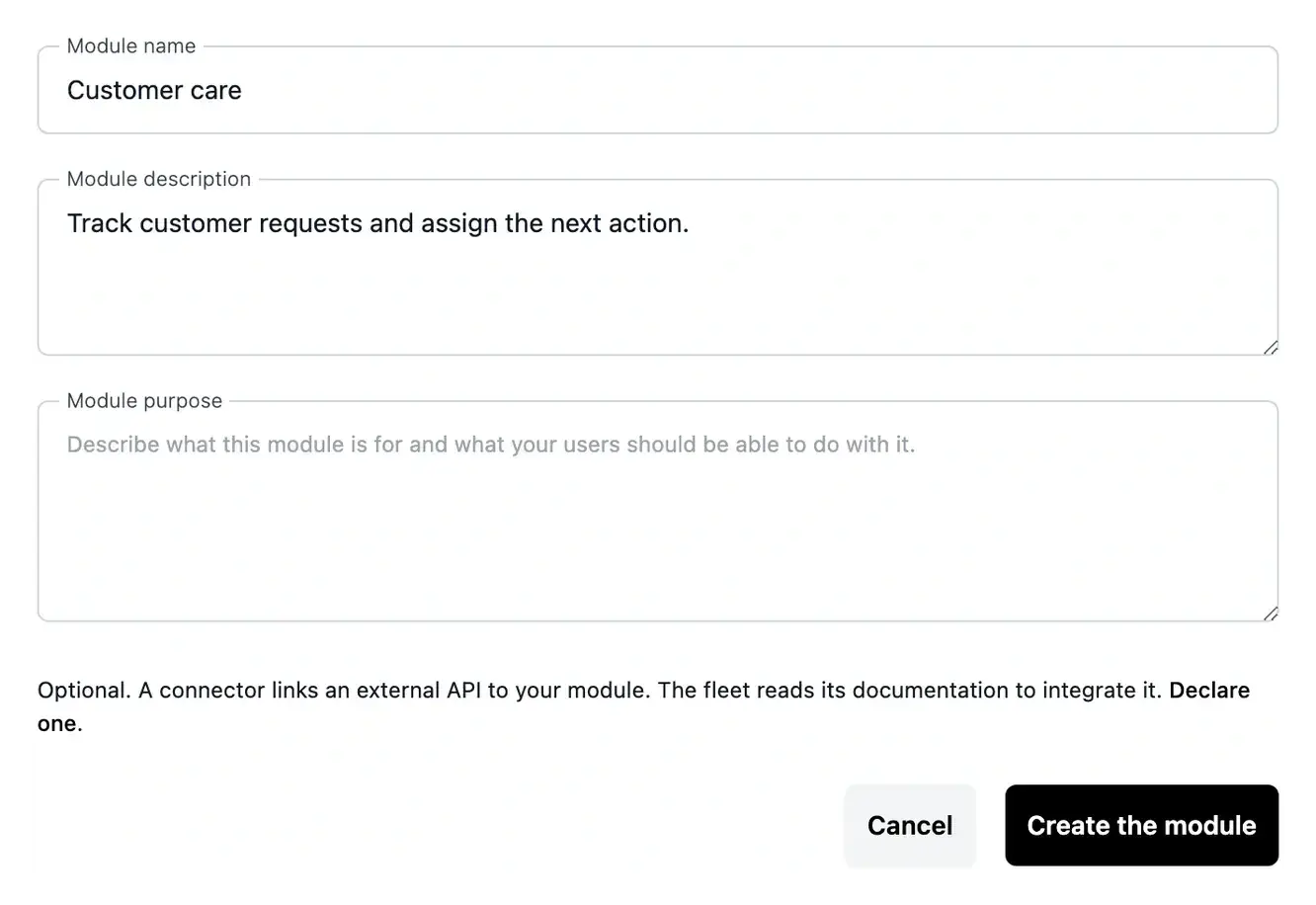
Move from the brief to an agreed scope
Review the proposed business areas and answer questions before moving into construction. Keep requirements specific enough to check the result later.
Your brief starts the conversation; functionality, pages and priorities can then be refined in the project workspace.
Give the first version a clear purpose
Choose a small, useful outcome for the first version: one team, a familiar process and a result you can check. That starting point makes the proposed pages easier to discuss.
Keep later ideas visible without making every idea a requirement for launch. Priorities and examples help you review the proposed scope before construction.
From the initial idea to a scope you can review
Describe the need. Present the business problem, the intended users and the tasks they should complete. Include important exceptions and constraints instead of only listing desired screens.
Review the proposed scope. Check the suggested business areas, project offer and hosting choices. Answer questions about unclear requirements so the build starts from a shared understanding.
Keep a reference for the result. Use the agreed purpose and examples when reviewing the first working pages. A clear starting brief remains useful when the project expands or a later change needs context.
Prepare the project around the way your business works
Bring a concrete process, the people involved and the outcome you want to improve. The preparation steps help turn these into a scope that can be discussed, built and checked.
Questions about Project preparation
You can start with the business need, examples and constraints. The preparation and clarification steps refine the expected behavior. Technical detail is useful when it describes an existing system, but it does not replace a clear explanation of what users should achieve.
An existing form, document or process example is useful when you explain the part that matters. Identify what you want to keep or change. A list of unrelated links gives less direction than one reference connected to a specific user task.
The preparation flow presents those choices for the project. Review the proposed application scope and hosting composition before confirming. Your actual workspace recap states the conditions and amounts that apply.
Preparation is the starting point. Functions and pages can be clarified, and later needs can be described through the project tools. Review the effect of an extension on the offer and publication process rather than treating every new idea as already included.
Use the project setup overview to find the remaining step and required confirmations. A saved brief, a reviewed scope and an installed application are distinct milestones. The workspace keeps these stages visible.