Product feeds
Prepare the right product range for each channel
Publish selected products for shopping platforms with country, language and currency settings.
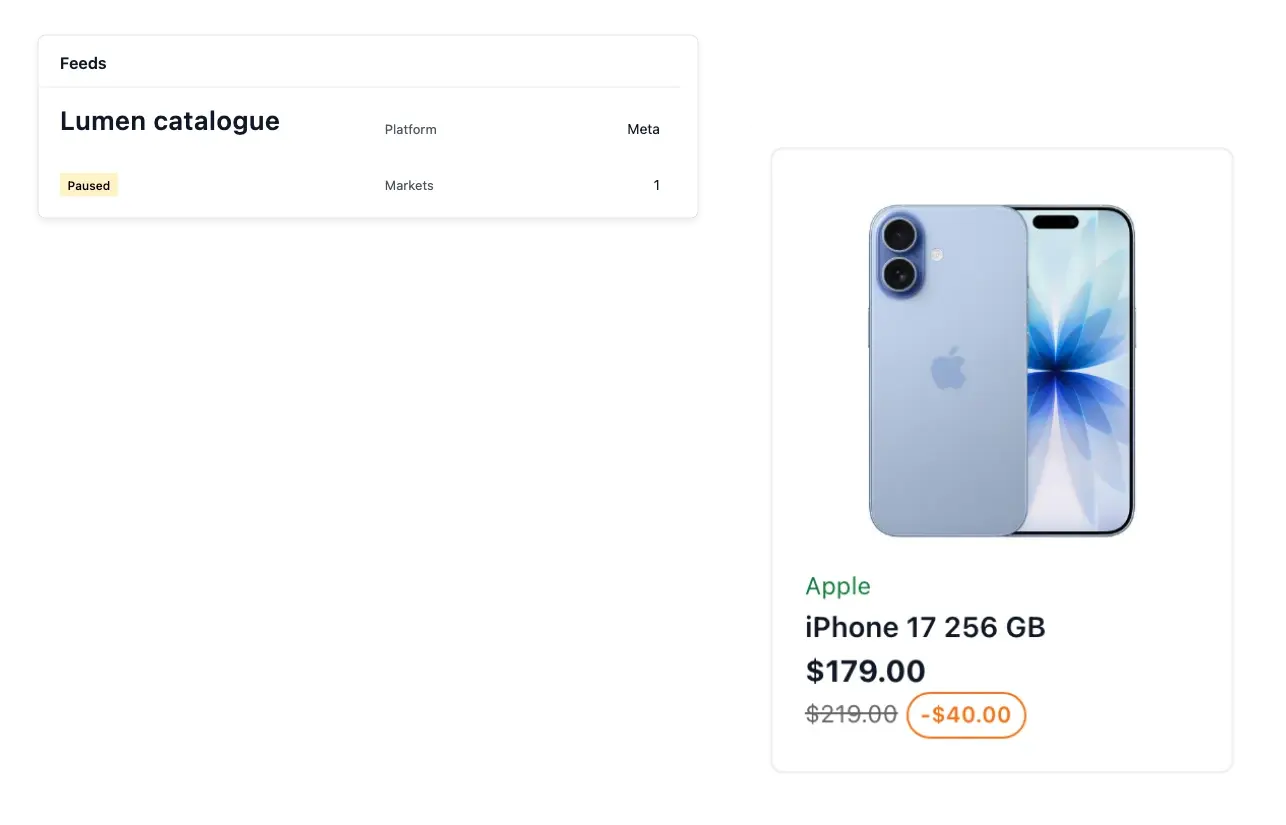
Prepare your range for external shopping channels
- One feed per destination
Prepare feeds for supported shopping and advertising platforms.
- Choose what is sent
Select categories, exclude individual products and decide how unavailable items are handled.
- Check each publication
Use the country-specific address, preview content and read the latest publication results.
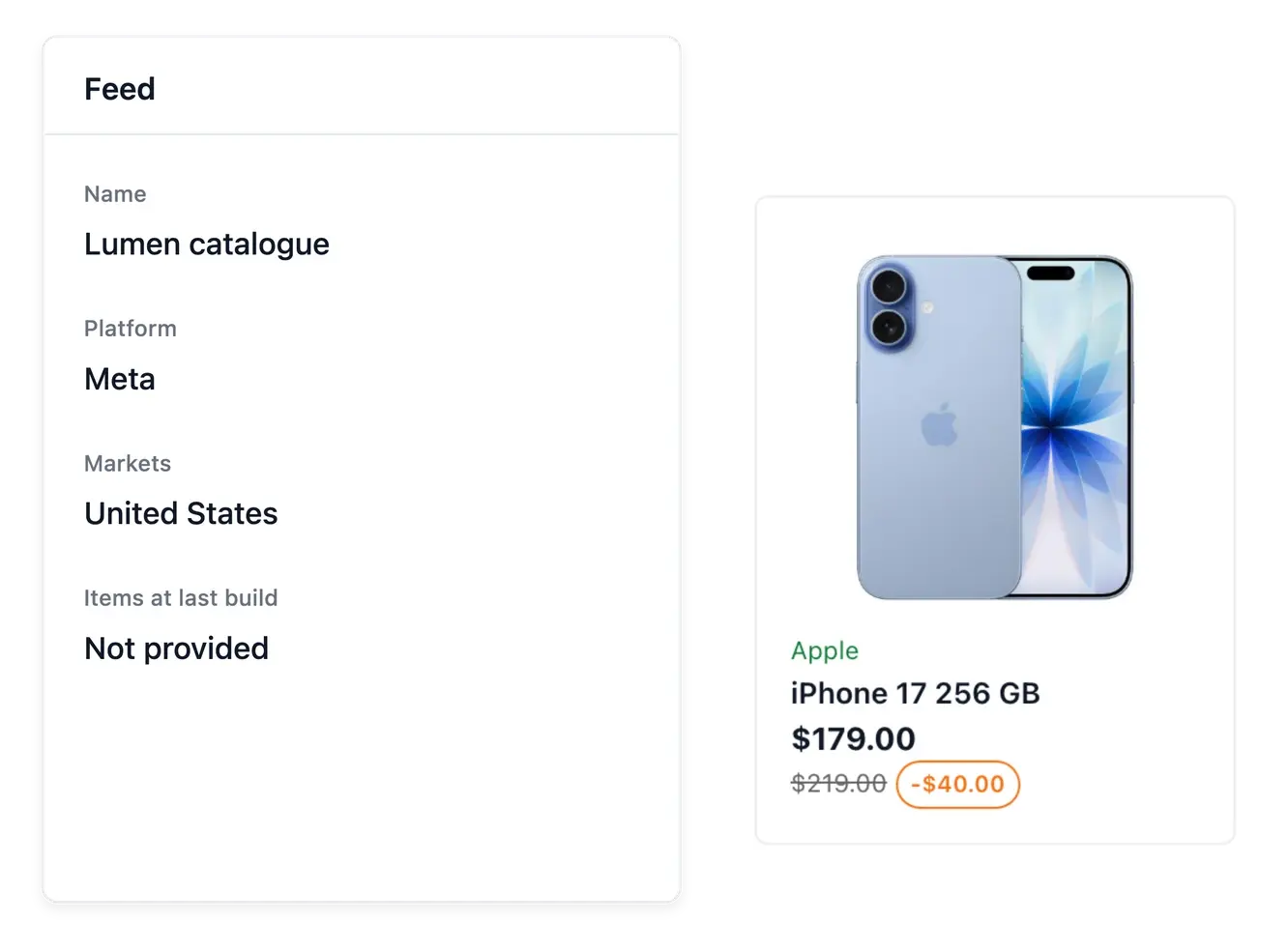
Give each destination its own feed
Create a feed for a supported shopping or advertising destination and select the products it should contain. Categories, individual exclusions and unavailable-item handling help you prepare a range appropriate to that channel.
Choose the countries published by the feed and use their corresponding addresses. Preview the content before giving the address to the external platform, so the information matches the market and catalogue you intend to share.
Publish the right range for each channel
Included and excluded products. Use categories, individual exclusions and unavailable-item handling to select the supported range. Maintain product facts in the source catalogue.
Country-specific publication. Choose the published countries and use their corresponding feed addresses. The external destination should receive the market you intended.
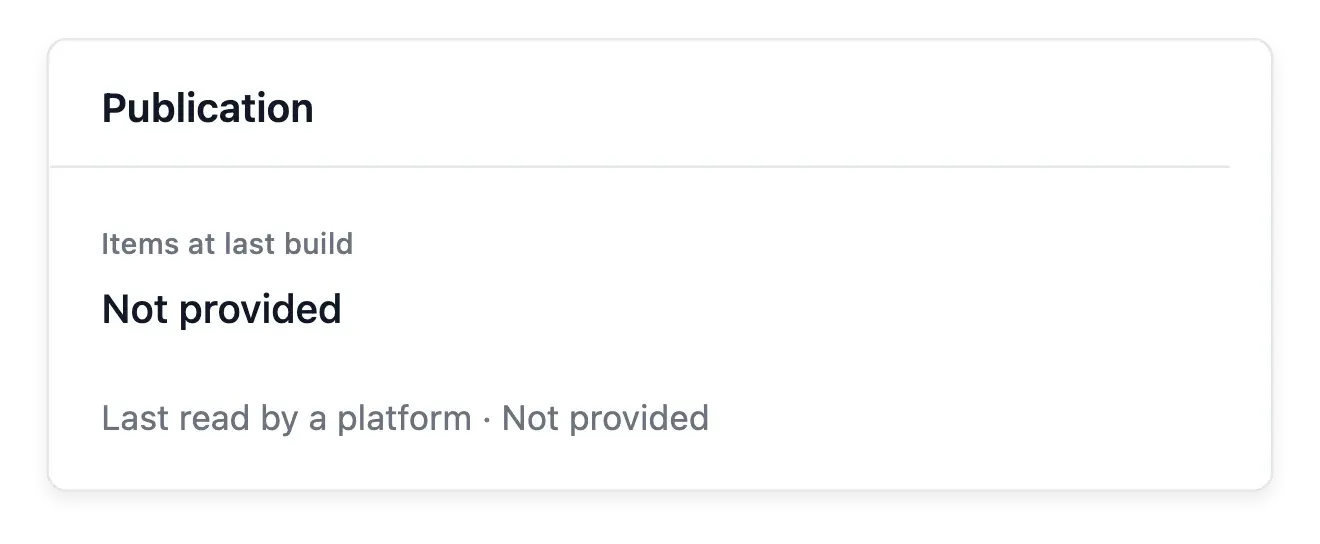
Publication state and preview. Inspect the preview and latest recorded result before sharing the address. A generated feed does not prove external approval of its items.
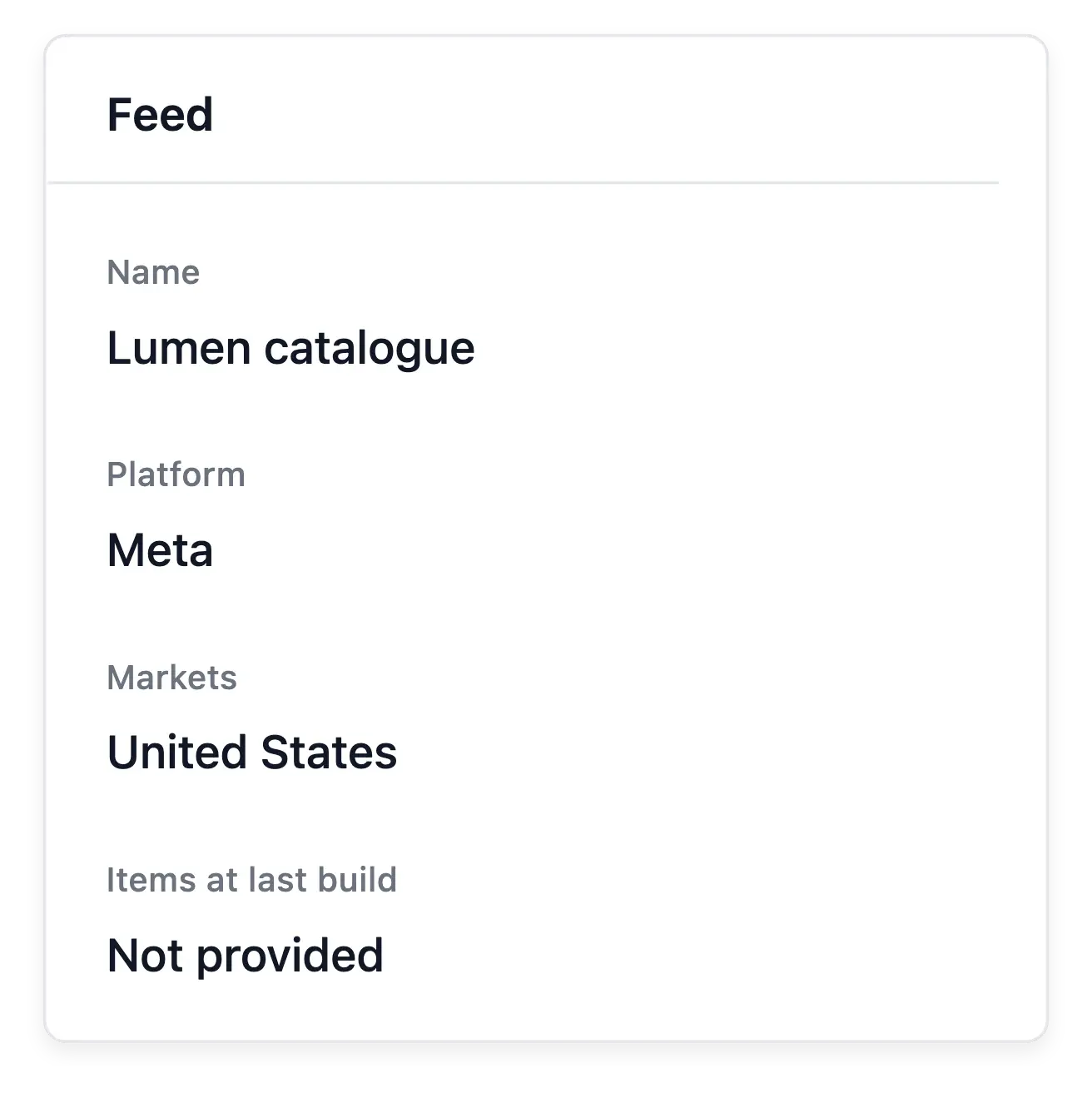
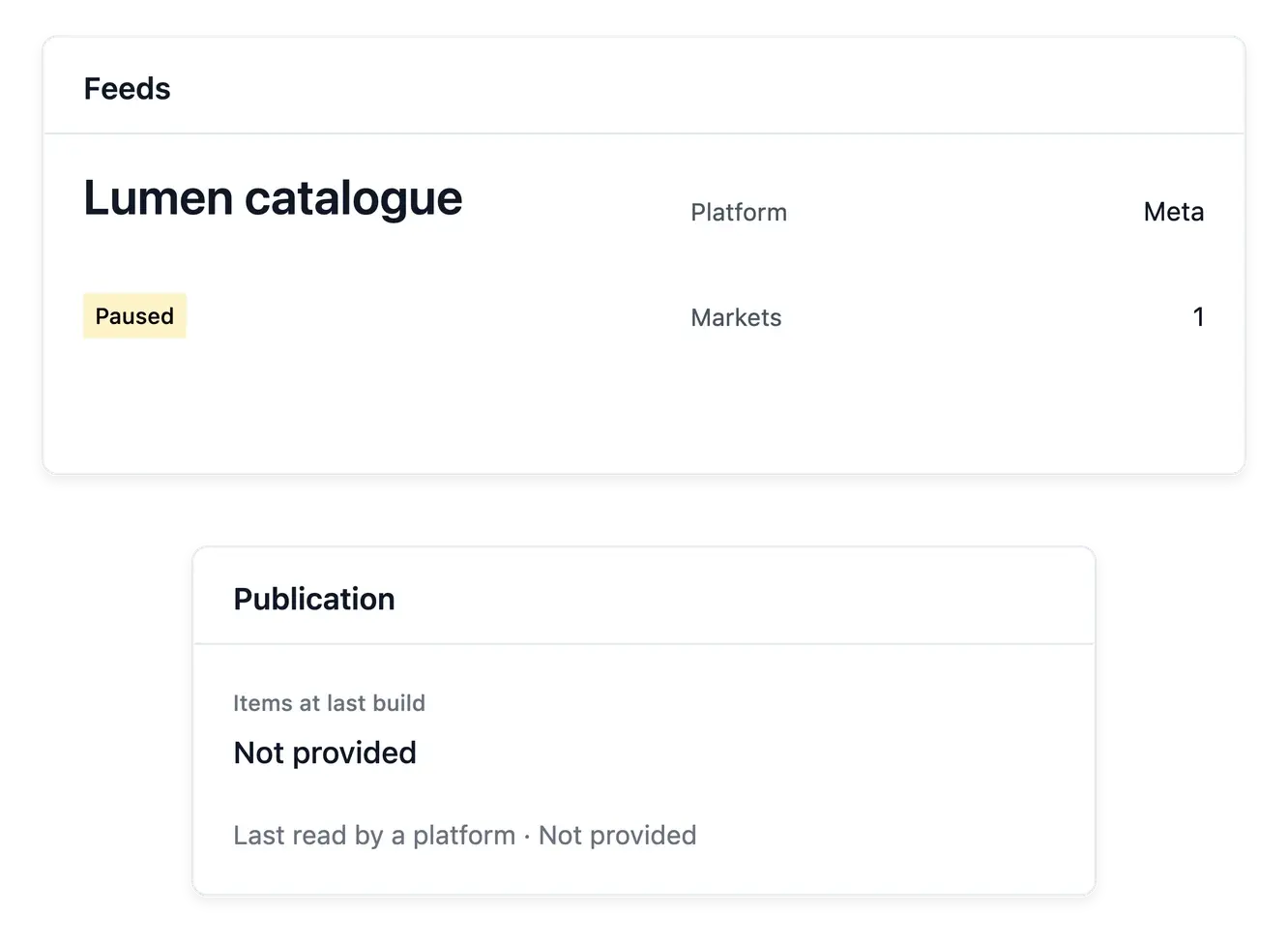
Check publication instead of assuming acceptance
The feed record reports the latest publication result and keeps its settings in one place. Your source catalogue supplies the product information, so incomplete product data should be corrected there rather than duplicated in a separate list.
A generated feed does not mean the external channel approved every item or activated advertising. Review that platform's own processing and requirements after submitting the feed address.
Prepare the feed before handing over its address
Choose the channel and range. Prepare the supported destination and selection rules. Review exclusions when products should remain off a particular channel.
Inspect the published content. Review the selected market and product information in the preview. Correct missing facts on the product records rather than in a duplicate catalogue.
Follow external processing. Submit the appropriate feed address in the external platform and review its own result. Advertising activation remains a separate external operation.
Give your catalogue new distribution possibilities
Prepare controlled product feeds and follow what each publication actually produced.
Questions about Product feeds
Yes. The tool supports separate feeds for the available shopping and advertising platforms.
Yes. Individual exclusions complement the category selection.
Choose the supported unavailable-item handling setting for the feed.
Yes. Use the address associated with the published market.
Yes. Preview and latest-publication results are available on the feed record.
No. The destination platform decides acceptance and must be checked separately.