Product documentation
Help users complete the tasks your application supports
Give users practical guides that explain the application’s journeys and help them complete their tasks.
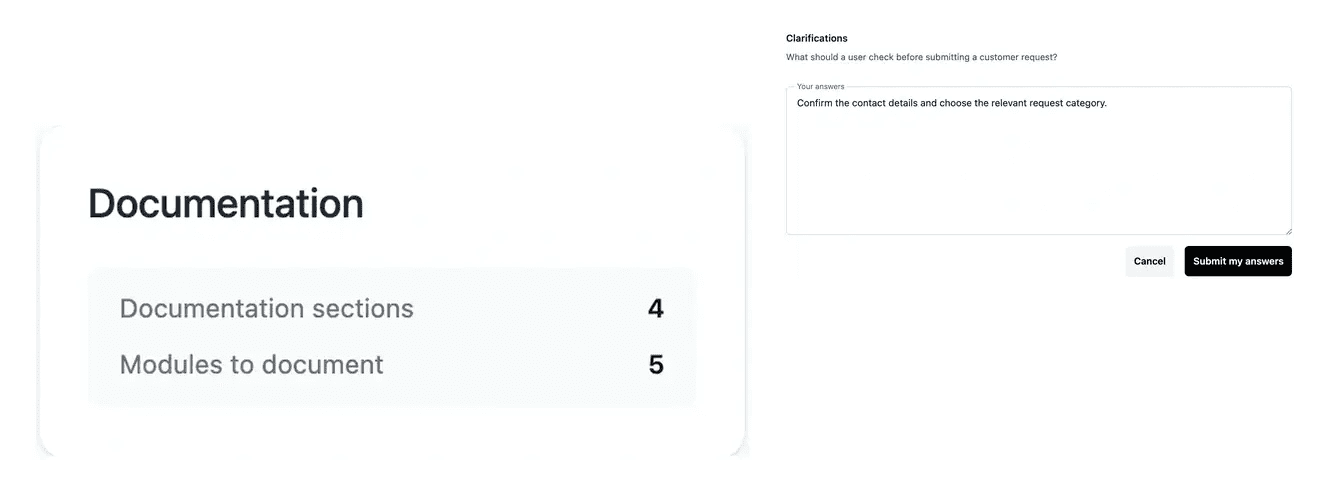
Turn product functionality into practical instructions
- Prepare the guide scope
Review the documentation sections and their intended audience.
- Answer content questions
Clarify the workflows and information a guide should explain.
- Follow the public service
Inspect build progress and the documentation site address.
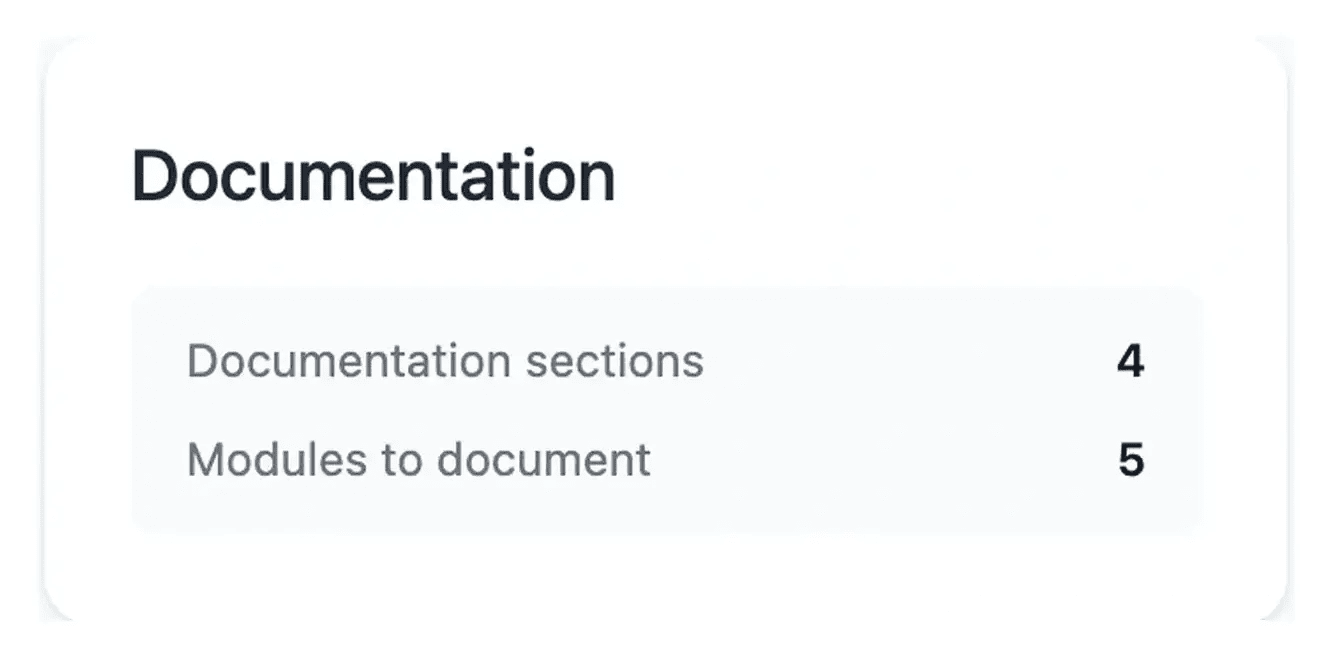
Explain how to use the application
Documentation complements a product presentation with practical instructions. Start with getting started, then guide users through the workflows the application actually supports.
The documentation configuration exposes the section definitions and questions. Supply context that helps explain a task in the user’s language.
Keep the guide connected to the working application
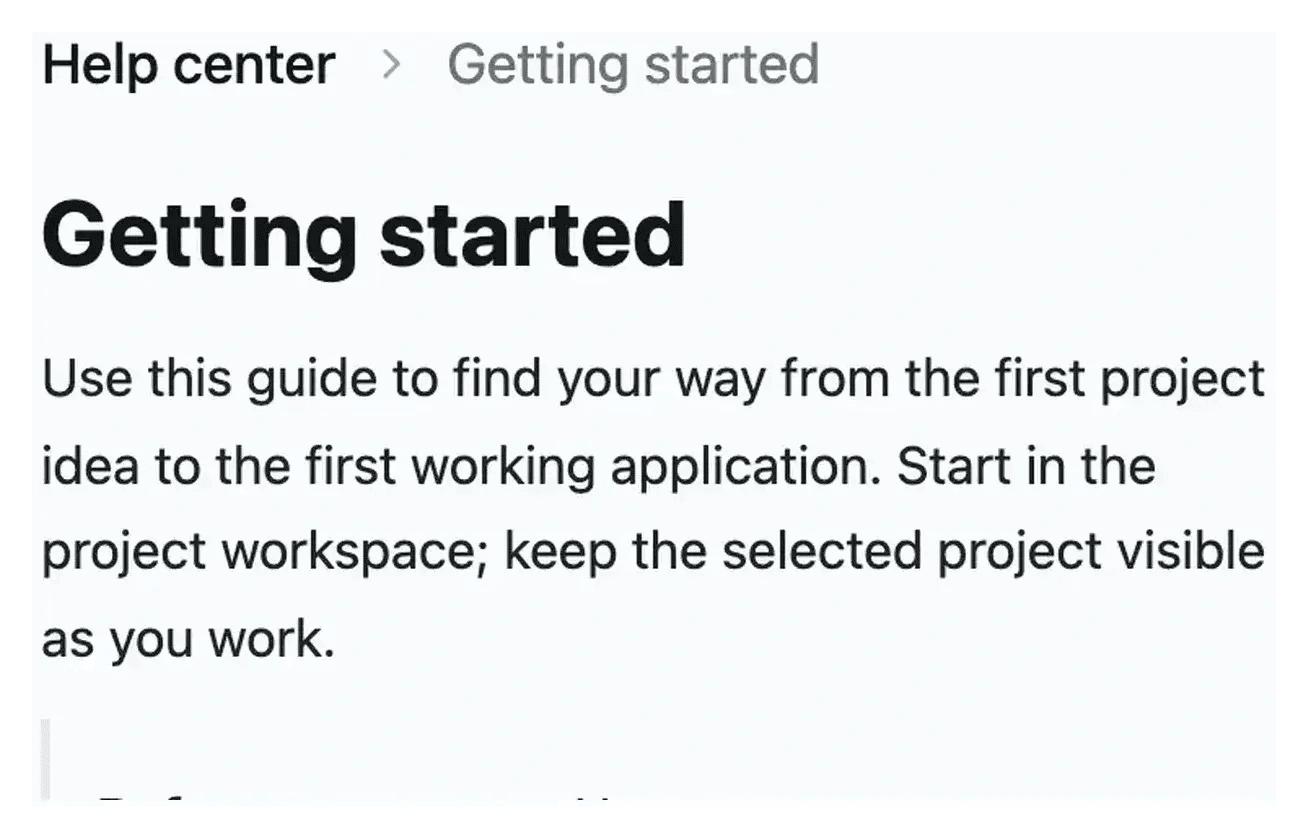
Support a first useful action. A getting-started guide gives new users a short path into the product. It should explain where to begin, what information is required and which result confirms that the task is complete.
Explain a recurring workflow. A detailed guide follows the real application labels and actions. Prerequisites, numbered steps and an expected outcome help someone repeat a business task without interpreting a general description of the screen.
Answer a cross-cutting question. Some questions concern accounts, costs or publication rather than one screen. A FAQ provides a concise answer and links to the relevant guide, keeping the procedure in one place instead of duplicating it across the site.
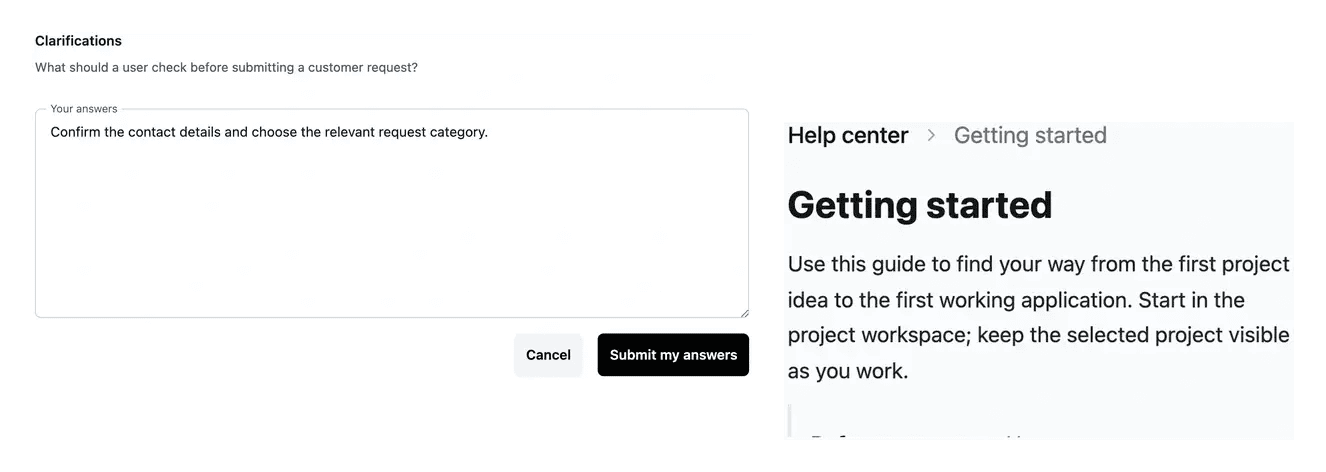
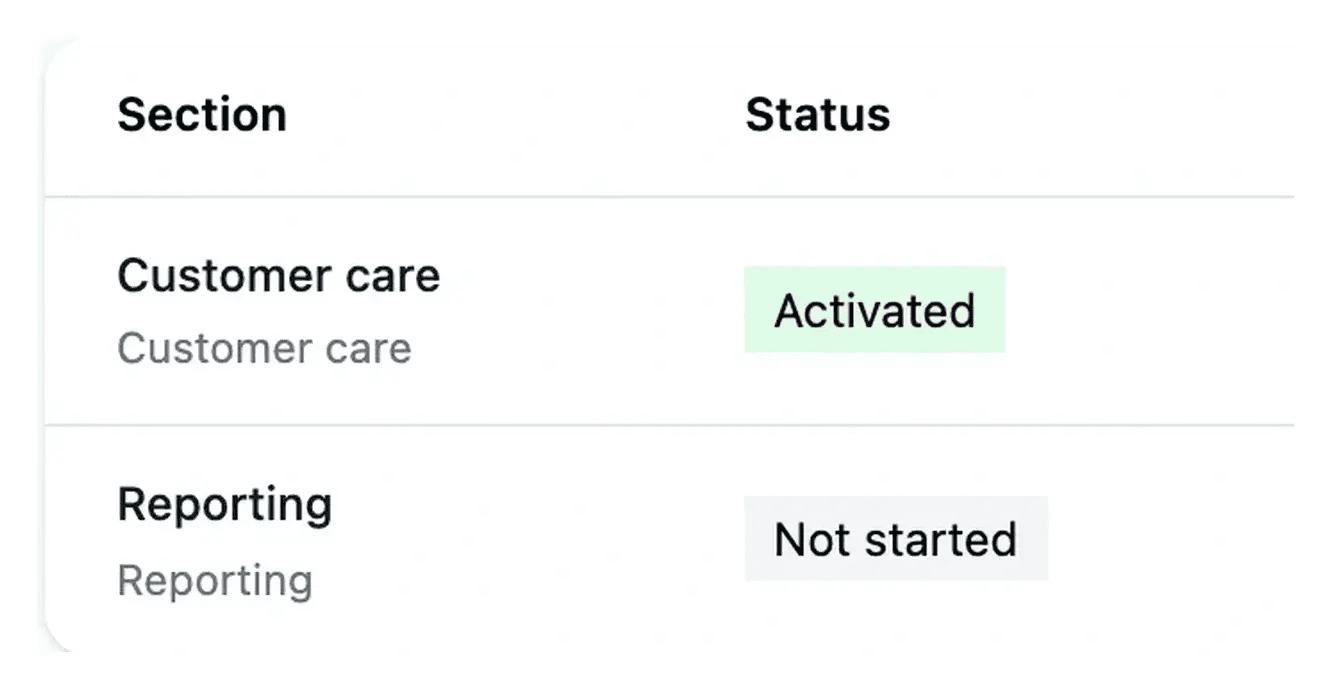
Keep the guides connected to the product
Review the documentation after a meaningful application change. A guide should use the labels and behavior users can actually see.
The documentation runs on its own public service. Link it from the website and check the guides in the languages your project publishes.
Help a user complete the next task
A practical guide explains where to begin, which information is needed and how to check the result. Its value comes from helping the reader act in the application.
Use related guides to continue the journey when the task crosses several areas. Review the documentation when a screen changes so that the instructions stay useful after an evolution.
From agreed functionality to useful help
Prepare the guide scope. Review the documentation sections and the tasks they should explain. Keep the intended user and application behavior clear.
Supply the missing context. Answer questions about prerequisites, rules and outcomes. The writing should use the real interface rather than invented controls.
Review after publication and change. Follow a guide in the application, check its languages and related links, then revisit it when the underlying task changes.
Make the product easier to use after the first visit
Provide instructions that lead to a result, alongside the public presentation of what the application does.
Questions about Product documentation
A feature page helps a prospect understand the capability and its value. A guide helps a user perform the task, with the actual controls, prerequisites and outcome. They complement each other.
The documentation tools expose section definitions and questions. Review the tasks the application supports, provide the missing context and follow the writing progress.
The project publishes the localized guides available for its scope. Review each published language so it retains the complete procedure and the correct interface labels.
After a change affecting the task, its controls or expected result. Check the text against the working application instead of assuming the original instructions remain valid.
An endpoint reference belongs to a project with an active, working API. Use its live operations and actual reference; planned routes are not enough to document a usable integration.