Sections
Build useful pages from content you can reuse
Build a reusable library of banners, galleries, product rails, reviews and other shop blocks.
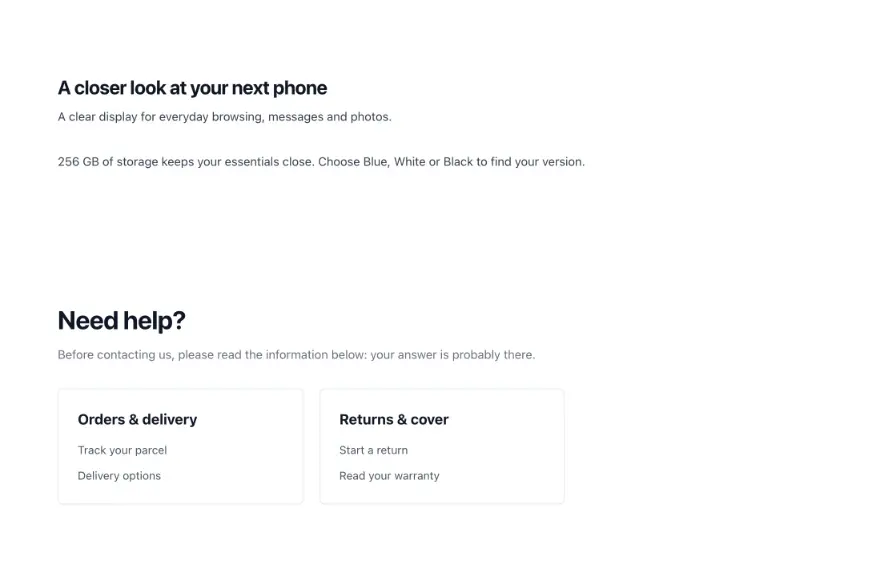
Create useful blocks once and reuse them
- Ready-made blocks
Choose from the supported content blocks and fill them with your own content.
- Dress each section
Set its dimensions, colors, typography and spacing using the available settings.
- Reuse across pages
Place one section on several pages; a single change updates every placement.
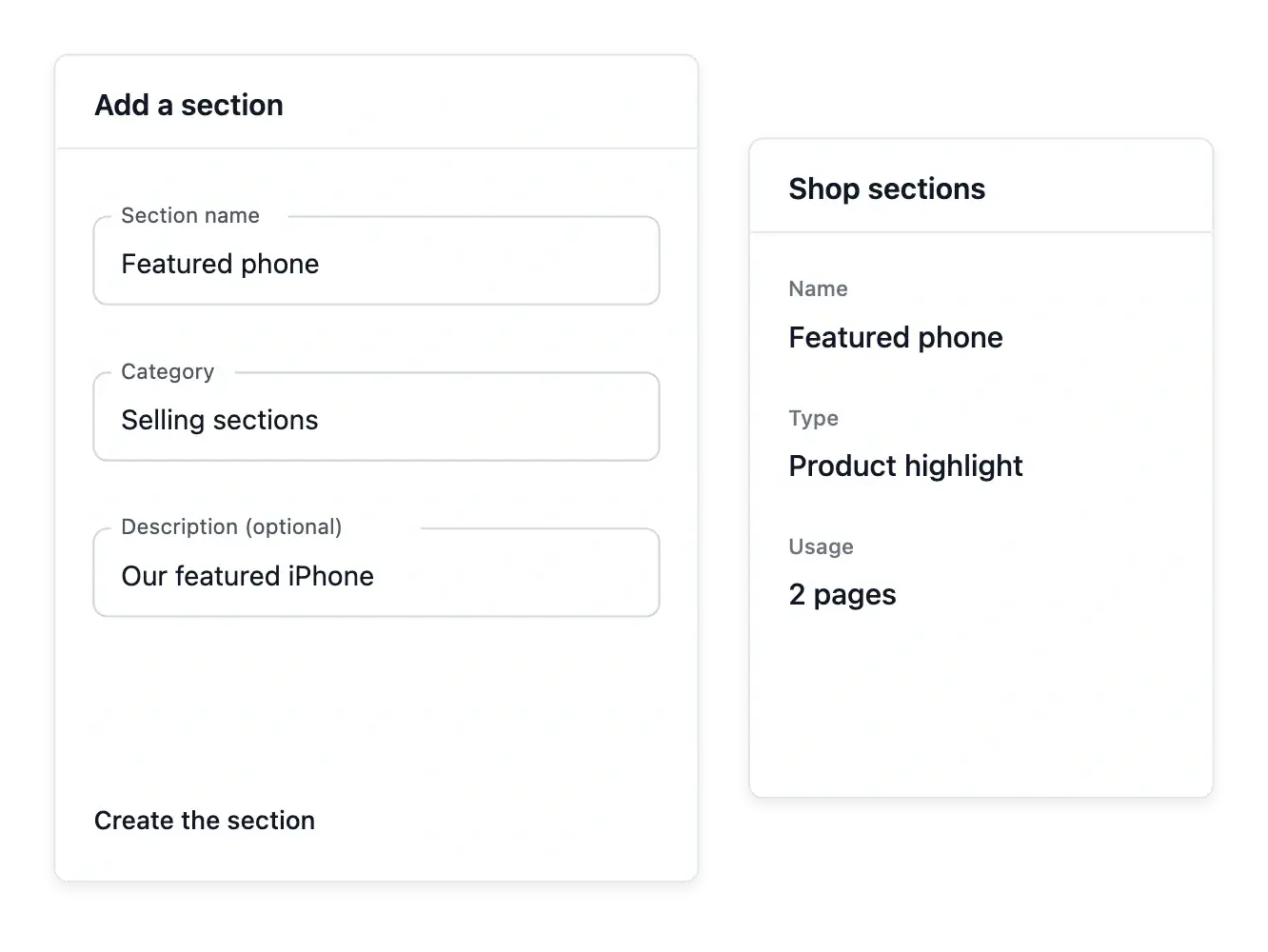
Build from the supported section types
Choose an available block such as a banner, gallery, product rail, review wall or press band. Fill the fields appropriate to that type instead of creating an unstructured page that is harder to maintain.
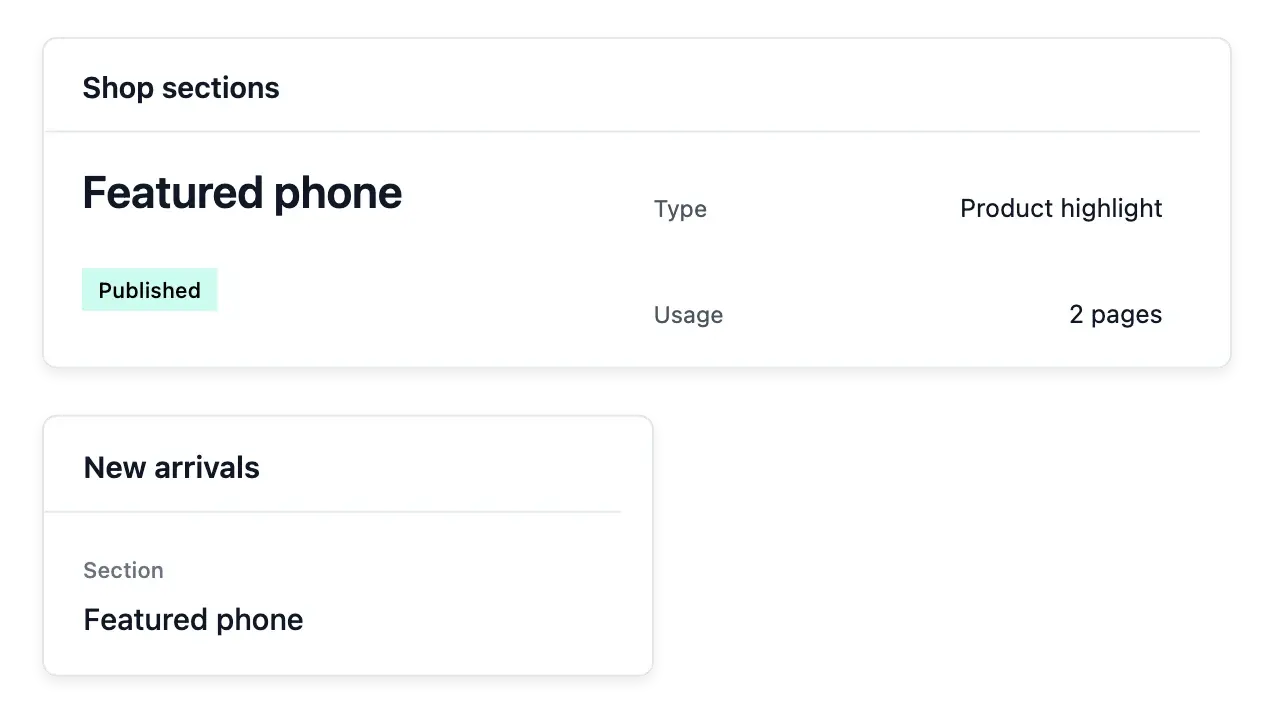
Adjust the supported dimensions, typography, colors and spacing for the section. Its own record keeps the content, settings and publication state together, with the pages where the block is used available for review.
Choose the right block for each message
A type with a purpose. Select the supported section type for the content: a message, product presentation or another available shop block. Its controls follow that type.
Content kept with its block. Edit the section’s own wording, images and supported options. The section directory gives the team a place to find maintained blocks.
Page arrangement separately. Pages choose and arrange sections. Editing a section and changing where it appears are related tasks with different controls.
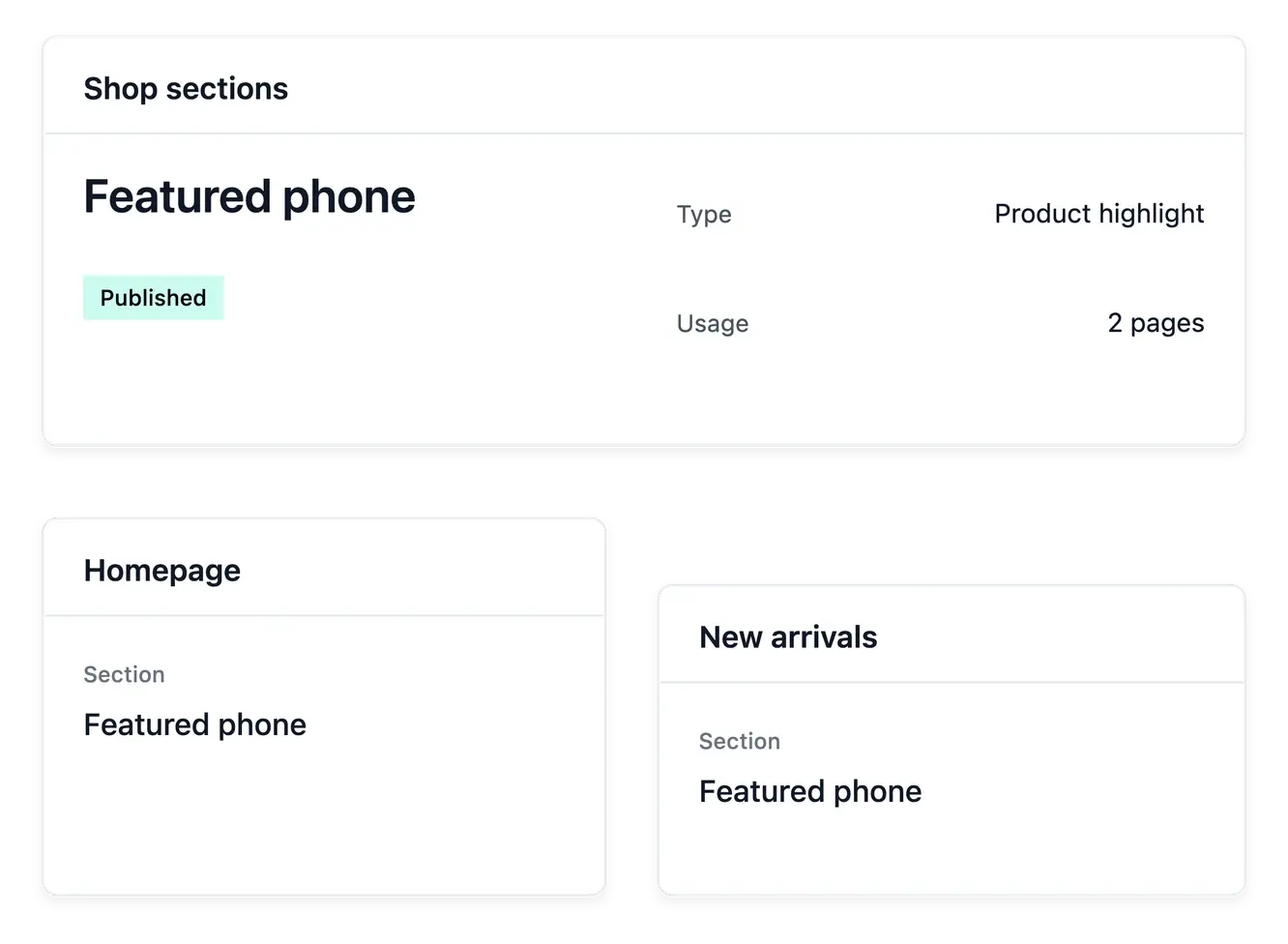
Let shared content stay genuinely shared
Place one section on several pages when the message should remain consistent. A change to that section affects every placement, making updates easier while requiring attention to all the places it appears.
Use a separate section when a page needs different wording. Prepare and publish the block through its own workflow, then arrange its placement from the page; library content and page order remain separate subjects.
Build a page from maintained sections
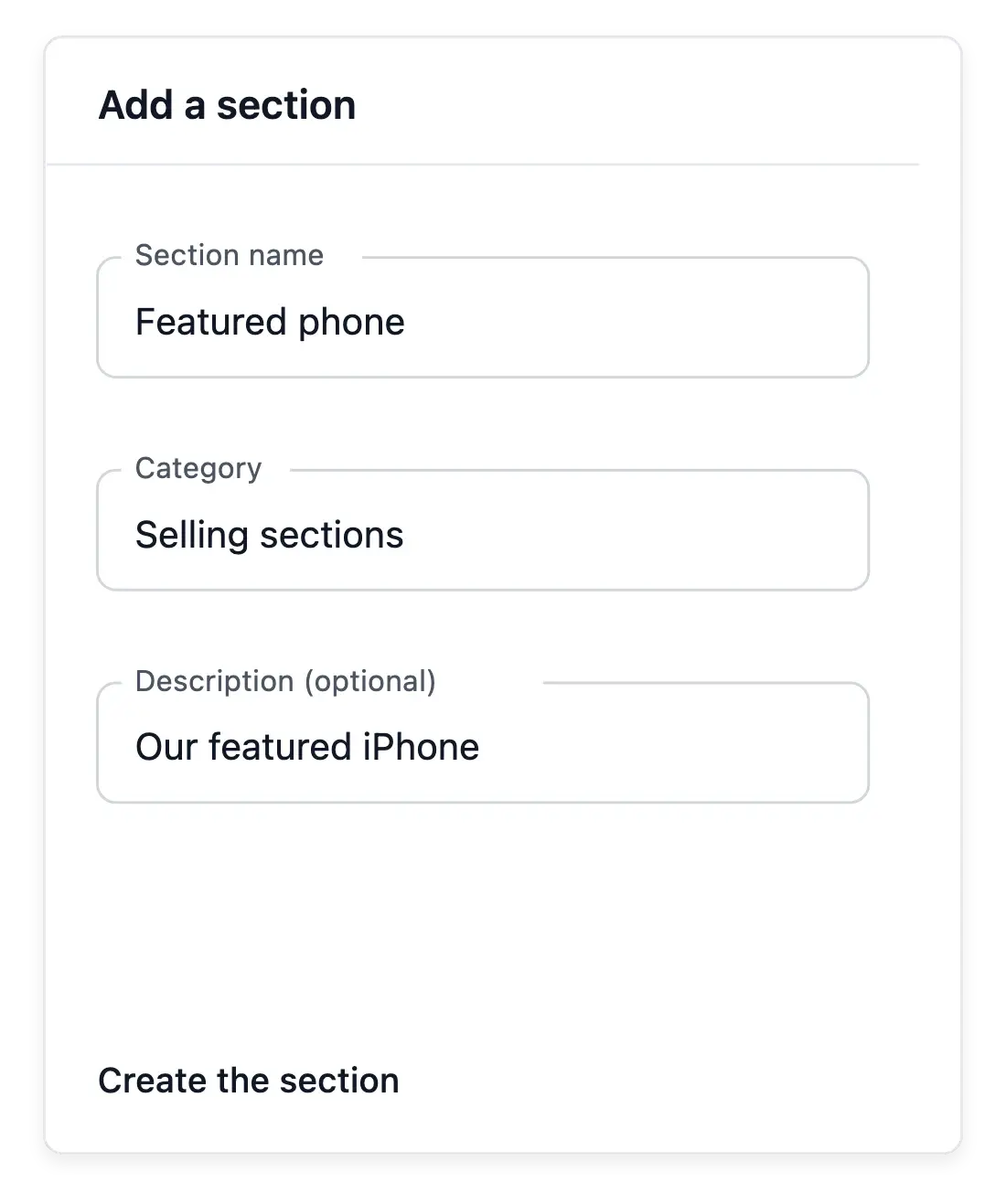
Create the section. Start with its intended message and select an existing type. Prepare the content using that type’s fields rather than introducing custom code.
Place it on the page. Select the section in the appropriate page composition and set its order. Check neighboring blocks so the reading path remains clear.
Maintain the presentation. Review the rendered page after updating content. Theme choices supply shared styling while the section keeps the details of its own message.
Give your shop a reusable content foundation
Build richer pages from maintained blocks that can evolve with your brand.
Questions about Sections
Choose from the supported section types and their available content fields.
Yes. Sections are reusable across page placements.
Yes. Review the pages using the section before making a shared change.
In the page's section arrangement rather than its content fields.
Yes. Use the appearance controls available for that section type.
Yes. The section has its own content and publication workflow.