Live activity
Follow recent shop activity back to its source
Follow current visitors and the latest actions, then open the order or customer behind an event.
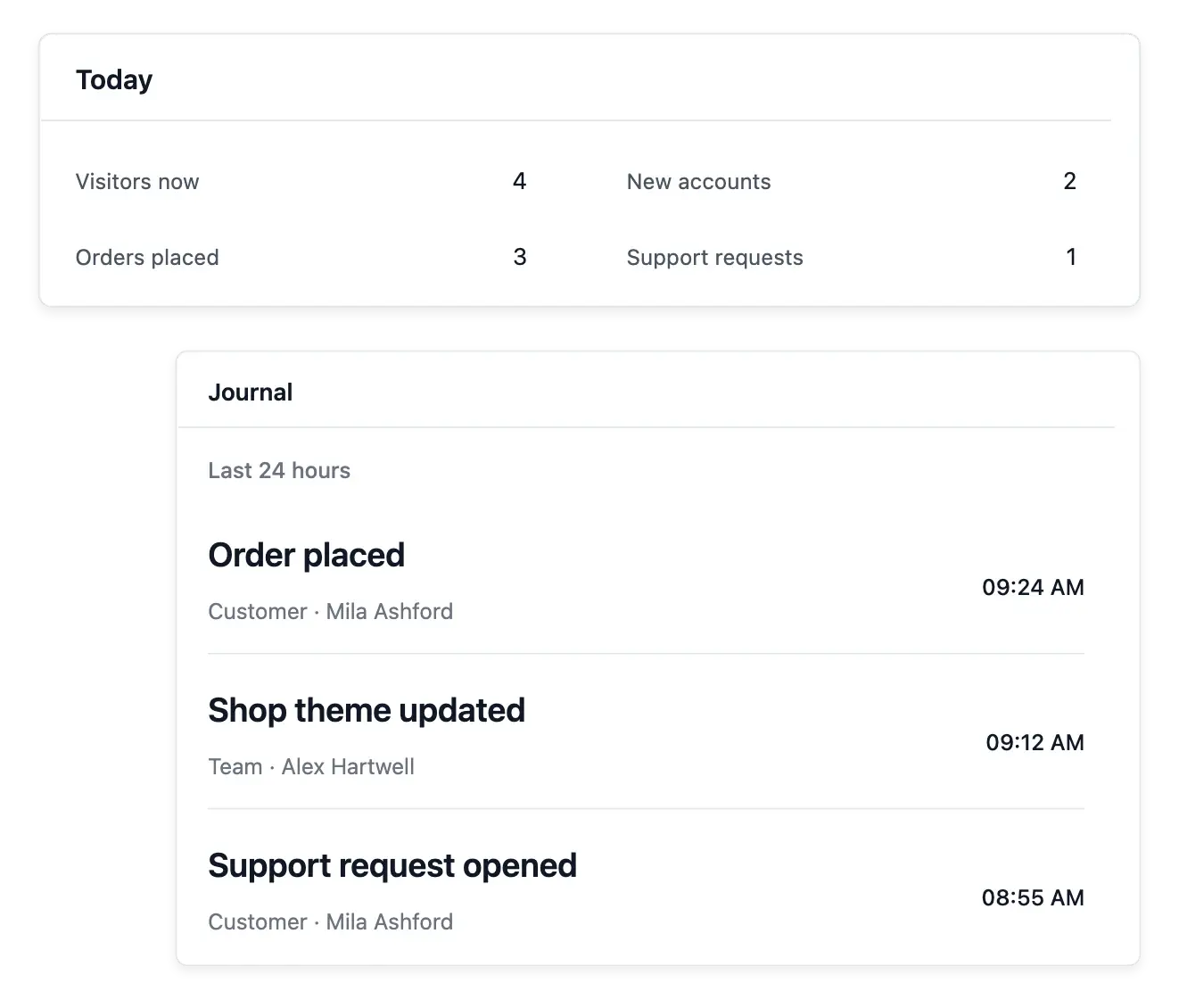
Follow the activity happening now
- Today at a glance
See current visitors and today’s orders, sign-ups and support requests.
- A live journal
New actions appear without reloading; open the record behind an event.
- Explore your history
Filter recorded activity by dates, author and action, with statistics over time.
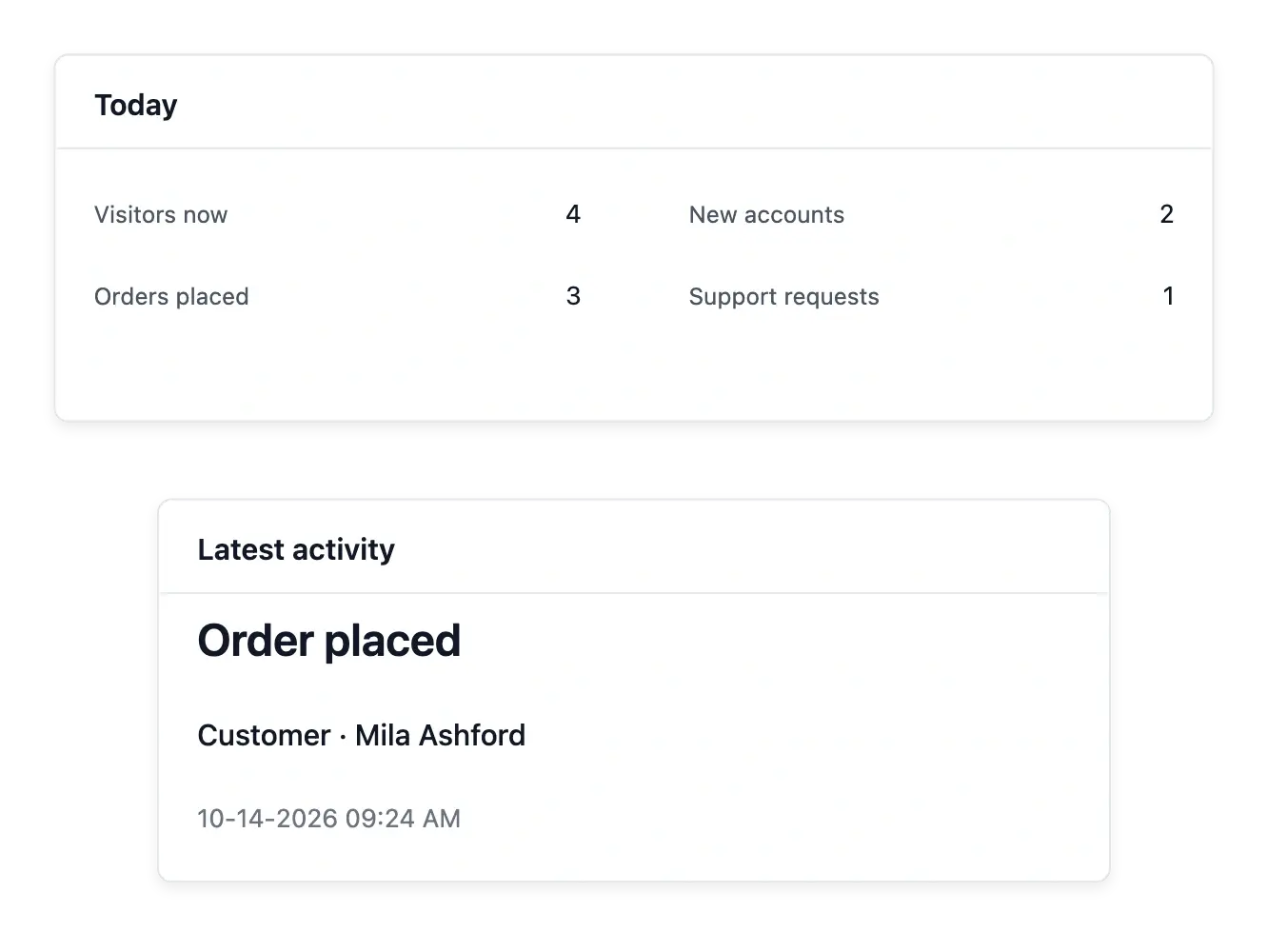
Watch the day as records arrive
Live brings current visitors together with today's orders, account sign-ups and support requests. The activity view refreshes while you keep it open, so recent events can be followed without repeatedly reloading the whole page.
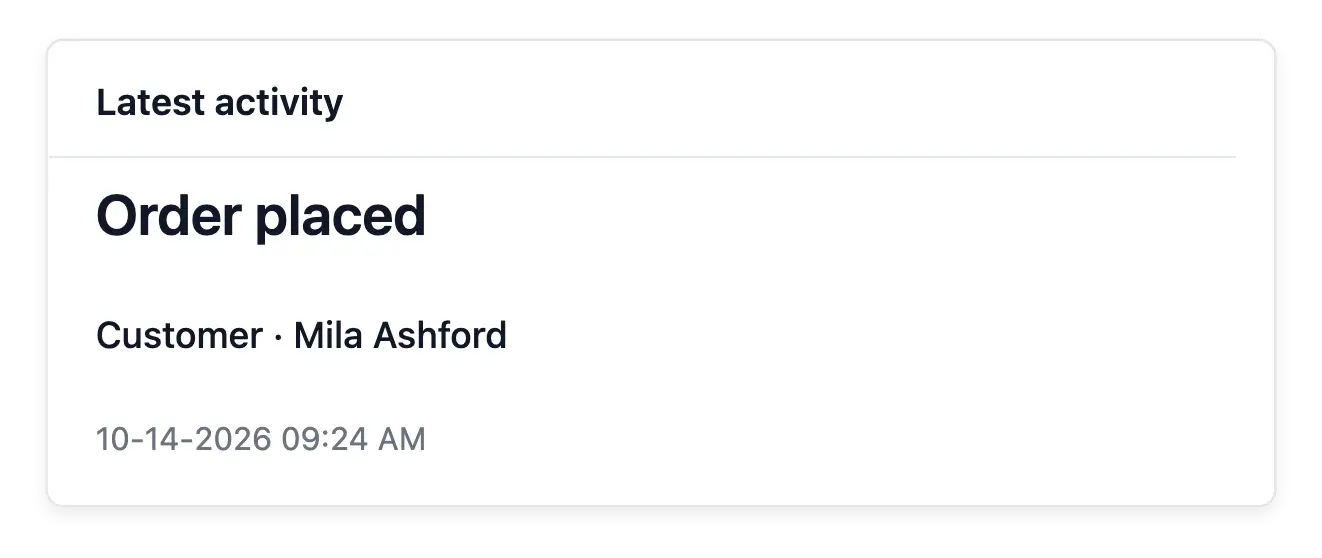
The latest activity entries link to the records behind them. An order or request is therefore a starting point for investigation, rather than an isolated notification with no way to inspect the details.
Read recent activity as a sequence of events
Recent shop observations. Use the live overview for the activity currently recorded. It provides context for what is happening around the shop.
The event journal. Open the activity log to inspect the sequence and available details. An event is an observation rather than a completed business outcome by itself.
Purchase state separately. Verify an order or payment in its own record. A browsing event or buying step should not be counted as settled revenue automatically.
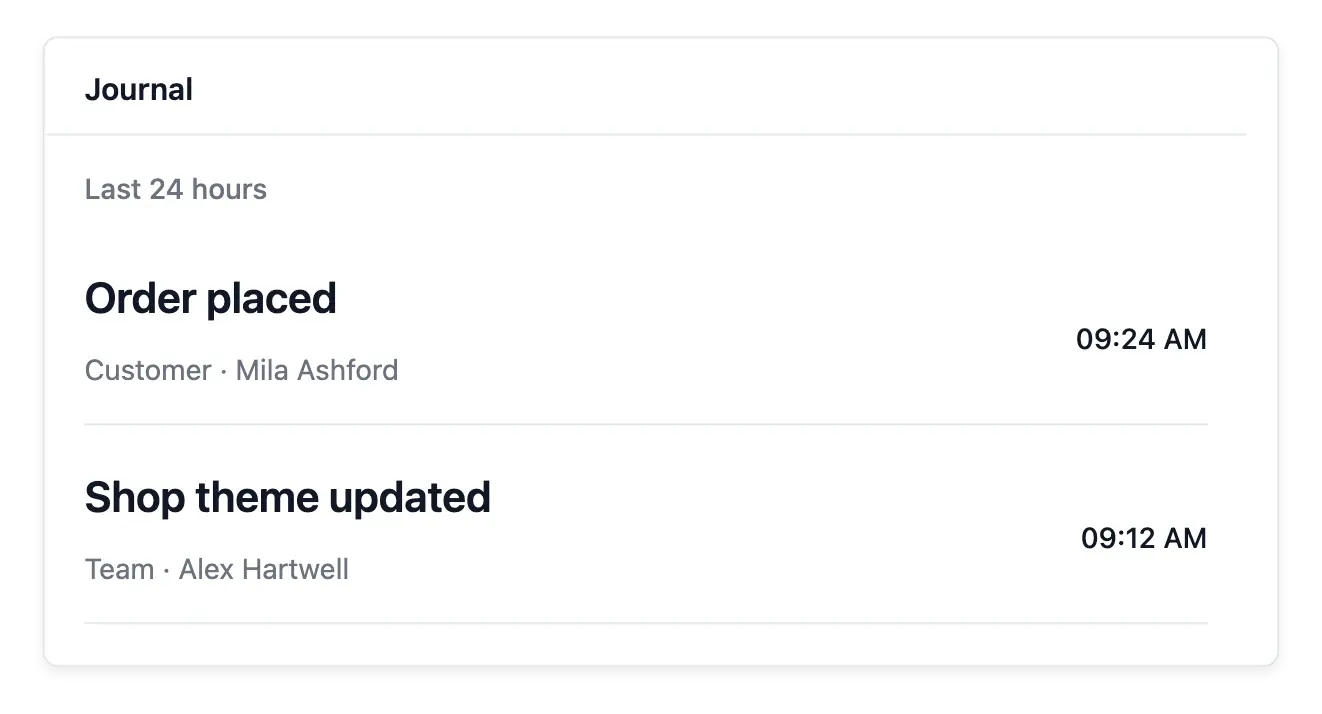
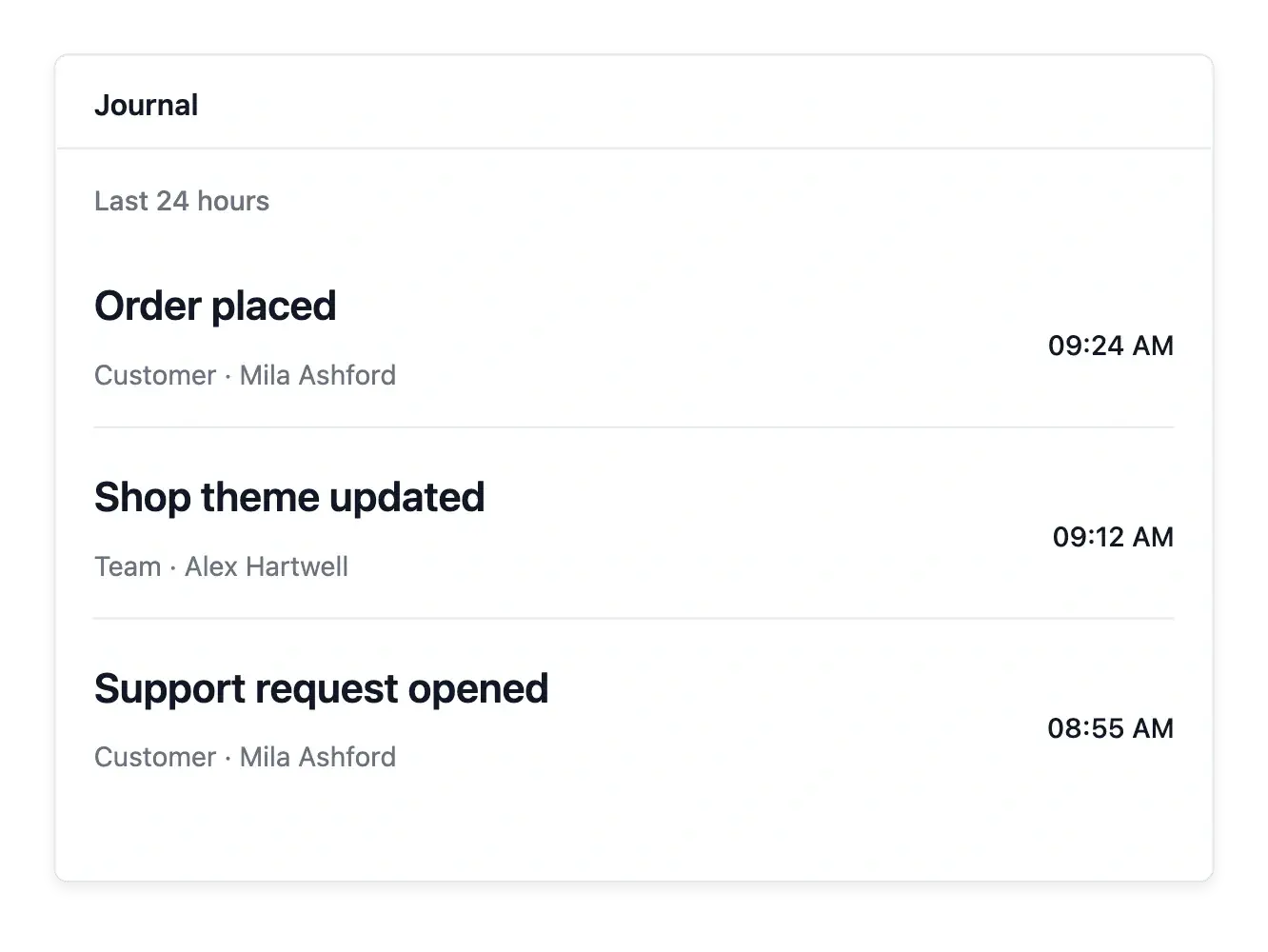
Move from live signals to recorded history
Open the journal to search a wider window by dates, author and action. Statistics over recorded activity provide another way to understand who acted and which events occurred during the period.
Current visitors, a day's orders and event totals measure different things. Use the live view for orientation and the dedicated sales or audience reports for those questions; a quiet feed alone does not establish why activity changed.
Use a live signal to start an investigation
Review the recent sequence. Read the overview and open the journal for a particular observation. Keep its recorded time and context when interpreting it.
Identify the relevant destination. Inspect the available page or product context and return to its maintained content when investigating the customer path.
Confirm the operational result. Use the associated business records when the question concerns a sale or service result. Audience and Statistics provide broader period views.
Stay close to a growing shop's daily activity
Follow new events and open the business record that needs attention.
Questions about Live activity
Yes. The visible live page checks for fresh activity and updates its recent entries.
Yes. Linked activity takes you to the relevant business record when available.
Yes. The journal provides the wider recorded history with date, author and action filters.
No. The day view concerns today's activity; broader windows belong to the journal and reports.
Recorded activity distinguishes actor information, including the supported customer, team, API and automatic contexts.
It follows current activity. Use Statistics for sales breakdowns over a chosen period.