Give your shop the tools to go further.
From your brand and catalogue to orders, analytics and marketing, Ultineo connects the tools that help you develop your business and prepare its next stage, without code.
Shop
- Identity
Set your shop name, logo, tagline, contact details and social links in one place.
- Theme
Choose colors, fonts, button styles and spacing that apply consistently across the shop.
- Pages
Compose shop pages from reusable sections and choose when each page is published.
- Sections
Build a reusable library of banners, galleries, product rails, reviews and other shop blocks.
- Navigation
Build your shop menus and configure category navigation and search suggestions in one place.
- Domain names
Connect your own domain with guided ownership and address checks.
- Countries, languages & currencies
Add as many sales countries, languages and currencies as your shop needs, without a quantity limit or an extra fee for adding them.
- Delivery settings
Define carriers, delivery methods, countries, prices and delivery times once for your shop.
- Communication
Manage customer emails and SMS with your shop’s sender identity, templates and sending history.
- Verifications
Check email addresses, phone numbers and connection locations and keep each result in your shop’s journal.
- Usage & service costs
Follow email, SMS and verification usage alongside unit prices and costs for a chosen period.
- Documentation
Give customers a help center with organized subjects, editable articles and translations.
- Statistics
Understand your sales by product, country, payment method and promotion over the period you choose.
- Audience
See where visitors come from, which pages they read and which products attract their attention.
- Live activity
Follow current visitors and the latest actions, then open the order or customer behind an event.
- Integrations
Find the supported Google, advertising, affiliate, Brevo, payment and product-feed services and understand each connection’s current state.
Catalogue
- Products
Manage product records, categories, photos, descriptions and catalogue settings from a consistent product structure.
- Stock & condition grades
Track quantities and movements, with separate prices and stock for condition grades.
- Brands
Manage brand names and logos once and reuse them across your product catalogue.
- Characteristics
Define product attributes and accepted values so product records use the same vocabulary.
- Groups & variants
Sell one reference in several versions, with organized choices and distinct prices and stock.
- Warranties
Describe warranty cover, its duration and conditions, then apply it to the right products.
Orders
- Customers
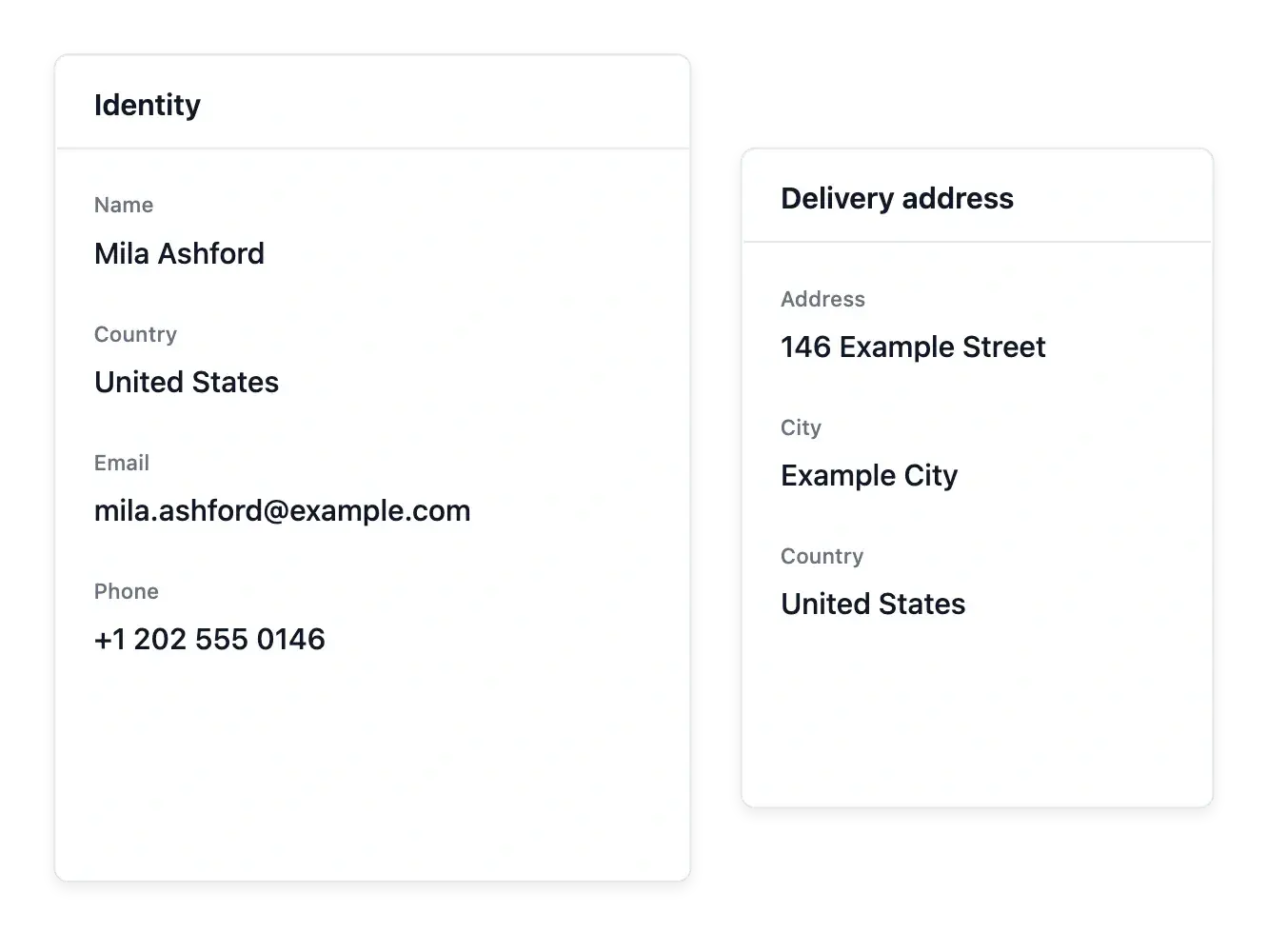
Keep customer details, addresses, orders and notes together so every conversation starts with context.
- Carts
Understand which checkout baskets become orders and configure an email reminder for those left behind.
- Orders
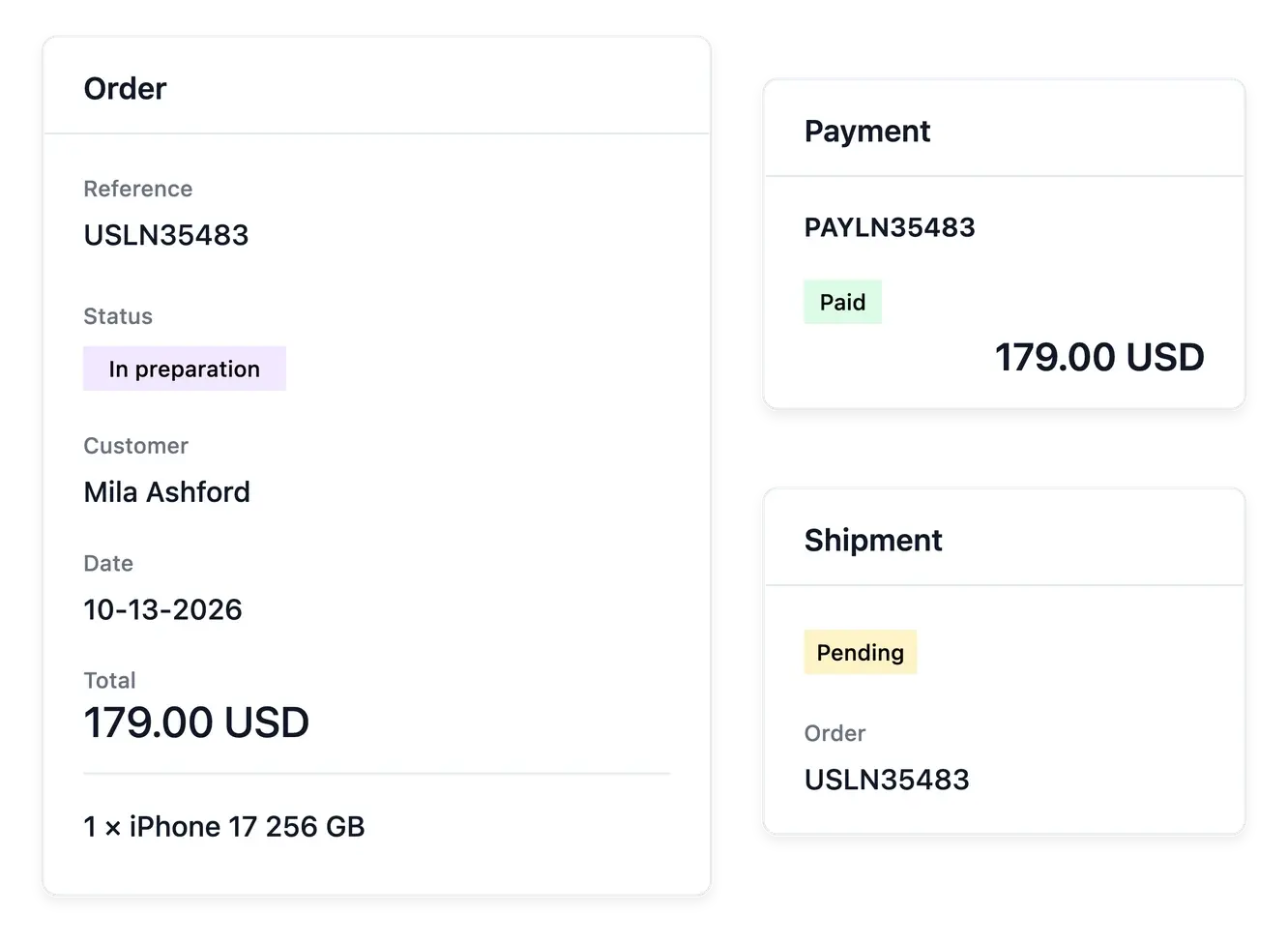
Follow each sale from its items and customer to its payments and shipments in one order record.
- Payments
Connect your shop’s Stripe, Adyen or PayPal account and follow each payment with its order and refund history.
- Shipments
Prepare parcels from orders and keep the carrier, recipient and delivery progress together.
- Returns
Define your own return stages and follow every returned item with its order and customer.
- Refunds
Handle full or partial refunds from the original payment and follow their progress.
- Customer credit
Consult retained customer credit on the customer record, without confusing it with an active points programme.
- Support
Answer customer requests with their order, item and full conversation in view.
- Carrier claims
Keep carrier claims linked to the affected parcel and record their progress.
- Refused parcels
Follow parcels refused at delivery and confirm their return to your warehouse.
- Reviews
Read product ratings, comments and buyer photos, then choose what appears on your shop.
Marketing
- Callouts
Highlight shop messages and product offers with banners, badges, notes and price labels.
- Promo codes
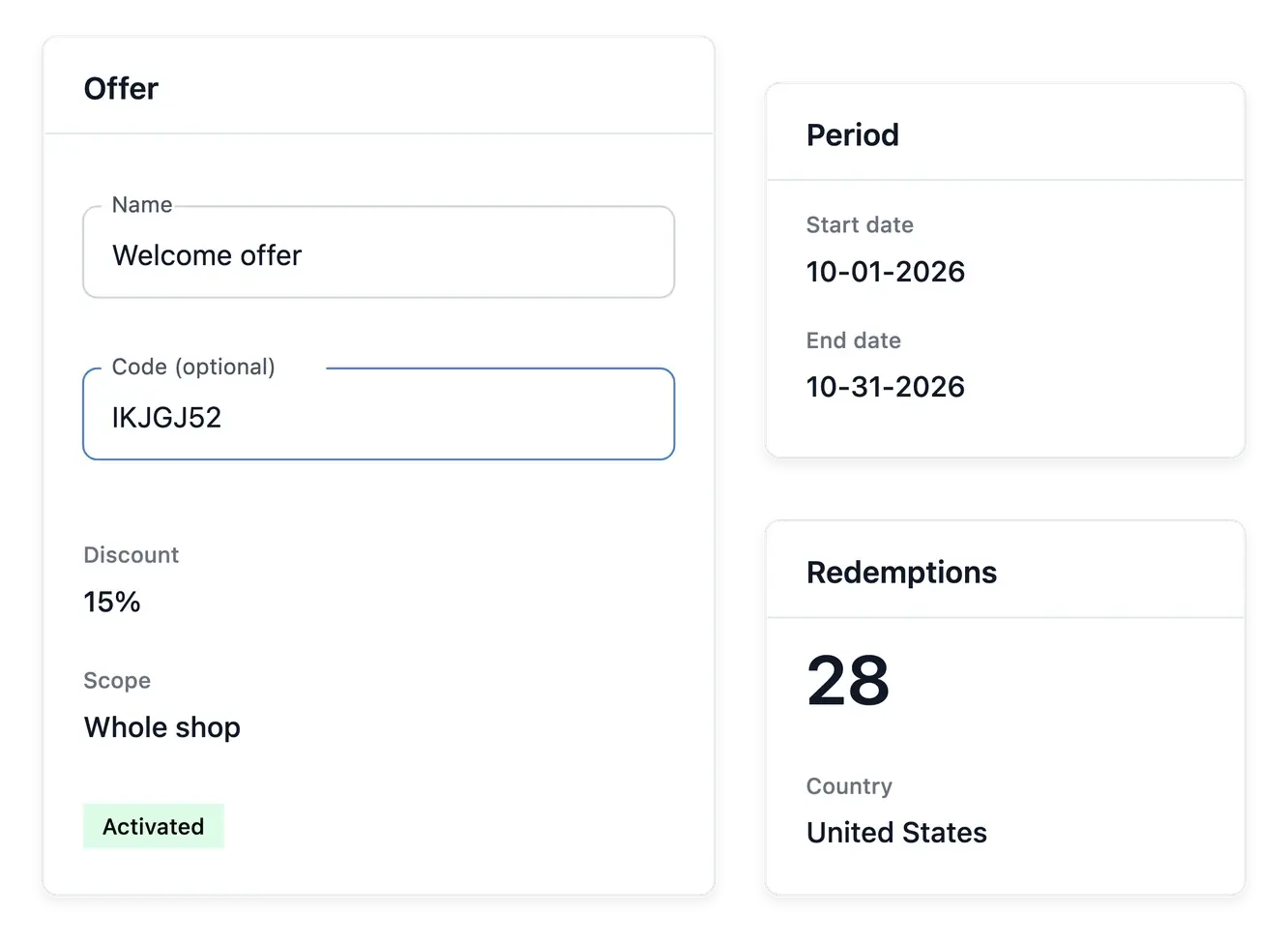
Manage promo codes, their validity dates, holders and usage limits.
- Promotions
Define the promotion benefit, conditions and availability period.
- Product feeds
Publish selected products for shopping platforms with country, language and currency settings.
- Press articles
Keep press mentions, publication logos and selected quotations ready to display on your shop.
- Newsletter
Keep subscribers and proof of consent together, prepare campaign drafts and synchronize configured Brevo contacts.
- Membership
Build membership levels and benefits, define paid membership offers and follow your members.
AI
- Product descriptions
Complete eligible missing product descriptions from the facts available on the product record.
- Category descriptions
Prepare missing category descriptions using the actual category context.
- Product search texts
Complete supported search titles and descriptions for the selected products.
- Category search texts
Prepare supported search wording for catalogue categories.
- Product-name translations
Translate product names for the shop’s supported target countries and languages.
- Help article translations
Translate eligible customized customer-help articles into the selected target languages.
- Shop text translations
Translate supported customized shop wording while keeping the source text linked to its target languages.
- Support reply assistance
Rewrite the reply you typed in the buyer’s language and return it to the reply form for review.
- Product photo standardization
Standardize supported product-photo backgrounds and framing without inventing another product.
The foundations for your shop’s next stage
- Build a shop that looks like you
Theme, colors, fonts, logo, menus and ready-made blocks.
- Describe each product once
Photos, characteristics, variants, price and stock, reused everywhere.
- Follow every sale
Orders, shipments, payments, refunds and customers in one place.
- Bring customers back
Promotions, promo codes, banners, product suggestions and newsletter audience preparation.
Design your shop, no code needed
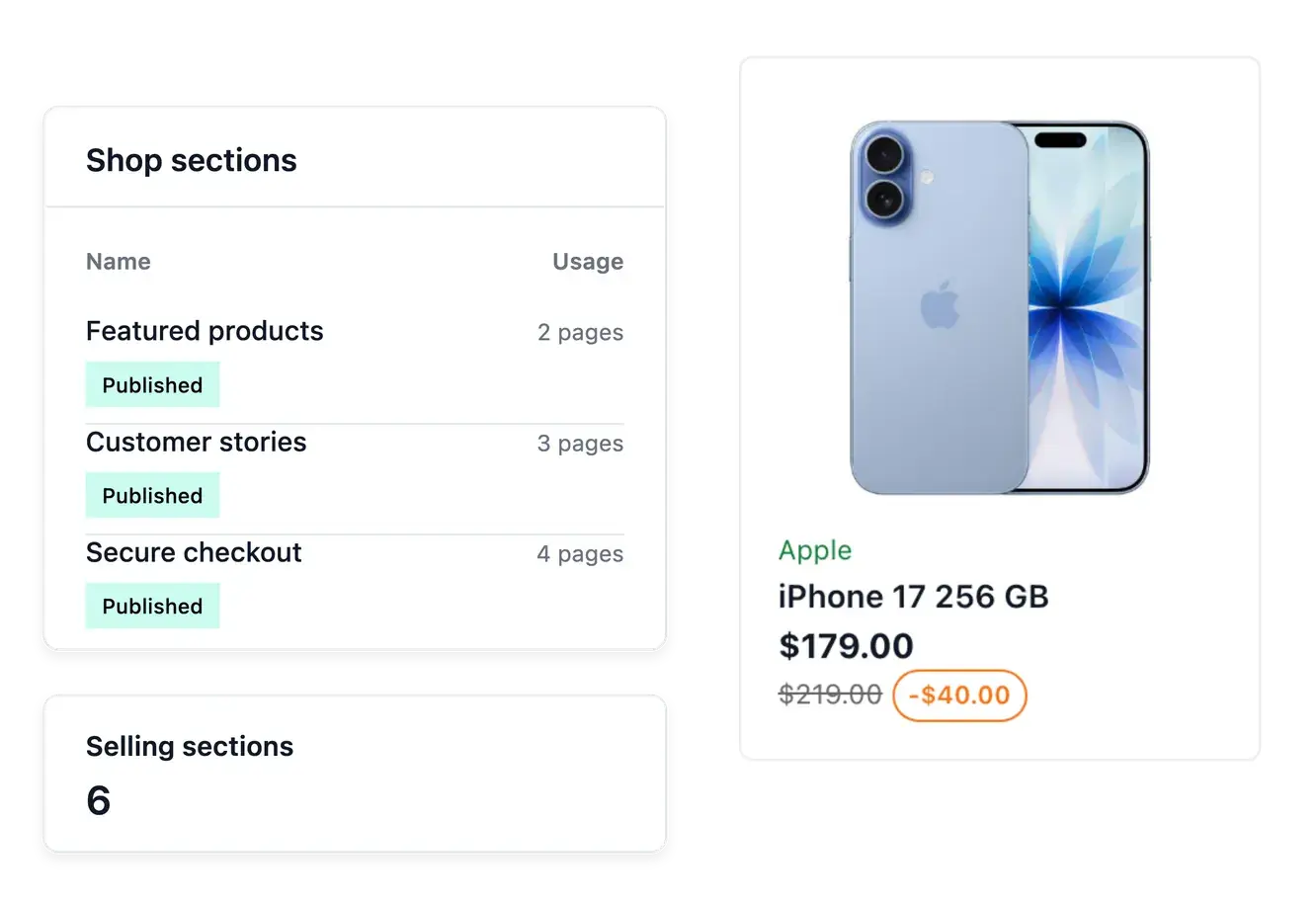
Assemble your pages from ready-made blocks (banner, text, gallery, testimonials, product highlight, call to action) that you create once and reuse on as many pages as you like, keeping them as drafts until they are ready.
One theme sets your colors, fonts, button style and spacing on every page, including cart, checkout, payment, confirmation and customer account pages, so the whole buying journey looks like your brand.
Your brand, set once and shown everywhere
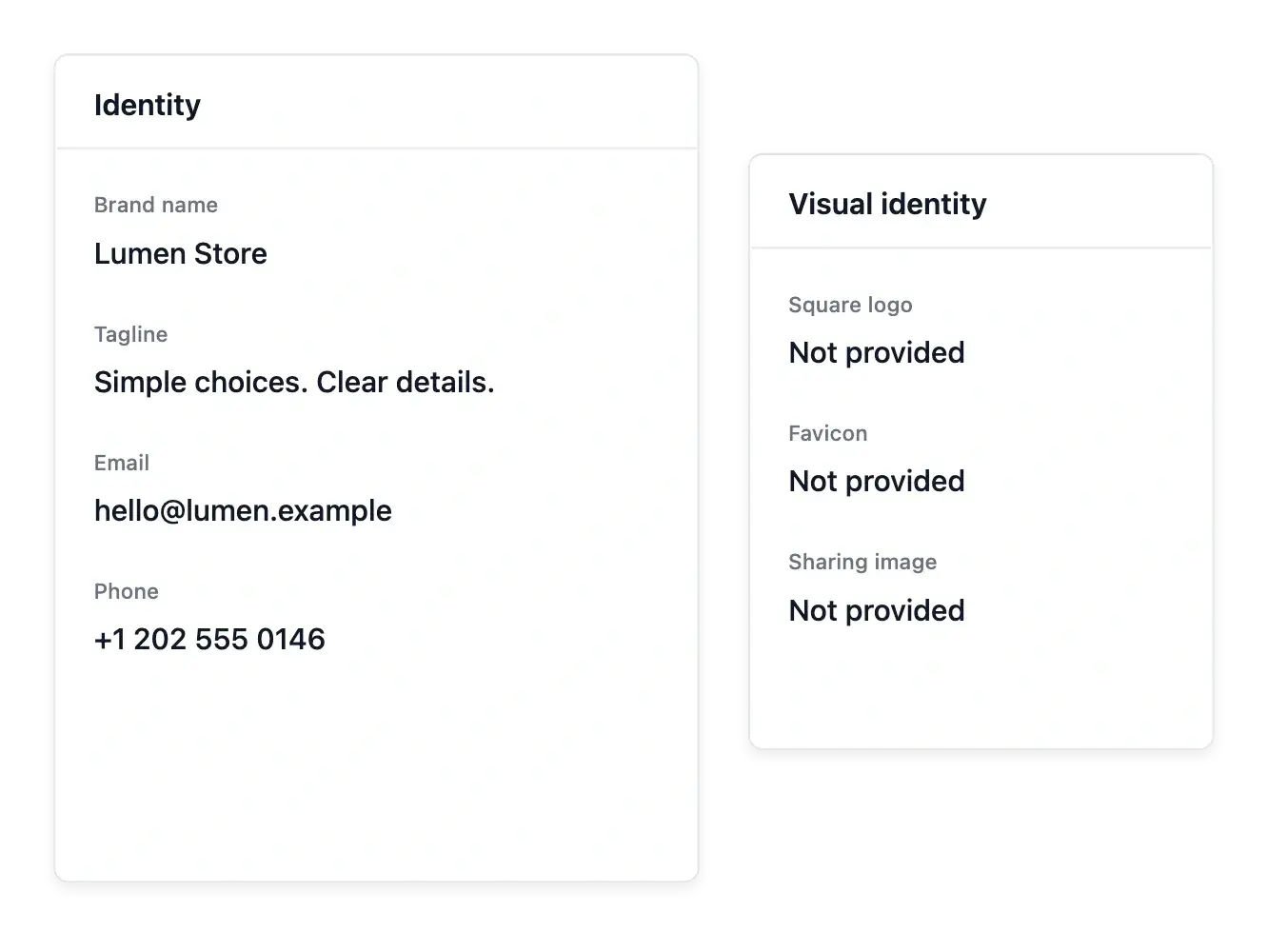
Name, logo, tagline, contact details and social networks are entered in one place and appear across the shop. Build several navigation menus (main bar, footer), order the links and publish when ready.
Add a help center for your customers, choose the countries you sell into and put your shop online on your own web address.
Writing help and tidy photos
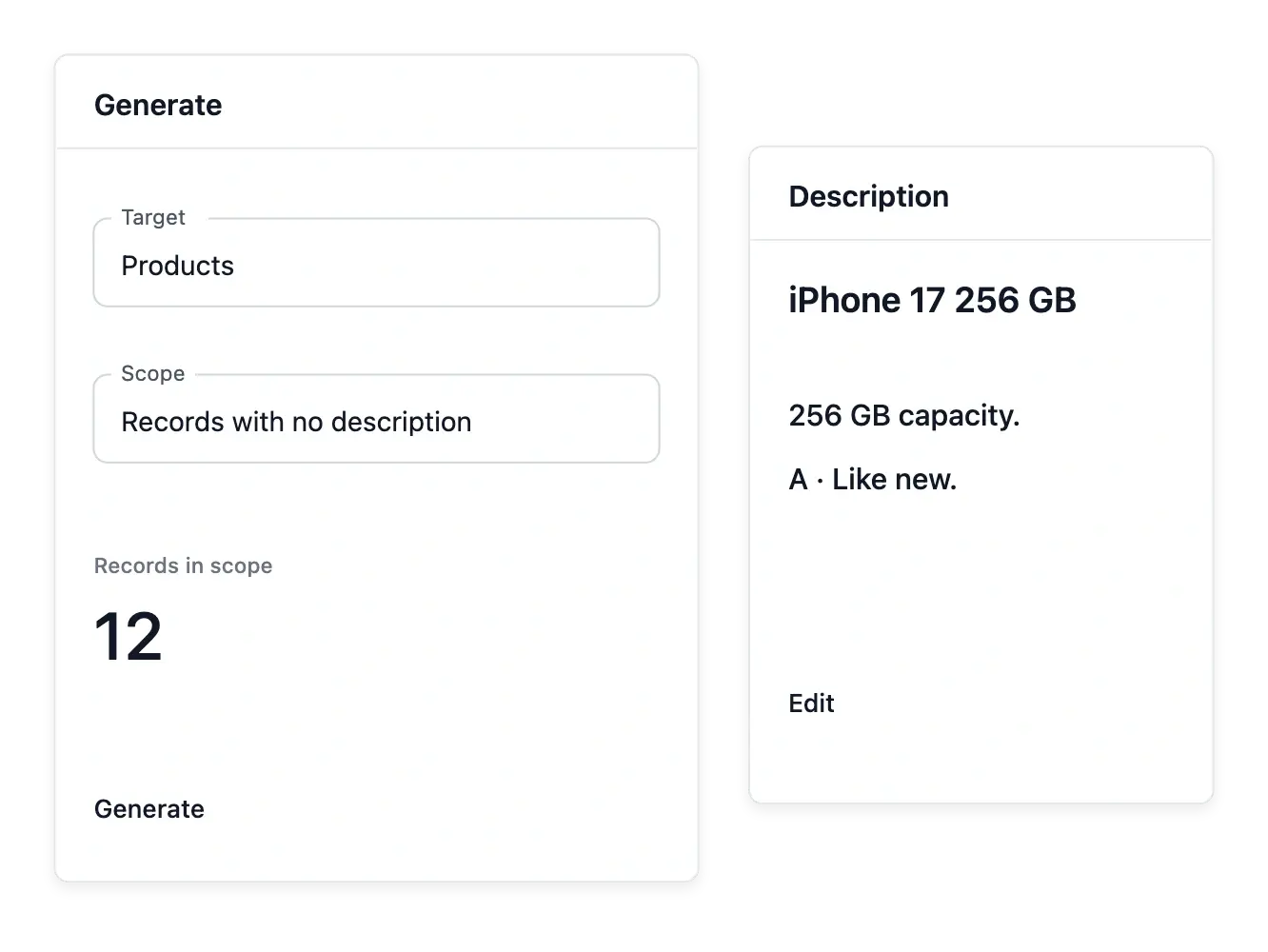
Built-in writing help suggests product descriptions and search-friendly texts so your products are easier to find, and the photo tool cleans up and standardizes the product photos you submit.
You stay in control and can edit every word.
A catalogue that is easy to keep up to date
Organize products into categories and sub-categories, on as many levels as you need, each with a name, picture, description and display order. Define characteristics such as color, size or material with their list of values, so products are filled in consistently.
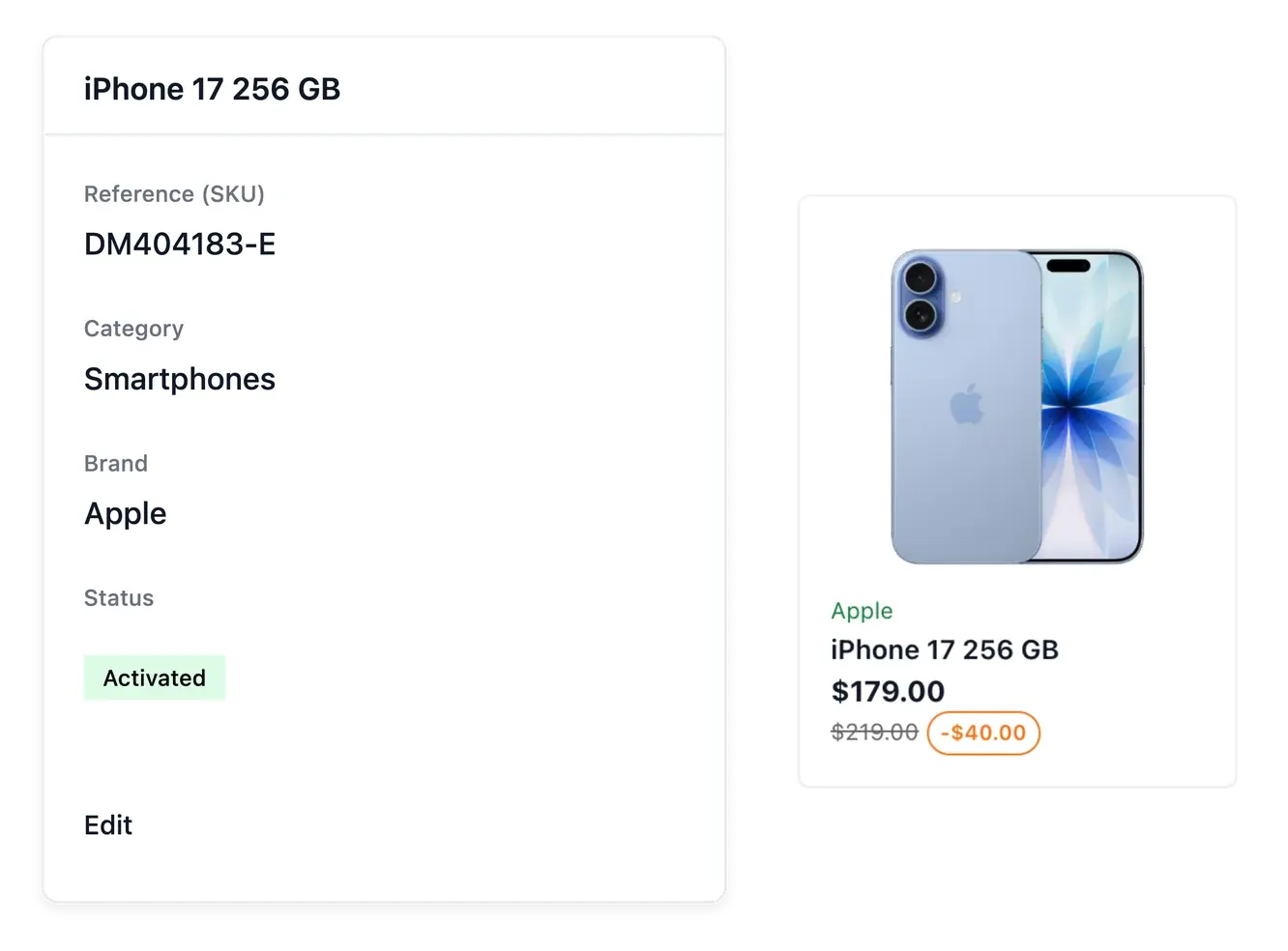
Each product has its photos, brand, composition, condition, price and variants, and you write it only once.
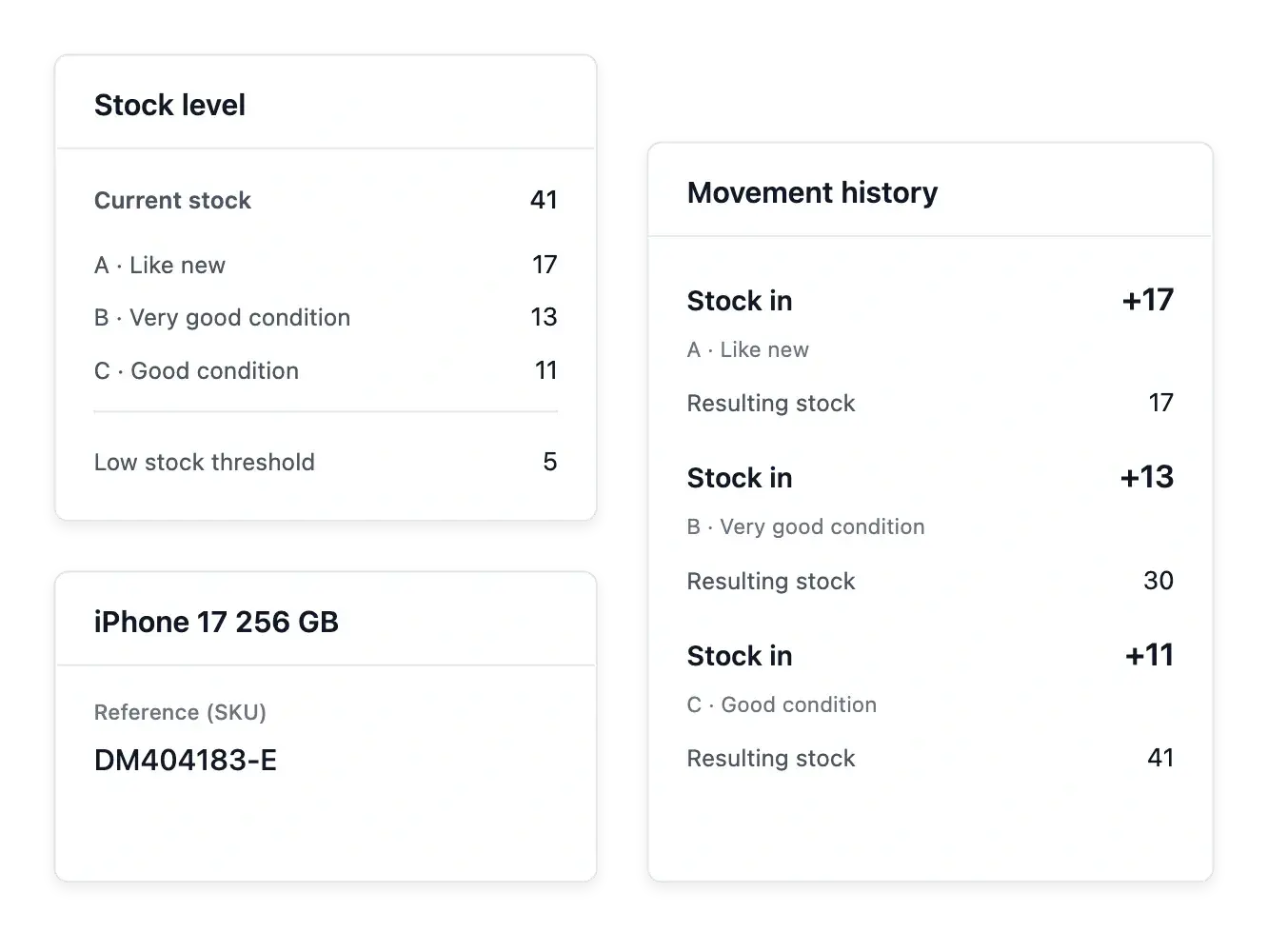
Stock you never lose track of
Record every incoming and outgoing quantity, product by product, and keep the full history.
Get an alert as soon as a product or a variant falls below its low-stock threshold.
Every order, from click to delivery
Follow each order, prepare shipments with their parcels, carrier and delivery tracking, and see each payment with its amount, method and status (pending, paid, refunded).
Refund in full or in part, confirm a pending payment with a receipt sent to the customer, and keep the history of each one.
Know your customers
One customer book with contact details, individual or company, billing and delivery addresses.
Each customer has a single page with their orders, addresses and your notes, and you find anyone in an instant.
Promotions that bring customers back
Percentage or fixed-amount discounts and promo codes; banners scheduled on your shop with their image, message and display period.
Product suggestion blocks such as "You may also like", showing products from the same category.
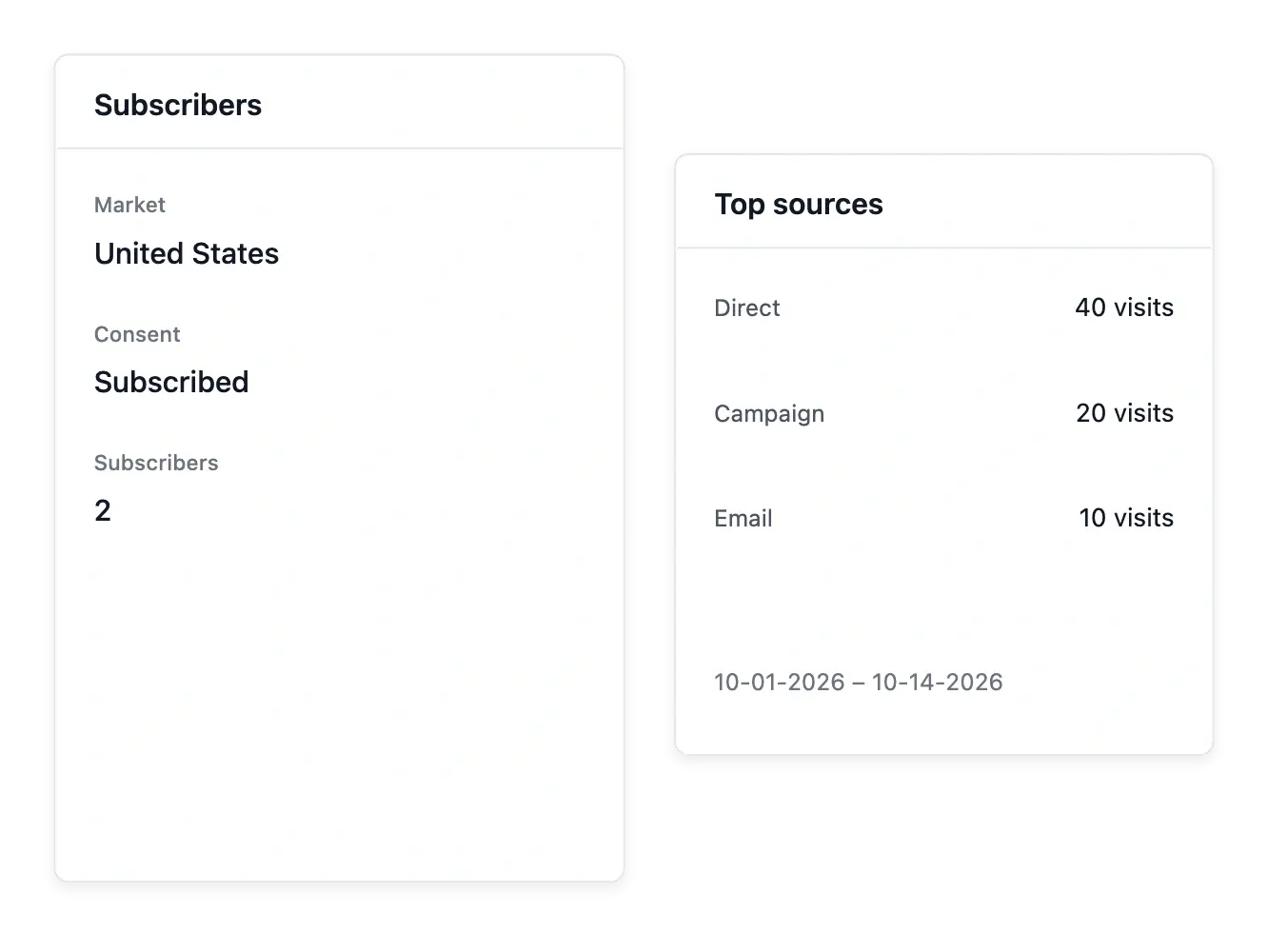
Prepare an audience and understand its activity
Review newsletter subscribers by market and subscription state, with the accepted wording, date and origin of consent. Use supported exports or configured Brevo synchronization to prepare the audience for your separate sending workflow.
Campaign preparation maintains drafts; it does not launch a send from those screens. Audience shows recorded visits, sources and page or product attention, while Statistics provides sales context. These observations help review the buying path without assuming every visit became an order.
Ready to take your shop further?
Explore the Ultineo tools and prepare the next step for your shop, from first launch to a growing business.
Frequently asked questions
No. Everything is done from simple screens: choose a theme, place ready-made blocks, fill in your products, and publish.
Yes. Your theme, colors and logo are applied to every page your customers see, including cart, checkout, payment and their account.
Yes. Each product can have variants, each with its own stock, and you are alerted when one runs low.
Yes. You choose the countries your shop sells into, and visitors see prices in their own currency.
Yes, in full or in part, directly from the payment, with its full history kept.
Percentage or fixed-amount discounts, promo codes, banners and product suggestions.
Only to fill gaps: automatic generation completes empty description and search fields and never overwrites your own wording. You can switch it off for your shop and edit any result on the product.
Yes. You put your shop online on your own domain.
Use the Talk to us form to describe your business; our team will get back to you about opening an account.