Shop workspace
Start each shop task in the right workspace
Manage your shops, account information and workspace appearance from one application.
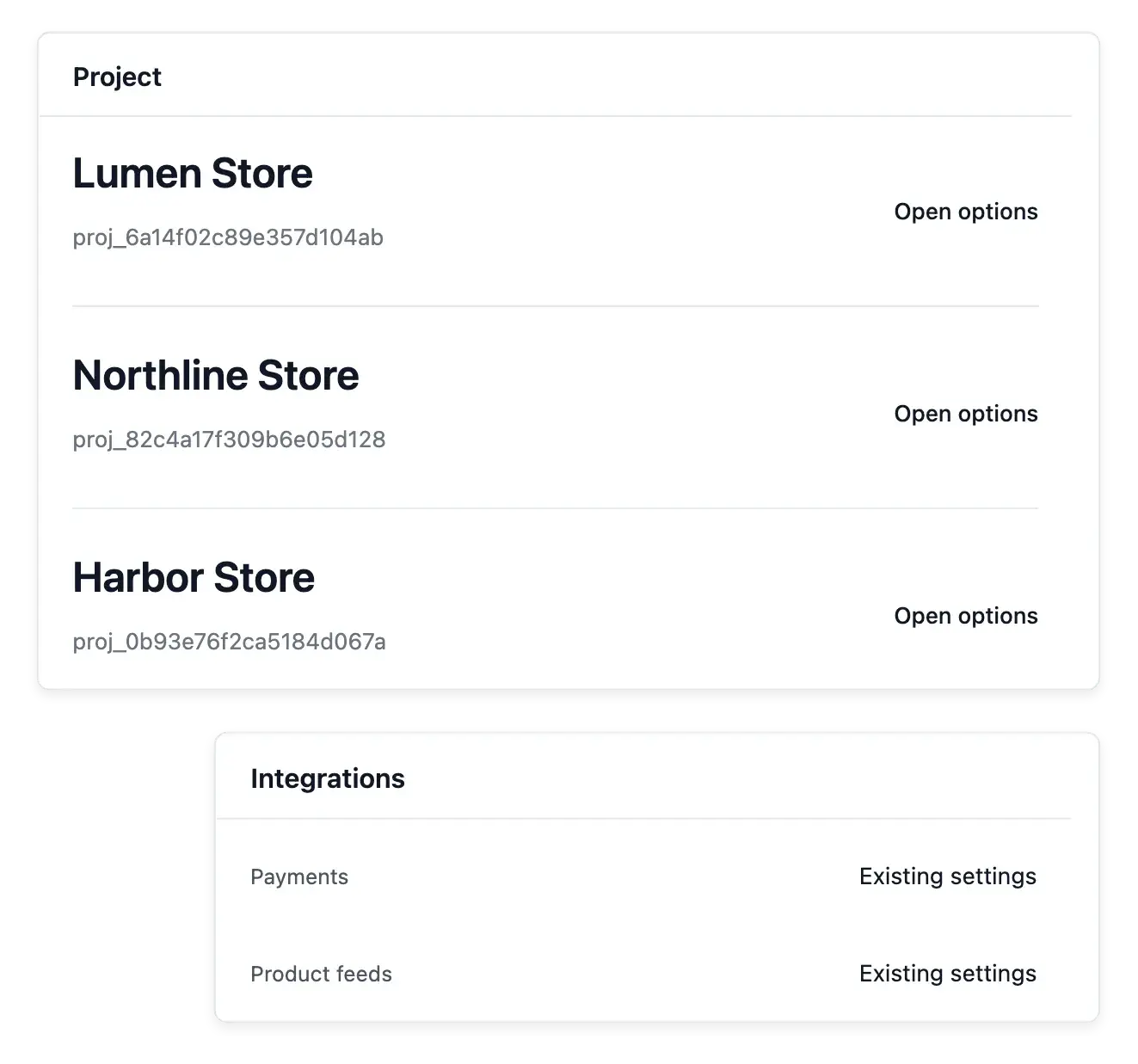
Keep each shop's working context clear
- Select your shop
Open or create a shop workspace and keep each shop’s data separate.
- Account information
Update your profile and password and consult connected devices.
- Workspace settings
Maintain company information and workspace appearance and consult application release information.
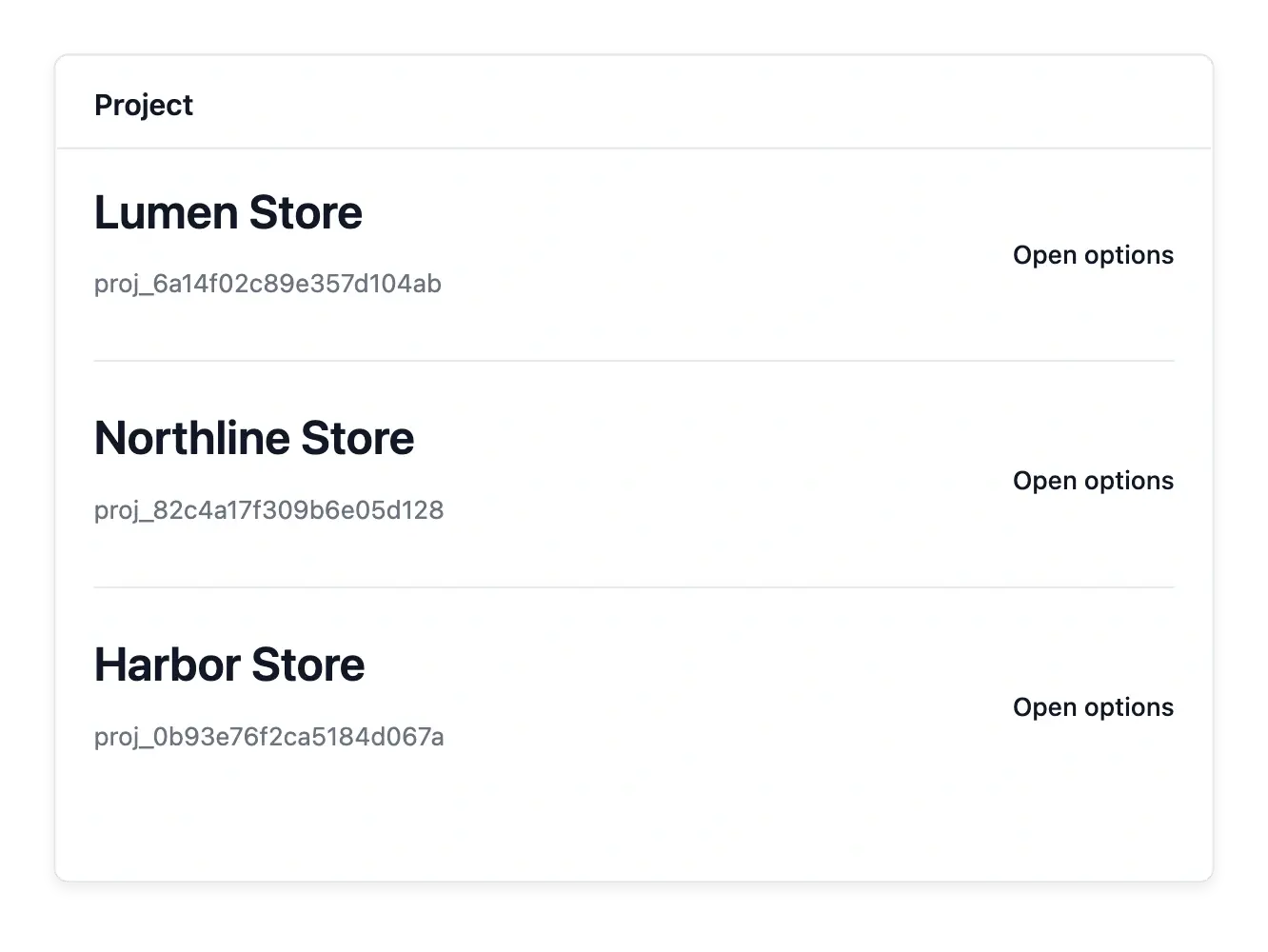
Choose the business you are working on
Open or create a shop workspace, then maintain its company information and supported appearance settings. Selecting the right shop is the starting point for every catalogue, order or customer action.
Profile settings maintain the person's information and password, while connected-device information helps review account access. Distinguish these personal settings from the business data belonging to the selected shop.
Keep personal settings and shop context separate
The selected shop. Choose or create the shop workspace before editing business information. Its catalogue and customers belong to that context.
Company and appearance settings. Maintain the selected shop’s business information and supported appearance. Those settings are distinct from the person’s own profile.
Profile and access context. Use personal information, password and connected-device views for account maintenance. Switching shops does not merge their business records.

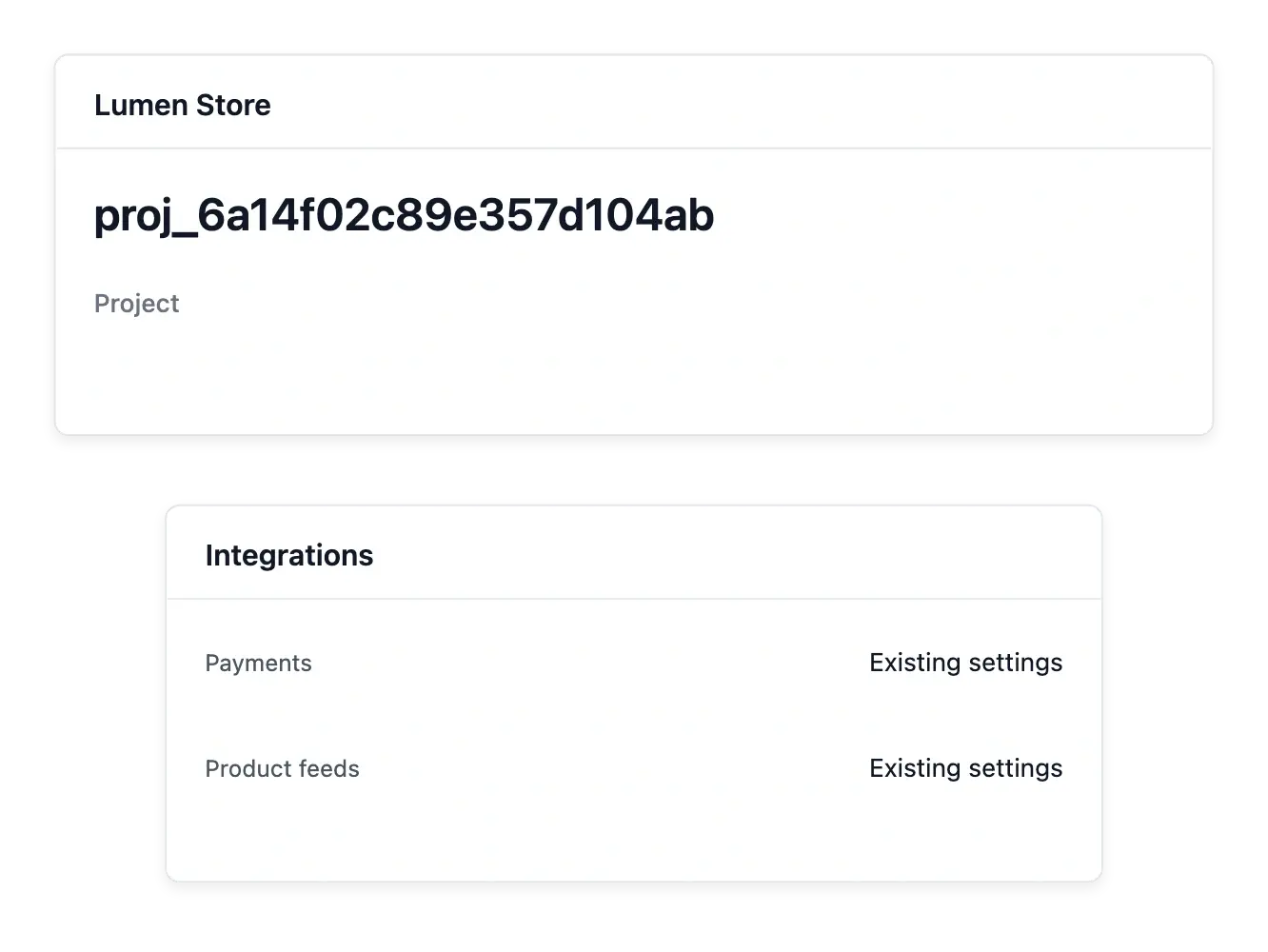
Bring shop settings and daily tools together
Each workspace keeps its own business context as you move through the tools. When changing shops, verify the selected name before editing an item or investigating a customer record.
Consult application release information for changes to the tools you use. Workspace settings organize access and context; they do not merge several shops' catalogues or customer books into one shared business record.
Start each task in the correct workspace
Select the business context. Open the relevant shop and confirm its name before investigating an order or changing a product.
Maintain the right settings. Edit shop information in the workspace and personal details in the profile. Keep changes attached to the subject they concern.
Keep up with tool changes. Consult available release information and review account access when needed. Shop switching preserves separate catalogues and customer books.
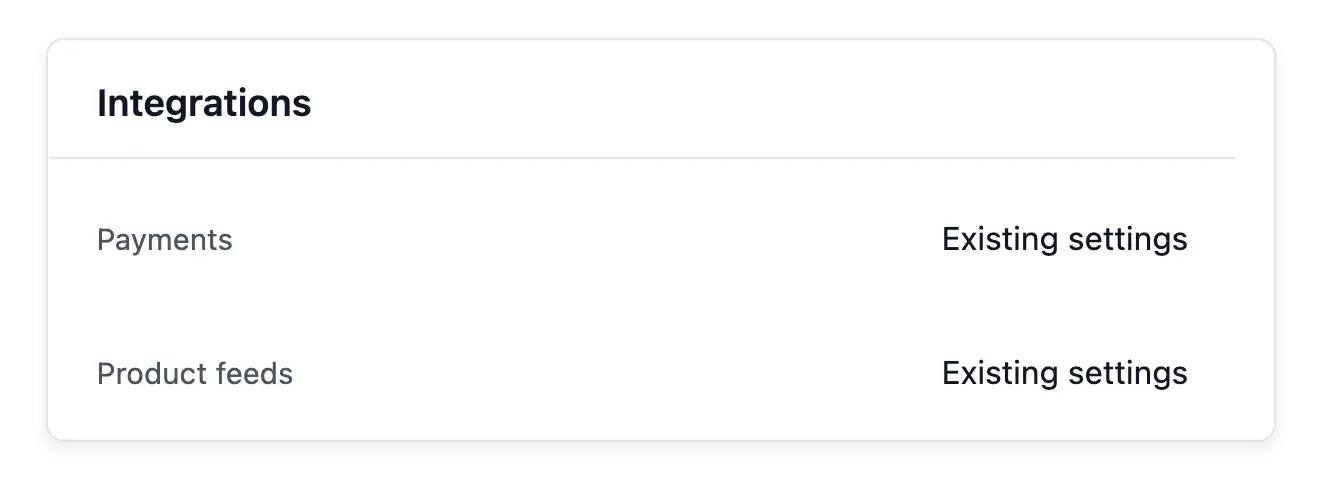
Give a growing business an organized place to work
Keep the selected shop, company settings and personal account information understandable.
Questions about Shop workspace
The workspace tools let you select or create shops and work in the chosen context.
Yes. Catalogue and operational work follow the selected shop's context.
In your personal profile settings, rather than the shop's product or company records.
Yes. Account profile tools include connected-device information.
In the selected workspace's company settings.
No. It changes the working context, rather than combining the shops' business records.