Products
Build a catalogue that’s ready to sell
Bring names, photos, specifications and selling information into one product record. Reuse shared catalogue resources to keep your range consistent as it grows.

Build a catalogue you can grow
- A complete product record
Keep identity, description, brand, characteristics and images together.
- Control availability
Prepare a draft, put it on sale, pause it or remove it from sale.
- Connected catalogue
Product details feed your storefront, orders and product feeds from the same record.
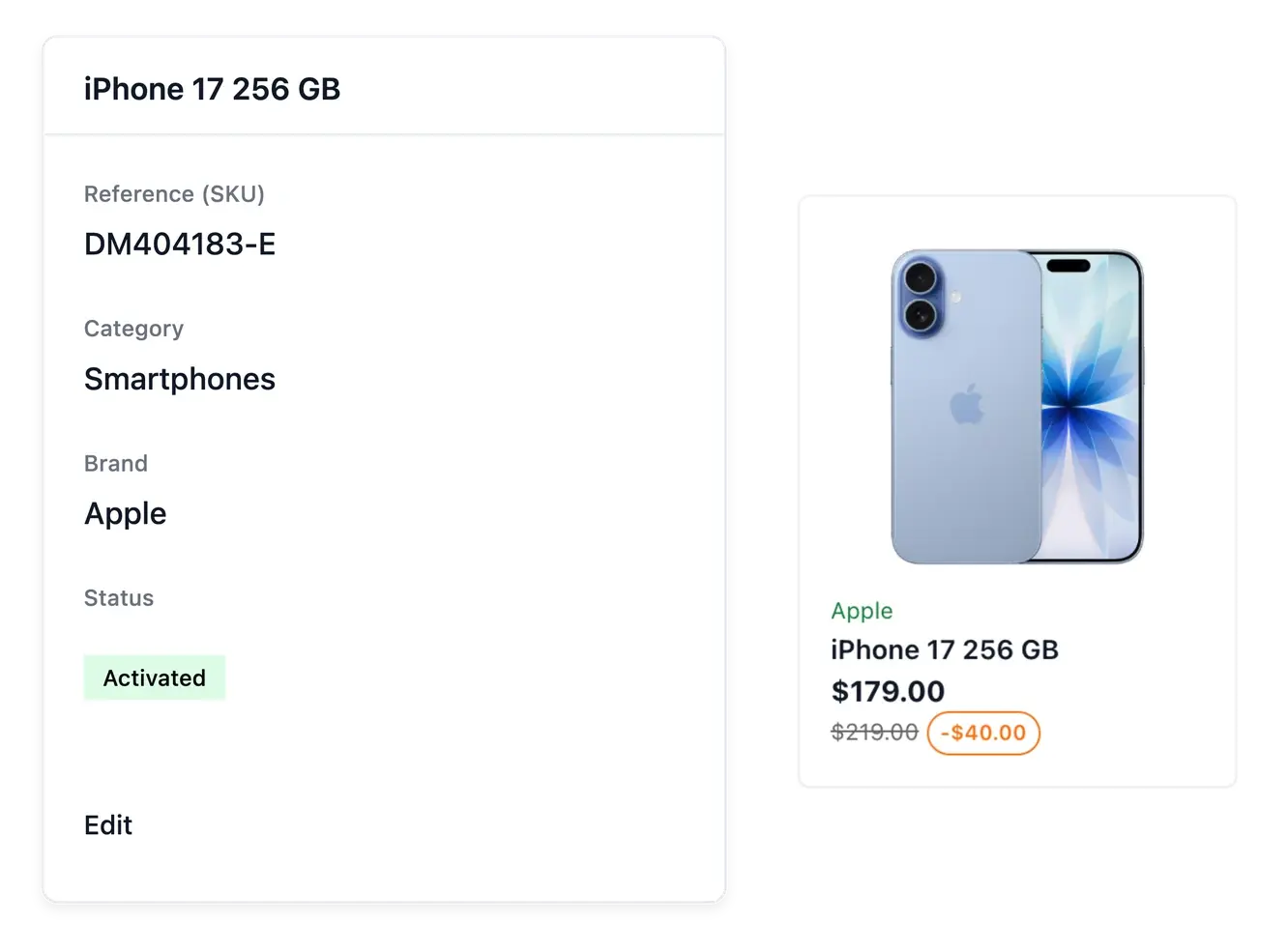
Give each reference a complete record
Start with the product's name, reference, description, category and brand. Add images and characteristics from its own record. Your team has one place to correct information instead of maintaining different descriptions for every sales tool.
Organize products in categories and subcategories, with names, pictures and display order that help shoppers browse. Reuse brands, accepted characteristic values, groups, condition descriptions and warranties rather than creating a different vocabulary for each product.
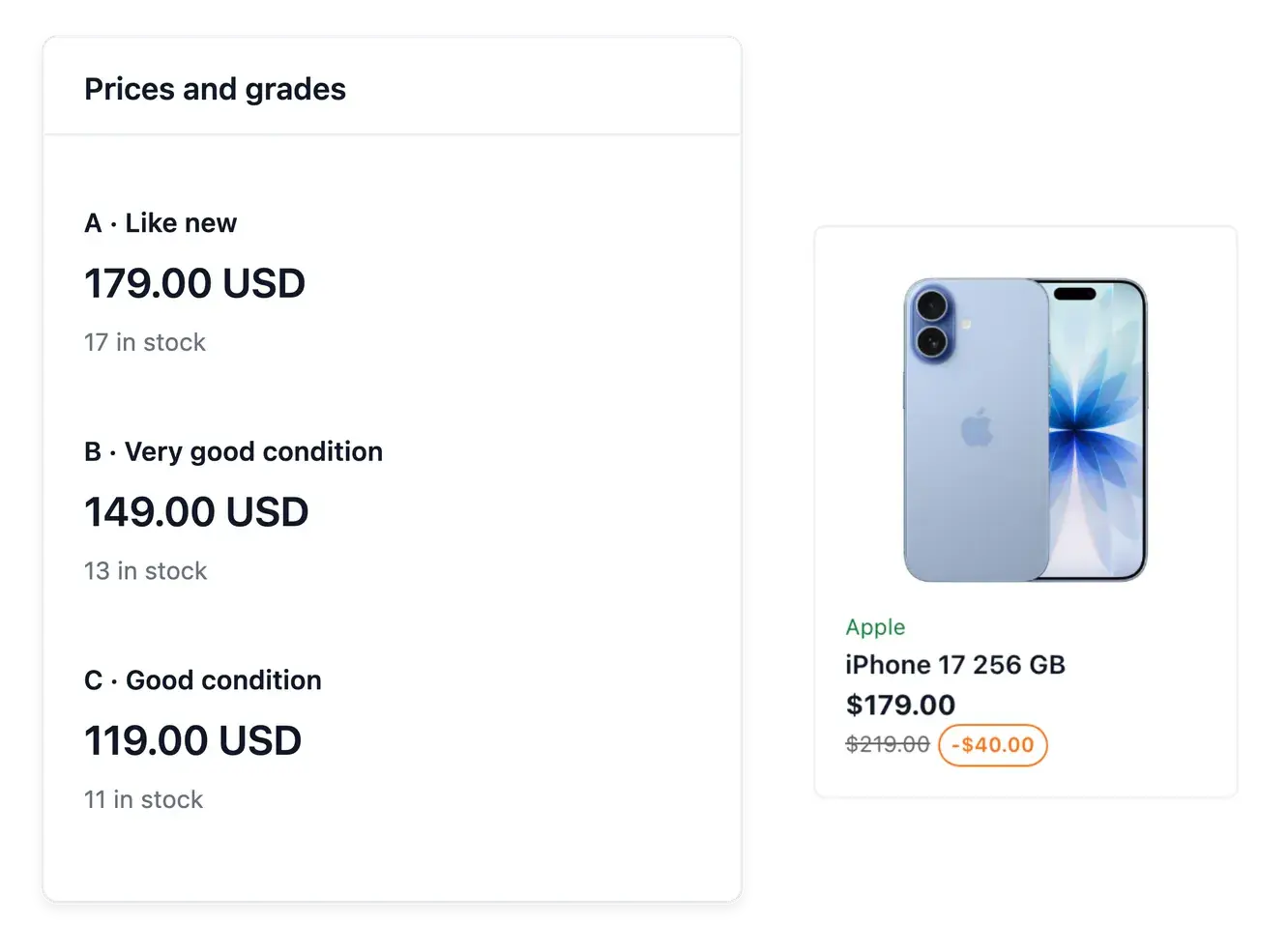
Price each condition as its own offer
Maintain a selling price and available quantity for every condition you offer. The same reference can have a like-new offer and a lower-priced offer in a different condition, without losing its shared name, photos or specifications.
Review the price and stock together on the product record. A correct description explains the item; the recorded offer tells your team which condition is available and at what price.
Turn catalogue work into a better buying experience
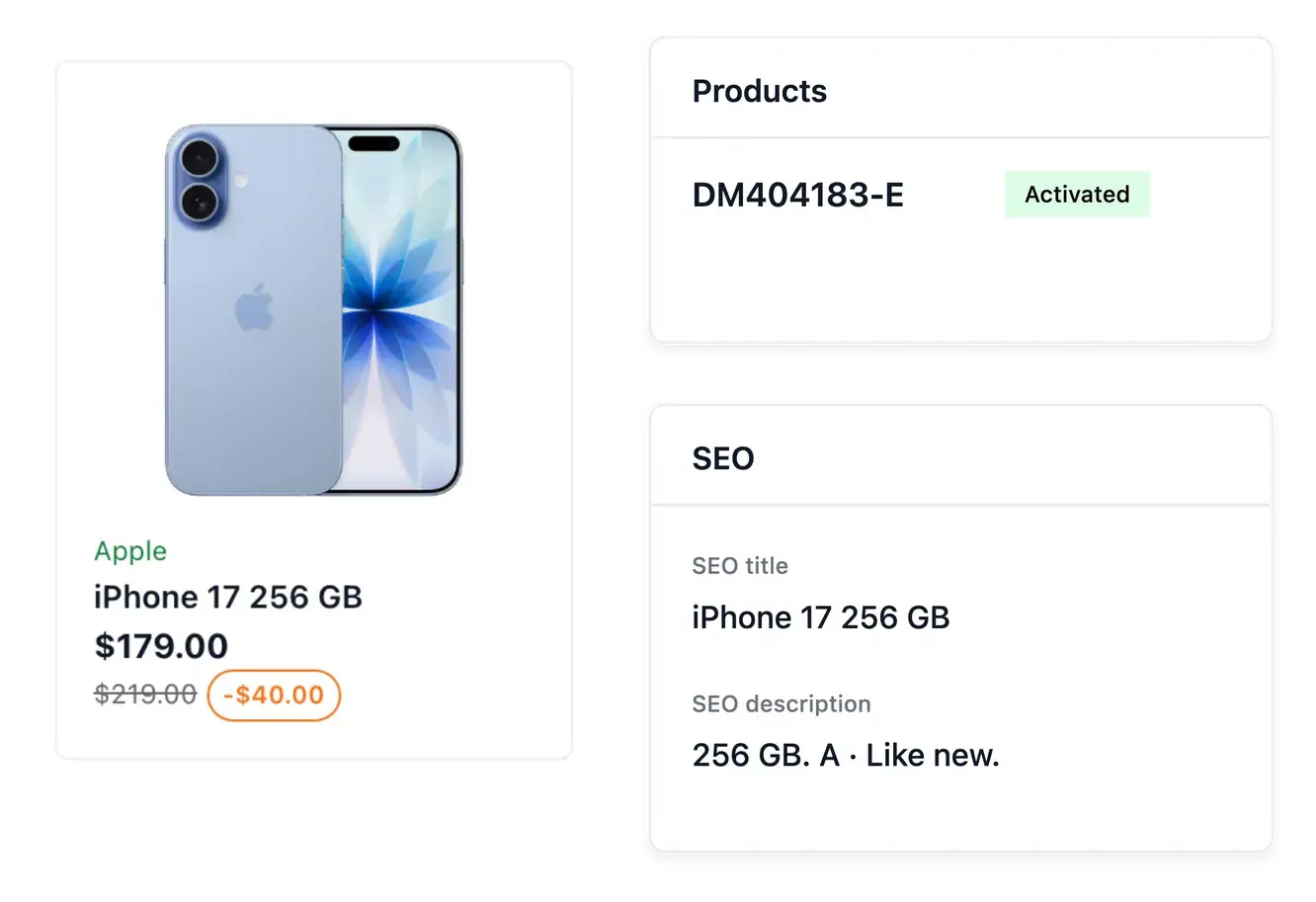
Maintain the product photos, descriptions and search wording on the relevant record. Product-name translations and the supported AI description and search tasks help complete eligible missing content while preserving your own text. Review the result before depending on its country coverage.
Import and export supported catalogue data using files and inspect the line results and run journals. Prices and quantities remain tied to the actual product or condition offer. Dedicated stock, brand, characteristic, variant and warranty tools explain those shared resources in more detail.
Give shoppers a complete answer before they buy
Combine the product photos with its description, accepted characteristic values and warranty. Each piece answers a different question: what the item looks like, how it can be used, which version it is and what cover applies.
Maintain these details in their dedicated product tabs. When an image or a value changes, check that the name, description and reference still describe the same item before relying on the shop presentation.
Give your range the structure it deserves
Prepare richer product records and a catalogue that can grow with your shop.
Questions about Products
Product management covers the product record and its categories, content and shared catalogue settings. Reuse the dedicated brand, characteristic, variant and warranty resources to keep entries consistent.
Yes. Condition grades can carry their own selling price and stock, useful when the same reference exists in several conditions.
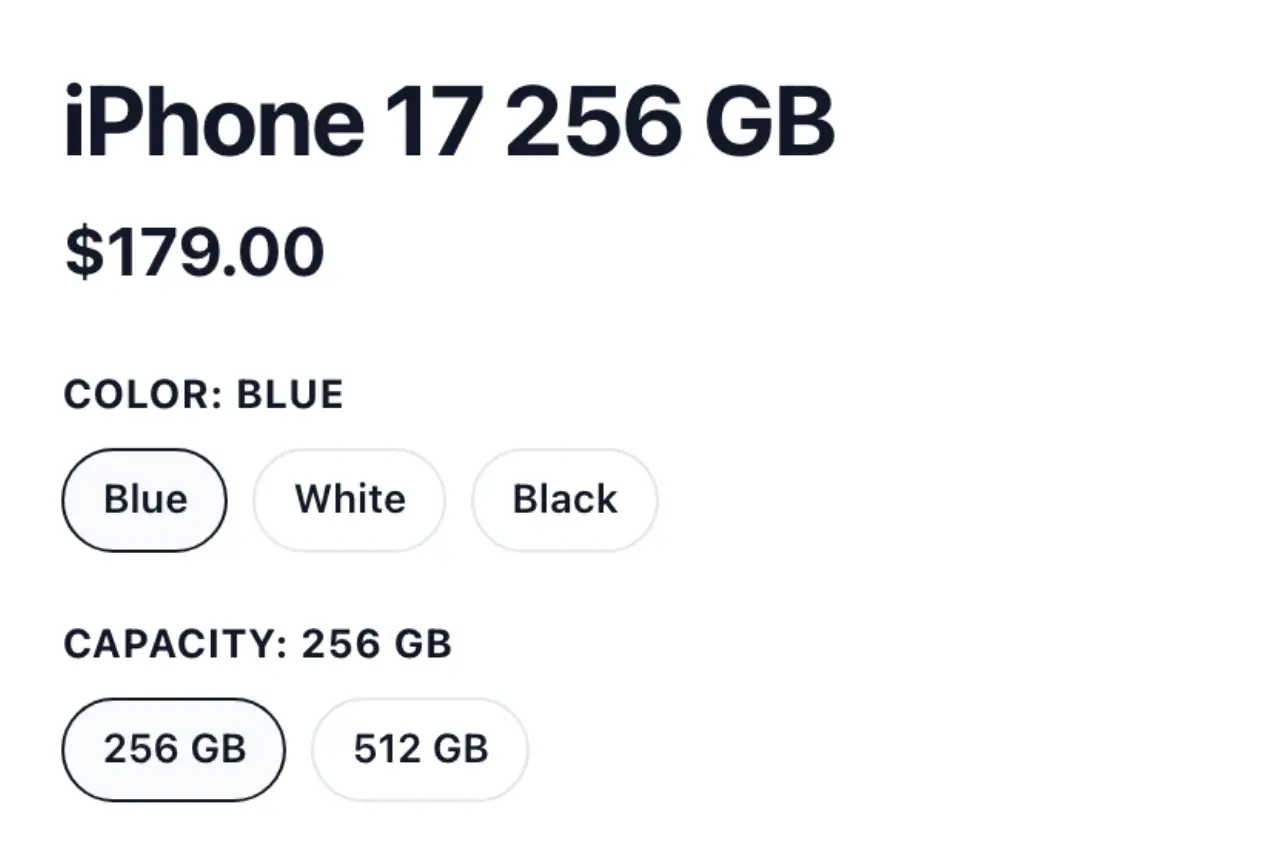
Product groups gather related products and define their option axes. Each version retains its own product information, price and stock.
Yes. Prepare a draft, then use its availability actions to put it on sale, pause it or withdraw it.
Yes. Catalogue import applies a spreadsheet and reports created, updated, unchanged and refused lines. Check the report after each run.
No. The catalogue manages what you sell and its recorded stock. Supplier orders and stock accounting are separate business processes.