Orders
Keep the whole sale connected from order to delivery
Follow each sale from its items and customer to its payments and shipments in one order record.
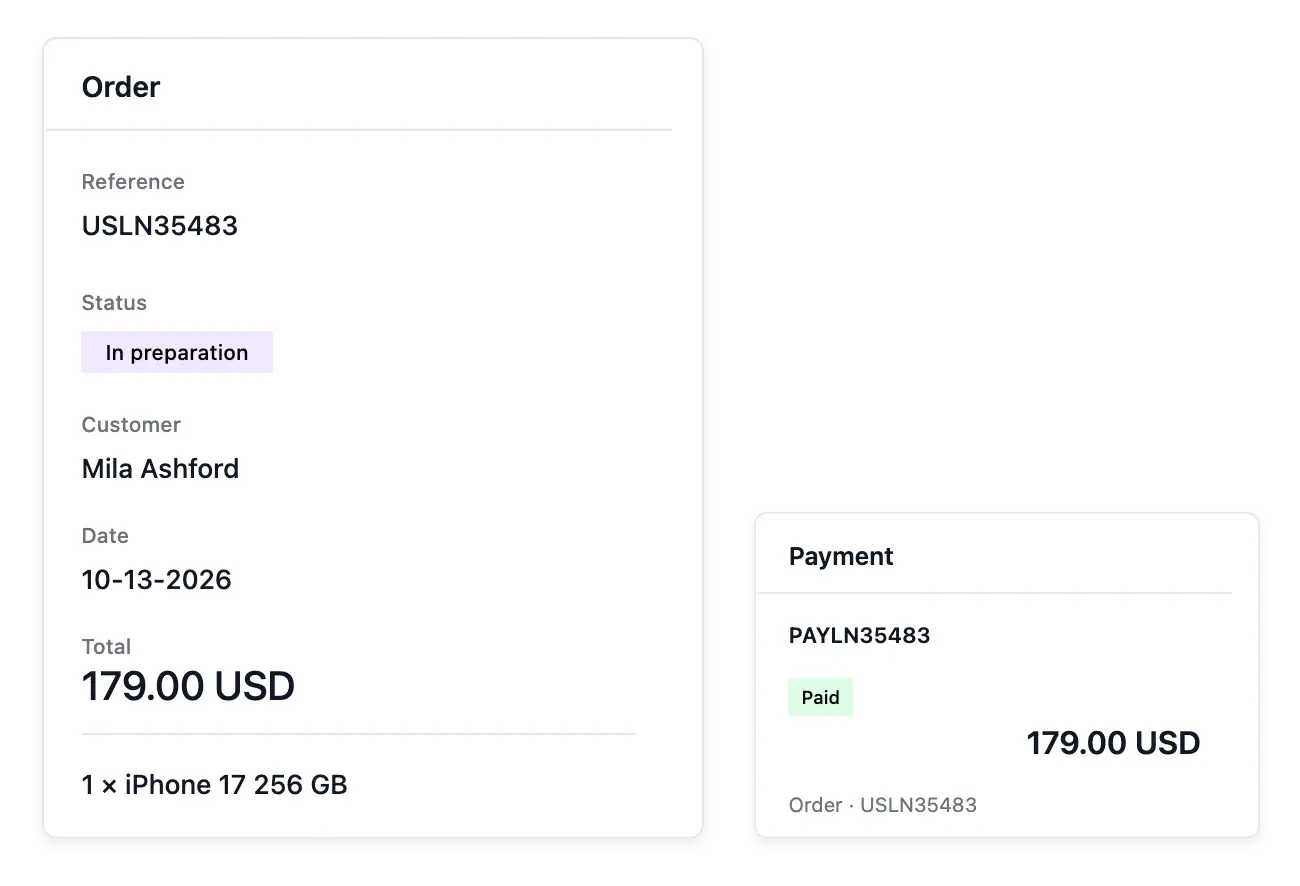
Follow a sale from its first record to delivery
- Your order book
Find online orders and orders entered by hand, with their current progress.
- Every part connected
Read the customer, items, totals, payments and shipments together.
- Move an order forward
Open the actions that fit the order’s current state and consult its history.
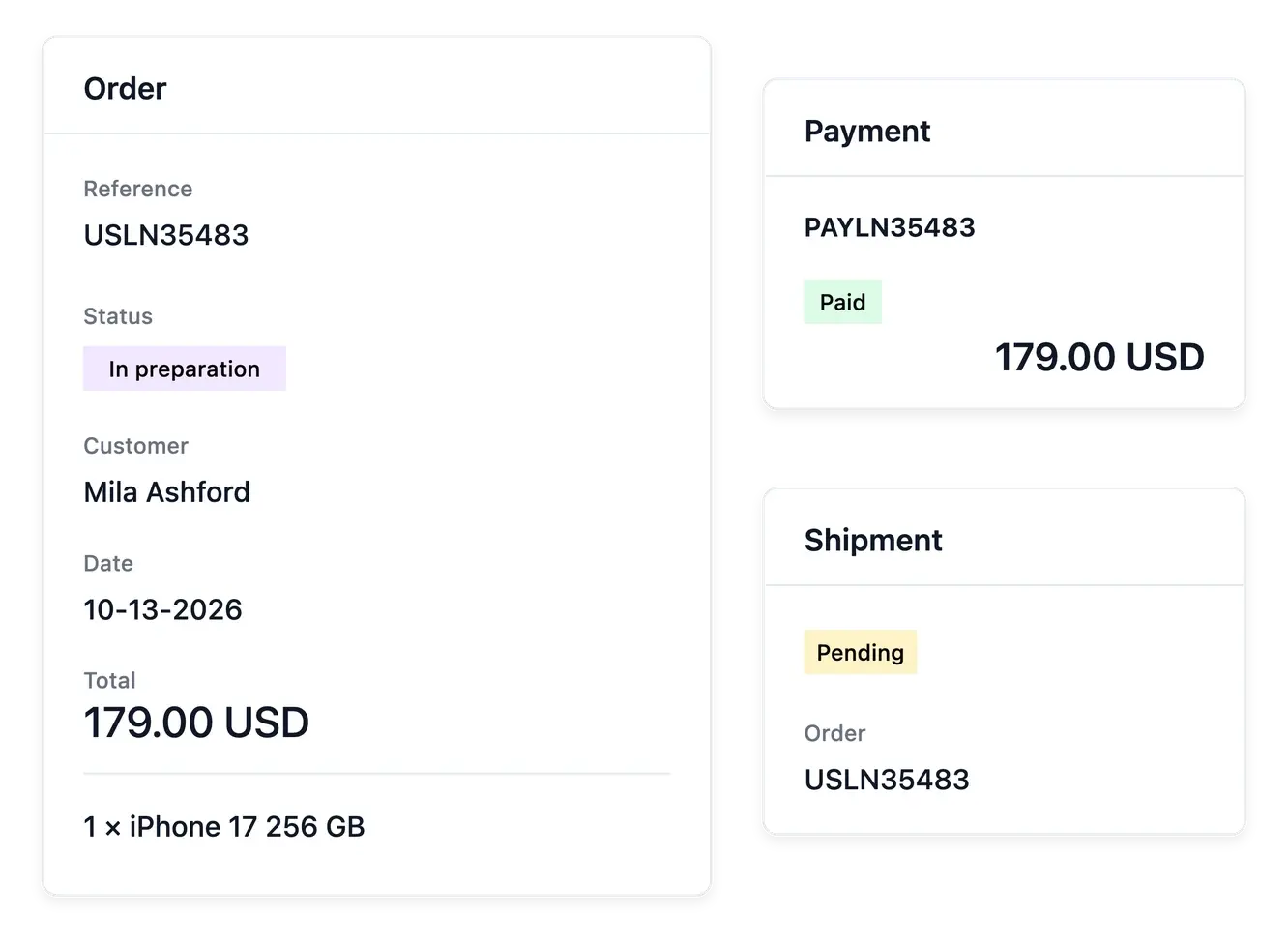
Bring every part of the order together
The order book includes online sales and orders entered by hand. Open one order to read its customer, items, totals, payments and shipments with the history that explains its progress.
Use the actions available for its current state to move the work forward. Keeping the order, its money and its parcels connected helps your team avoid treating payment confirmation or shipment preparation as the whole sale.
Read the whole sale from one record
Items and customer context. Open the recorded items and customer details together. The reference gives the team a consistent starting point for fulfillment and support.
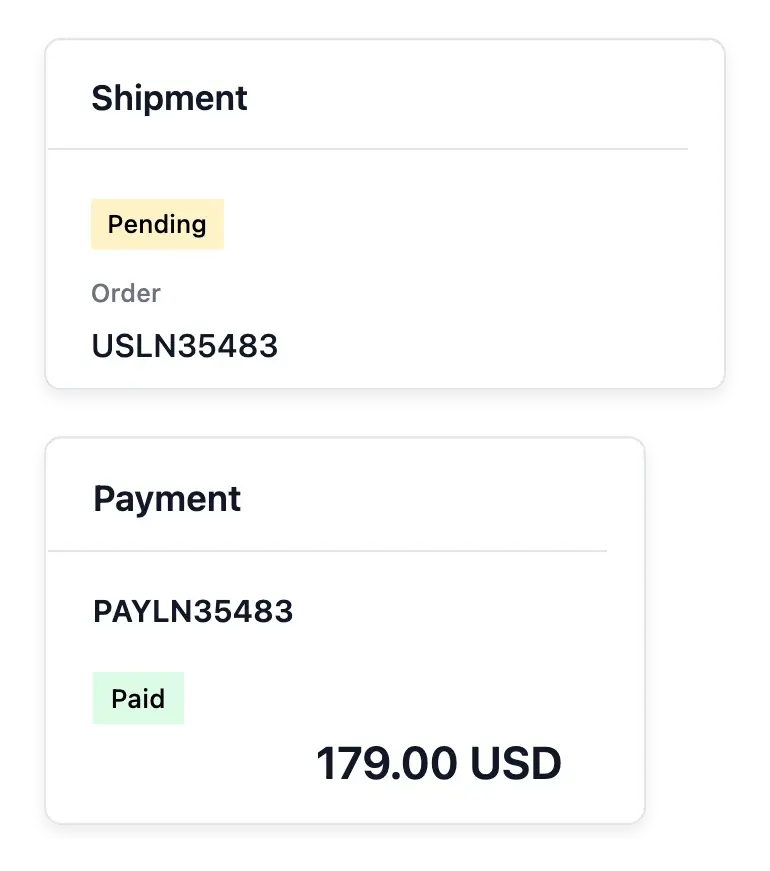
Payment and shipment links. Follow the associated payment and parcel records from the order context. Their own states explain different parts of the sale.
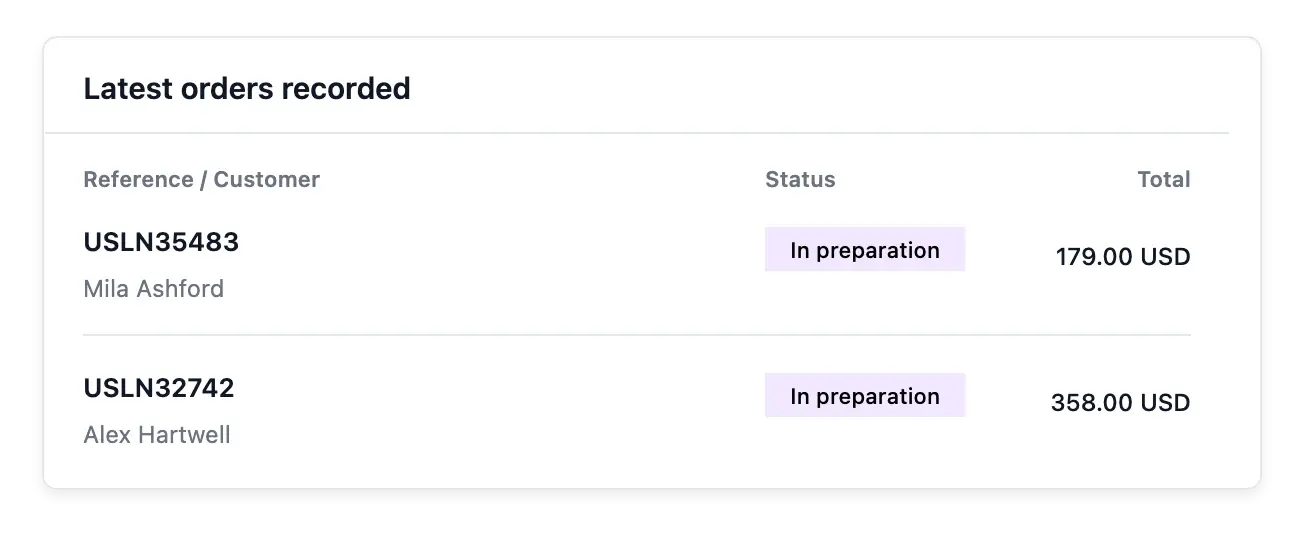
Orders needing attention. Use the overview and directory to find the recorded orders, then inspect the individual case. Stock availability belongs to the relevant references.
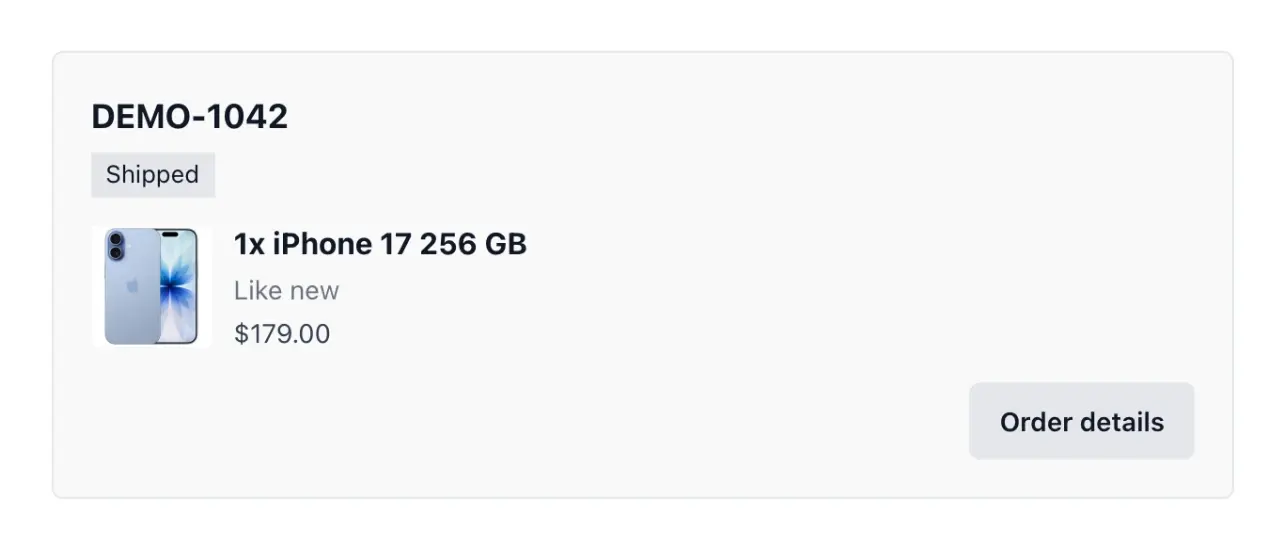
Answer the customer's question from the actual record
Open the order’s payments and shipments tabs when a question needs their detail. One order may involve separate operational records, and each retains its own state and history.
The collection helps find and prioritize work; Statistics studies sales across a period. Use the record for decisions about an individual purchase and the report for understanding the wider business.
Move an order through its next steps
Find the purchase. Search the order directory and open the relevant record. Confirm the buyer and items before handling a request or preparing a parcel.
Review the sale’s state. Inspect payment information and any stock issue. A payment attempt or an order record alone does not prove a completed settlement.
Follow delivery and after-sales. Consult shipments for the parcel’s progress, then use support, return and refund records when the customer’s case requires them.
Give growing sales a connected operational workflow
Keep the customer, goods, payments and delivery context together for every order.
Questions about Orders
Yes. The order book supports orders entered by hand as well as online orders.
Open the order's detail and its item information.
Yes. The order lists its payments and shipments in their own tabs, each with its status.
Actions depend on the order's current state and the operations applicable to it.
Yes. The order history keeps the recorded progress accessible.
No. Order, payment and shipment states describe related but different parts of the sale.