Reviews
Read customer feedback before deciding what to publish
Read product ratings, comments and buyer photos, then choose what appears on your shop.
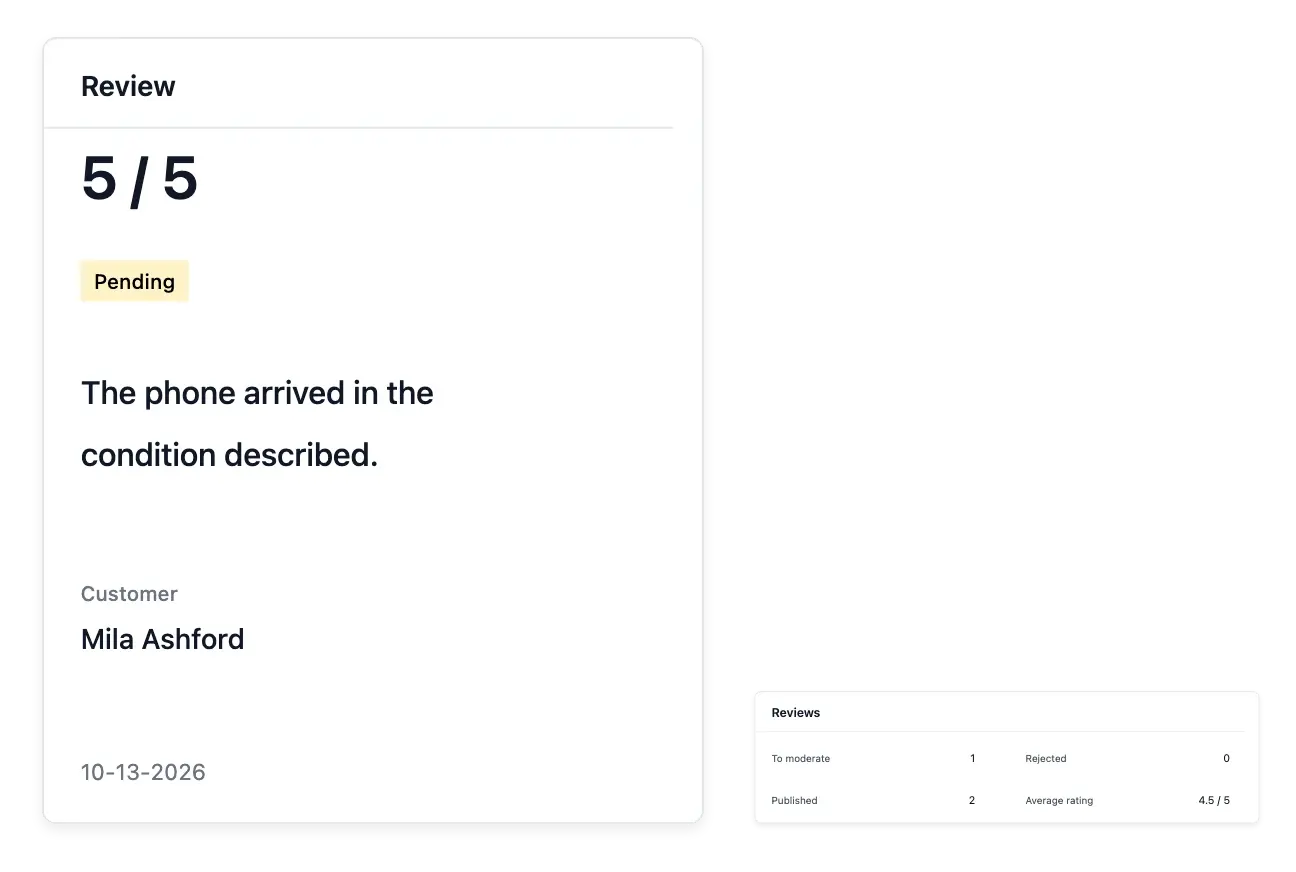
Make customer feedback useful
- A review inbox
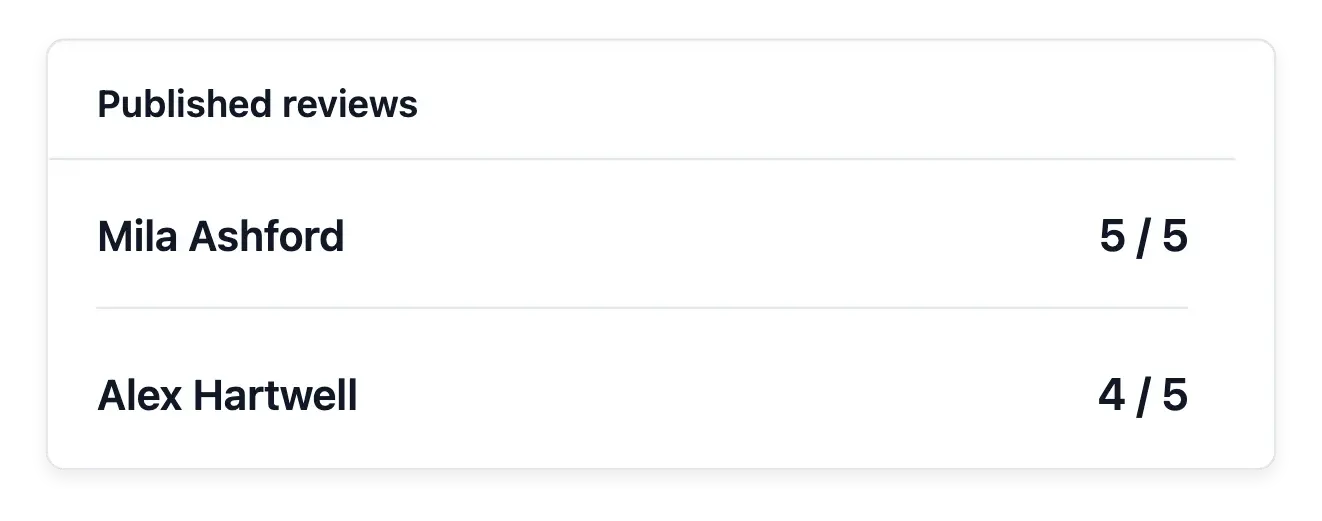
Find pending, published and rejected reviews, with the average published rating.
- The full review
Read the original words and photos with their product, buyer and order.
- Publication decisions
Publish or reject a review and accept or hide each attached photo.
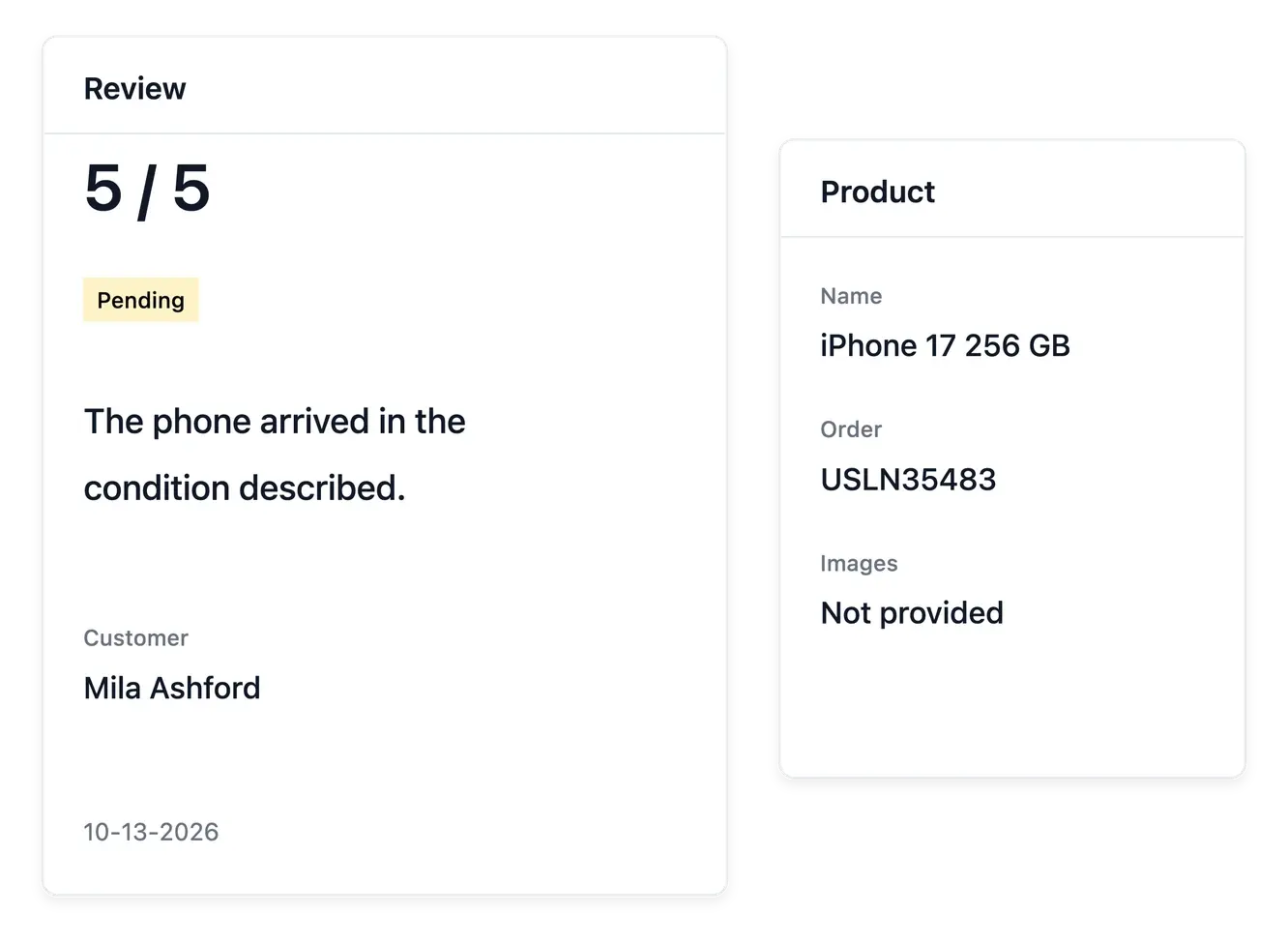
Read the purchase behind the review
The review inbox brings together pending, published and rejected feedback. Open a review to read the original wording and rating with the product, buyer and order that give it context, rather than judging a score alone.
Customer photos are part of the review record. Decide which images may appear and which should remain hidden. The publication decision for the review and the visibility of its pictures can be handled separately.
Read feedback with its product context
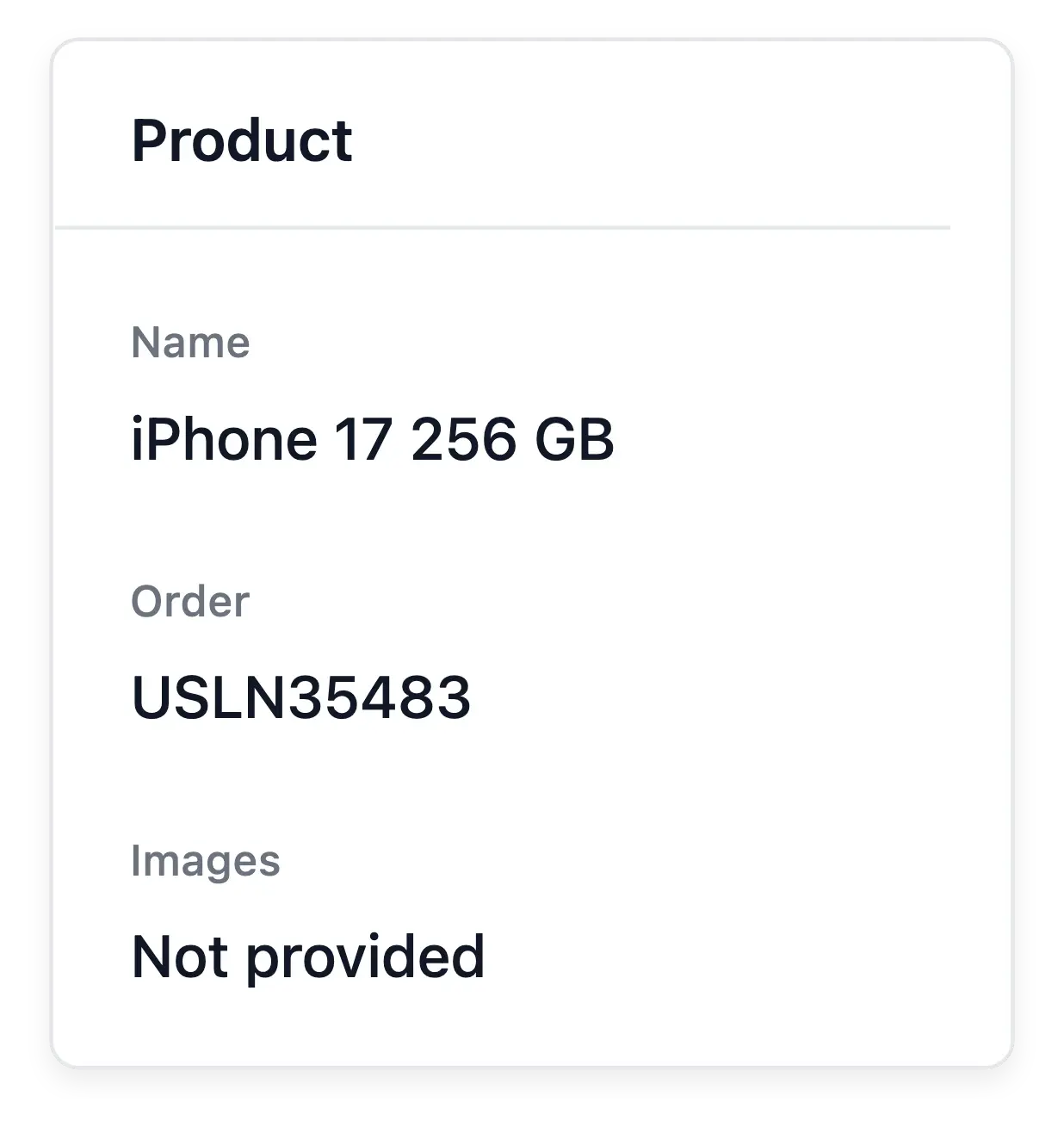
The product concerned. Inspect which product a review describes before acting. Feedback should remain connected to the item the buyer is discussing.
Wording and recorded state. Read the submitted content and its current state in the review directory. The record explains what is available for your handling.
Overview and individual cases. Use the review overview for the recorded activity, then open individual entries for context. An aggregate does not explain a particular complaint.
Choose what appears on the storefront
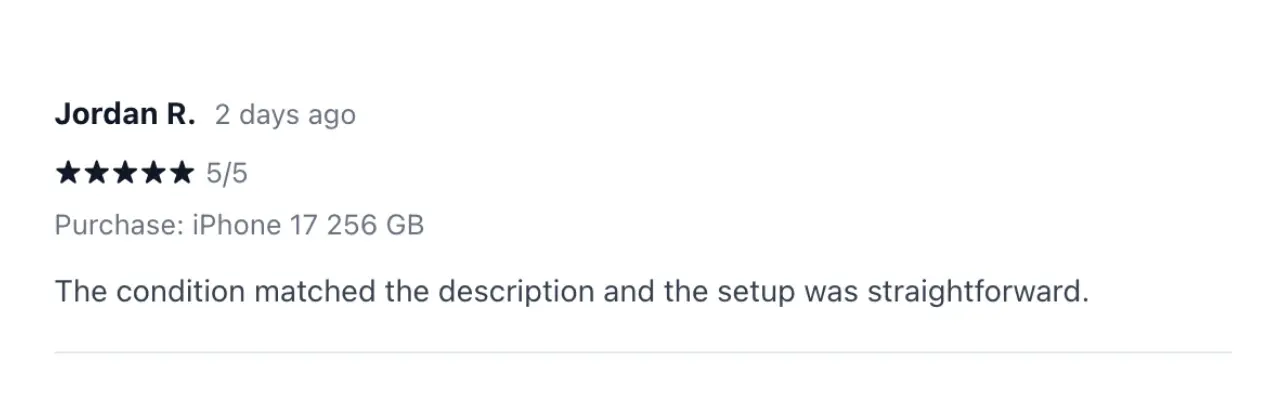
Publish the feedback you approve or reject a submission after reviewing it. The average shown for published reviews helps you follow the feedback already made visible, while pending reviews remain work for your team.
Use the product and order context to understand recurring concerns about descriptions, condition or delivery. Moderation controls presentation; it does not rewrite the customer's original words or replace a support conversation when a case needs attention.
Maintain useful feedback on the range
Find the relevant feedback. Locate the review and verify its product and customer context. Read the full comment before deciding the next action.
Use the available handling tools. Maintain the review through its supported actions. Keep public feedback separate from a private order-support conversation.
Follow up on the purchase. If the comment reveals an order issue, investigate it in Support or after-sales records. Editing product content does not resolve that case automatically.
Build trust from real customer experiences
Review comments and photos with the purchase context before making them visible.
Questions about Reviews
Pending, published and rejected reviews are available in the collection and its filters.
Yes. The review record shows the associated product, buyer and order.
Yes. Attached photos have their own accept or hide decisions alongside review publication.
The published rating concerns reviews that have been made visible, rather than pending submissions.
The moderation workspace presents the original wording. Its publication actions decide visibility rather than offering a rewritten customer opinion.
No. Use support for an exchange about a problem; use reviews to decide which customer feedback is displayed.