Category menu
Help customers find their way through your catalogue
Present your category tree in a configurable storefront menu.

Give visitors a visual route through your range
- A browsable tree
Give shoppers direct access to categories and subcategories.
- Category images
Use the images assigned to categories where the menu presents them.
- Theme settings
Choose the menu’s available appearance and interaction settings.
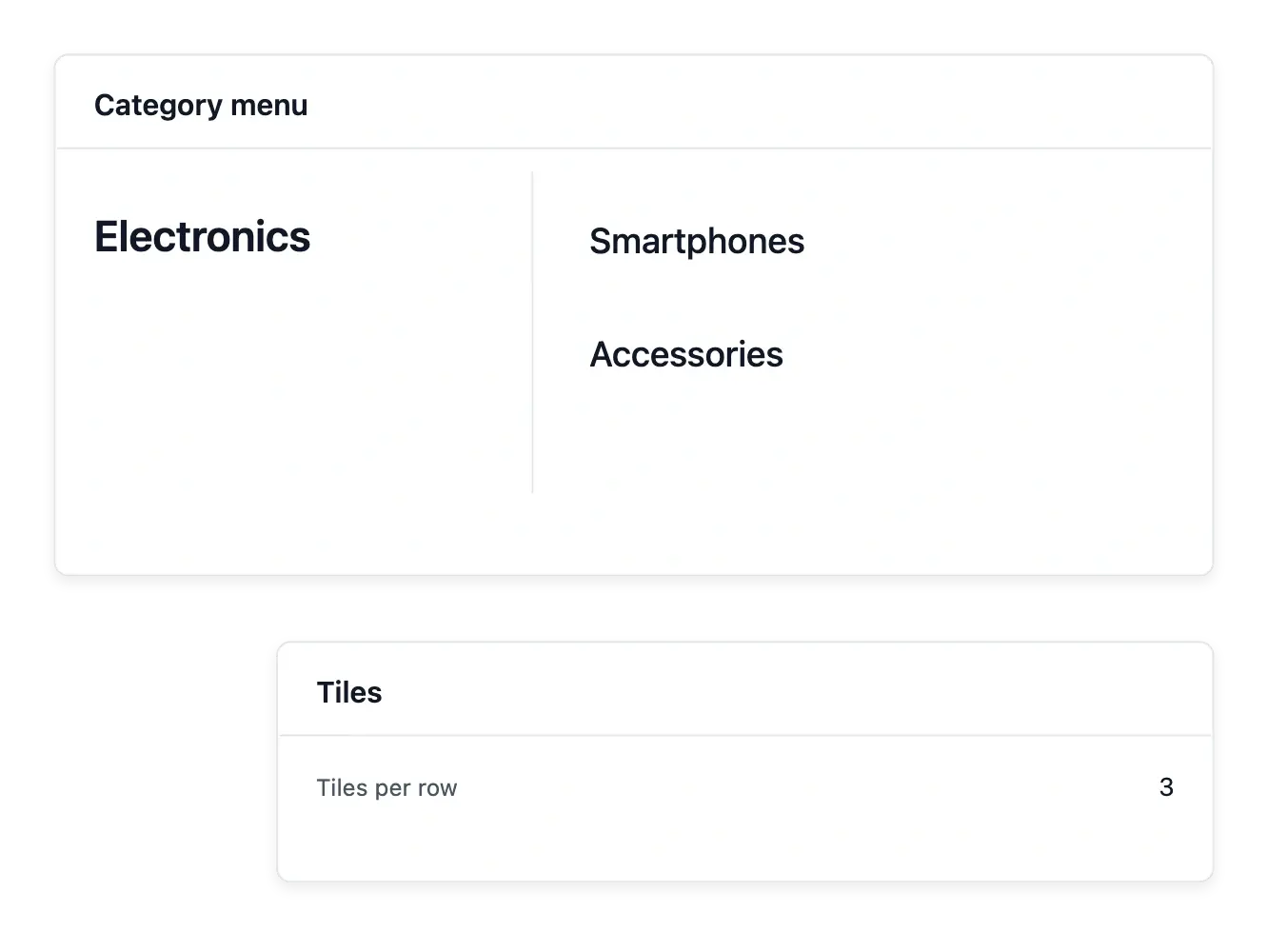
Start with the category tree you maintain
The category menu presents your catalogue's categories and subcategories. Prepare the tree and its ordering in Categories, then use the available menu settings to shape how shoppers explore it.
Category images can make the choices more recognizable where the menu presents them. The appearance view lets you review the supported typography, colors and interaction settings without inventing a separate list of shelves.
Present the catalogue tree clearly
Roots and subcategories. Use the existing category tree and selected roots. Menu organization should reflect the shelves maintained in the catalogue.
Pictures that identify a shelf. Use category imagery where the menu supports it. Review pictures alongside the names so the visual choice describes the right range.
Display settings and order. Adjust supported typography, colors and interactions, then review the ordering. Appearance changes the presentation, not which products belong to a category.

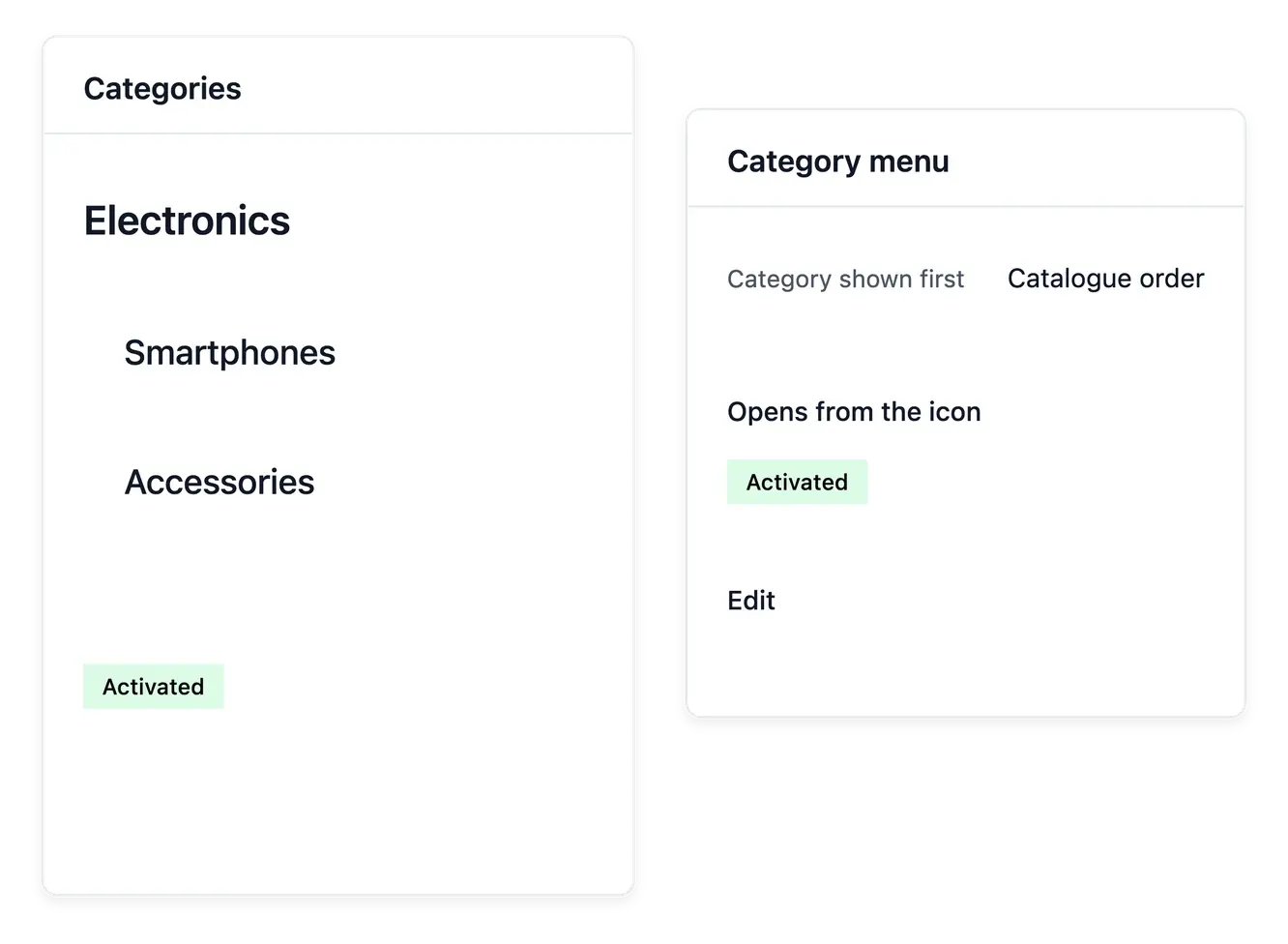
Make the menu reflect the actual catalogue
When the range expands, maintain both the category content and its availability. A styled menu is useful only when its entries describe the products customers will find behind them.
Editorial navigation and catalogue browsing serve different purposes. Use Navigation for chosen shop destinations and the category menu for the catalogue structure, with search providing another route for a particular reference.
Keep browsing aligned with the range
Maintain the category tree. Prepare names, subcategories and available content in Categories before arranging the menu. Keep empty or outdated destinations under review.
Choose the visible structure. Choose the root shown first and the supported presentation settings. Give each choice wording and imagery that help customers understand the next step.
Offer another route. Use search for shoppers with a particular reference in mind. Both browsing and search use the maintained catalogue.
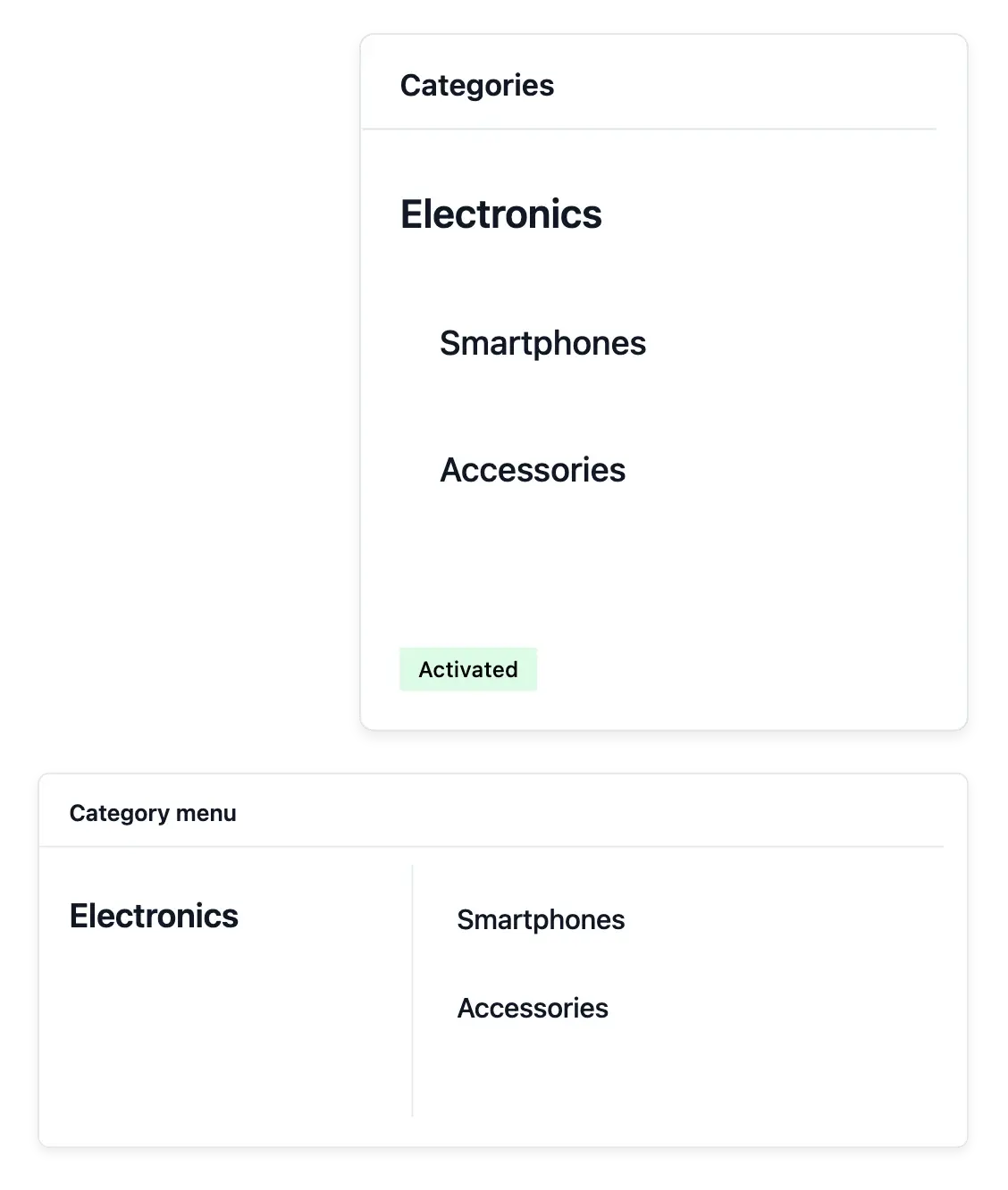
Make a growing catalogue easier to browse
Turn your maintained categories into a clear storefront entry point.
Questions about Category menu
In Categories, with its parents, subcategories and display order.
Yes. The supported presentation uses the images assigned to categories where applicable.
Yes. Use the available category-menu style and interaction settings.
No. It presents the maintained catalogue tree.
No. Navigation handles chosen page and link destinations; this menu follows catalogue categories.
Yes. Check the category structure, content and visibility alongside the menu presentation.