Dashboard
See where today’s shop activity needs your attention
Follow sales, carts, customers and the buying journey over the period you choose.
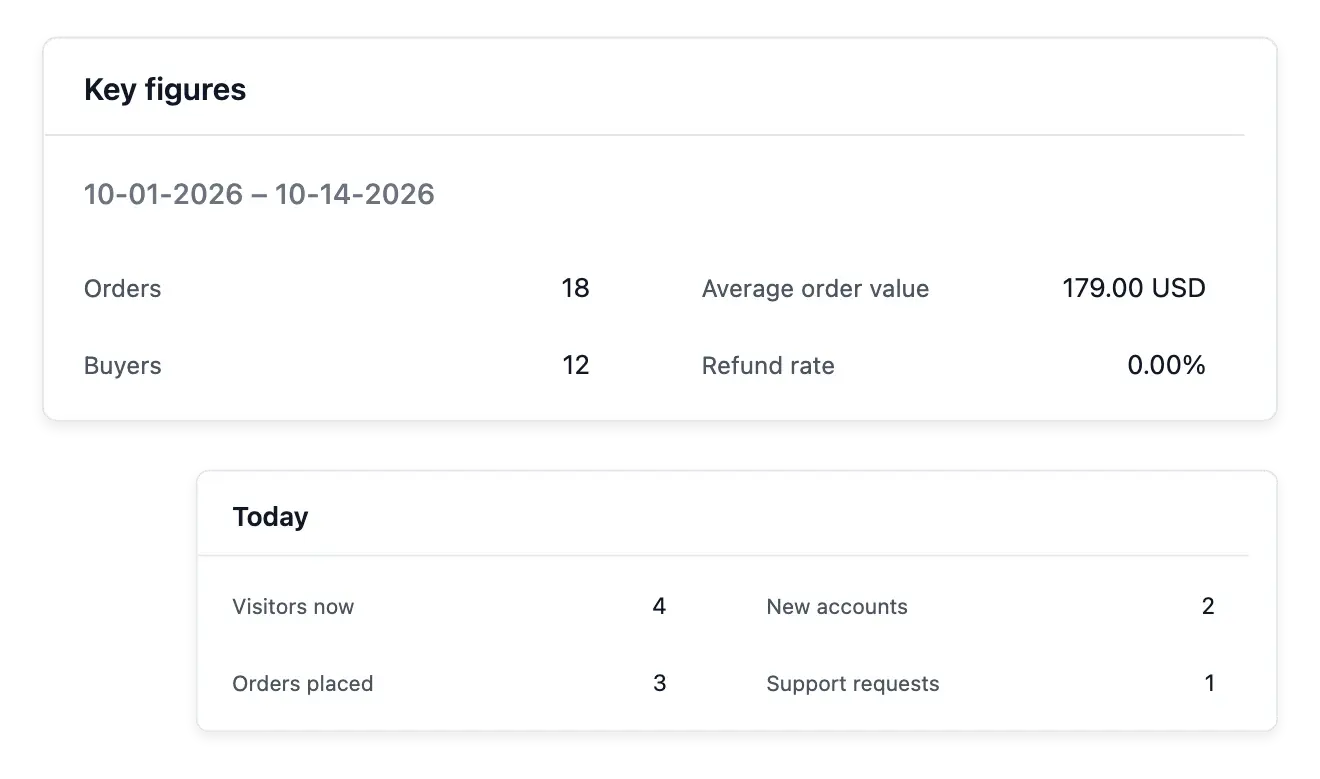
Start the day with the right signals
- Business at a glance
Read key sales, cart and customer figures for a selected period.
- Your buying journey
Follow the steps from basket to order and identify where shoppers stop.
- Act from the dashboard
Open recent orders and customers and move to their detailed workspaces.
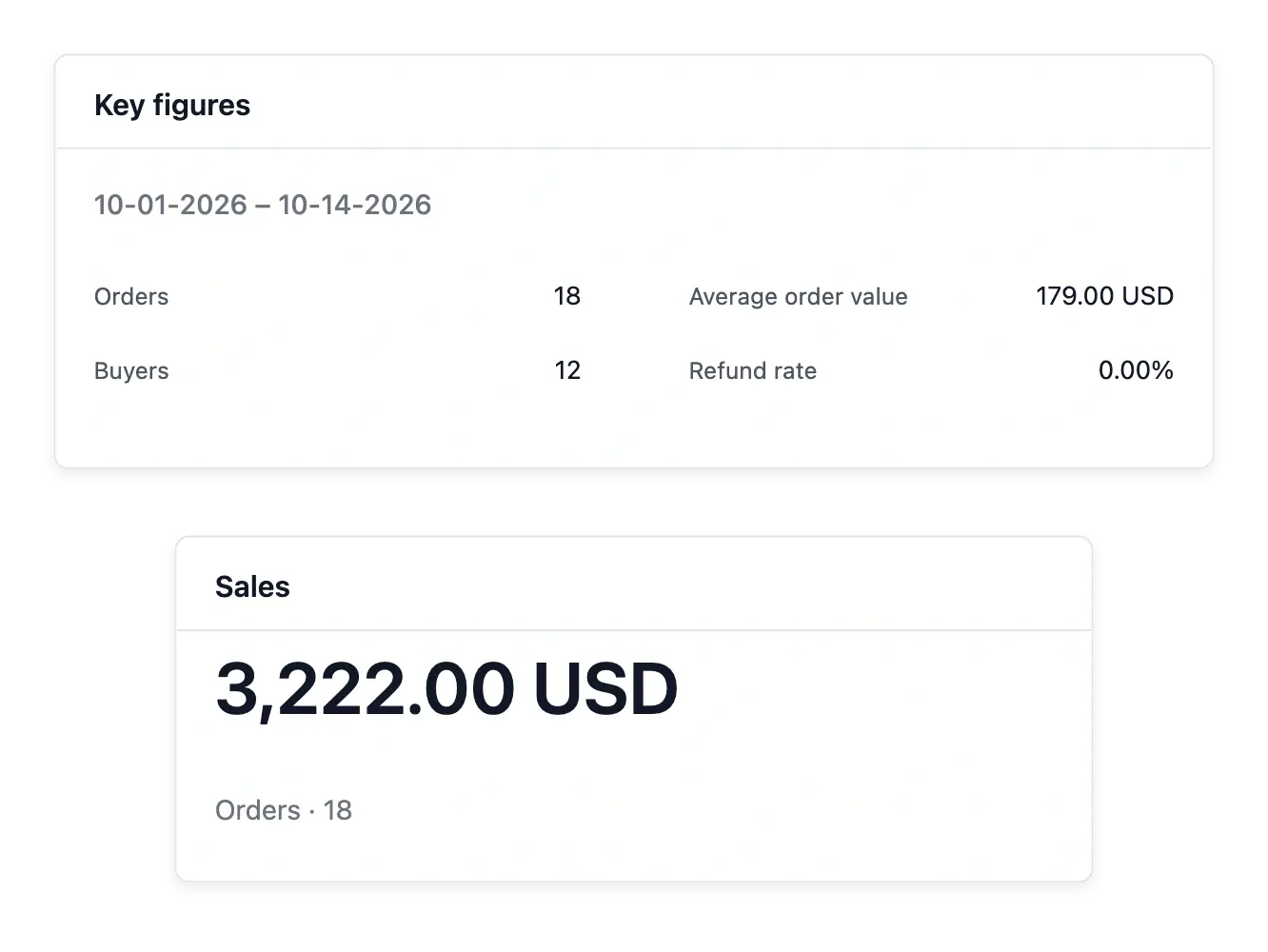
Read the period before choosing an action
The dashboard puts sales, recorded carts and customer activity within one view. Choose a period to understand what belongs to that window, rather than mixing today's work with the shop's entire history.
Follow the buying journey from recorded basket to order. A step with fewer completions is a place to investigate, using the underlying records and the shop experience rather than assuming a particular cause from a number alone.
Read the signals before choosing the next task
Sales context. Review the shop’s recorded sales indicators over the displayed period. An overview gives direction; individual orders explain particular outcomes.
Audience and activity. Keep browsing observations distinct from sales. Visits and live events help understand activity without proving completed purchases.
The selected shop. Read the dashboard in the current workspace. Check the shop context before comparing results or opening an operational task.
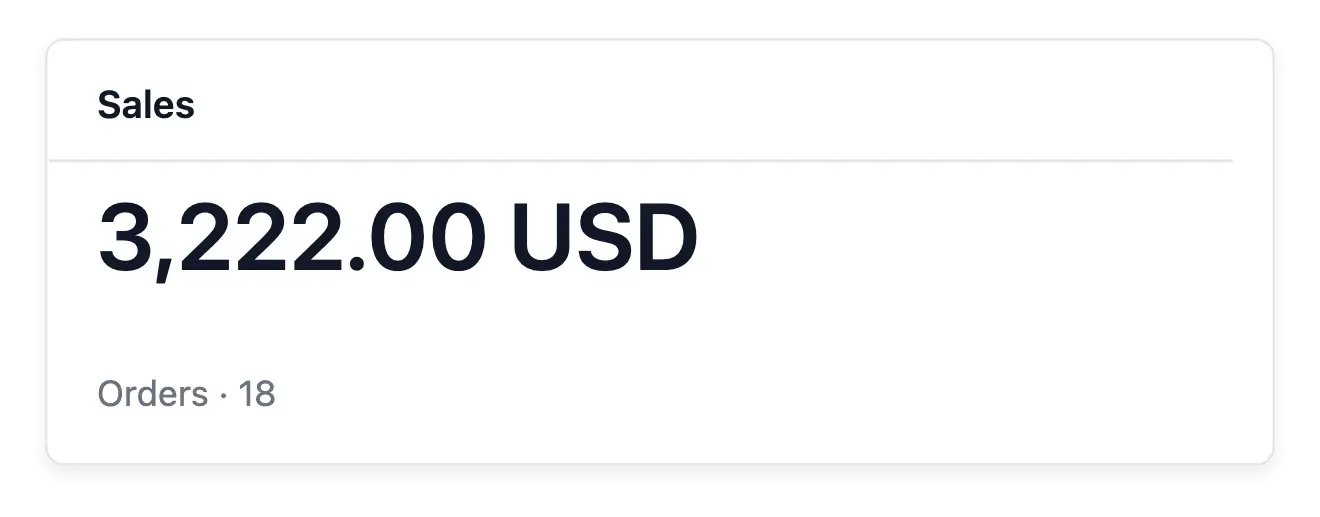
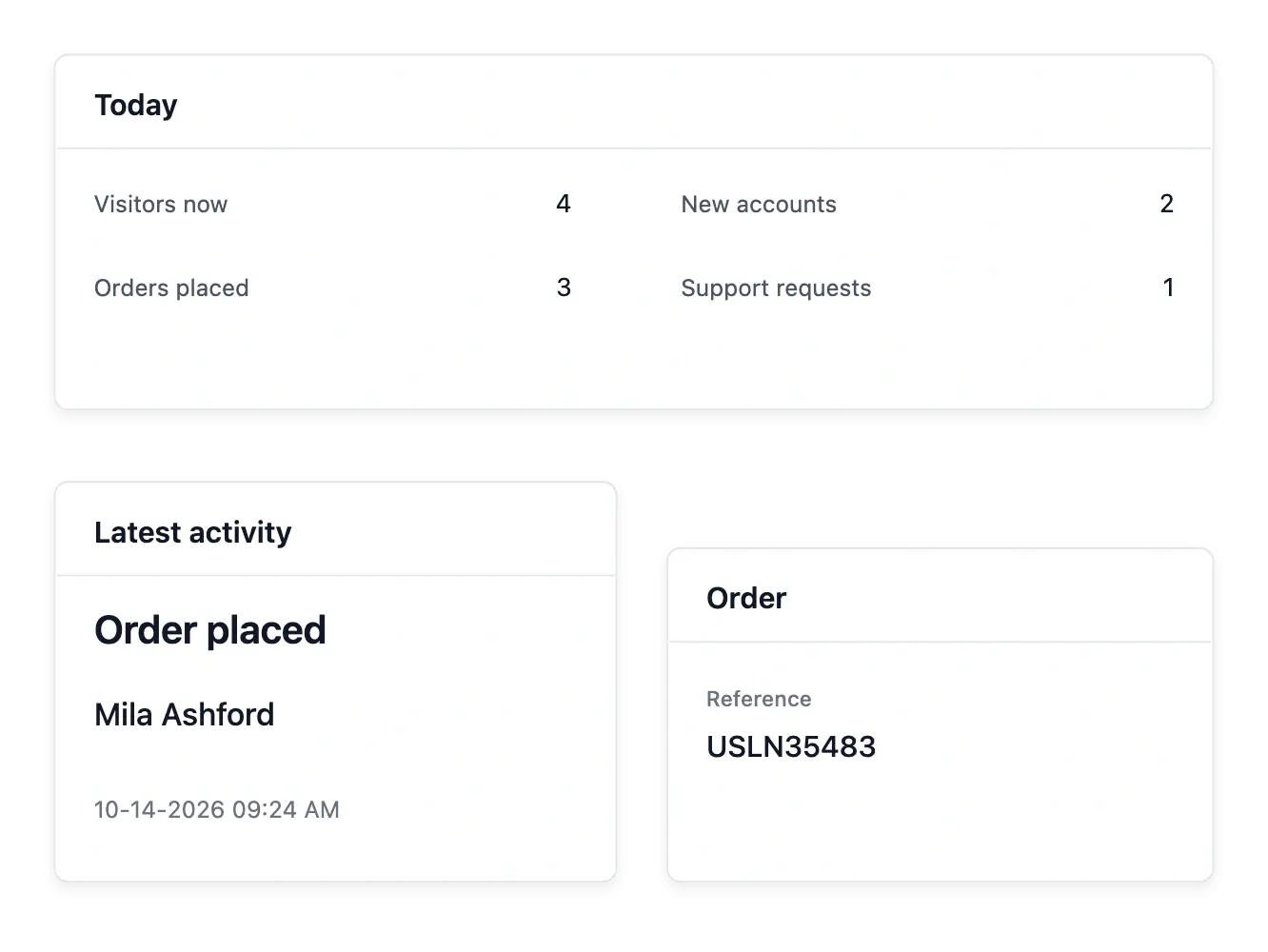
Go from an overview to the right workspace
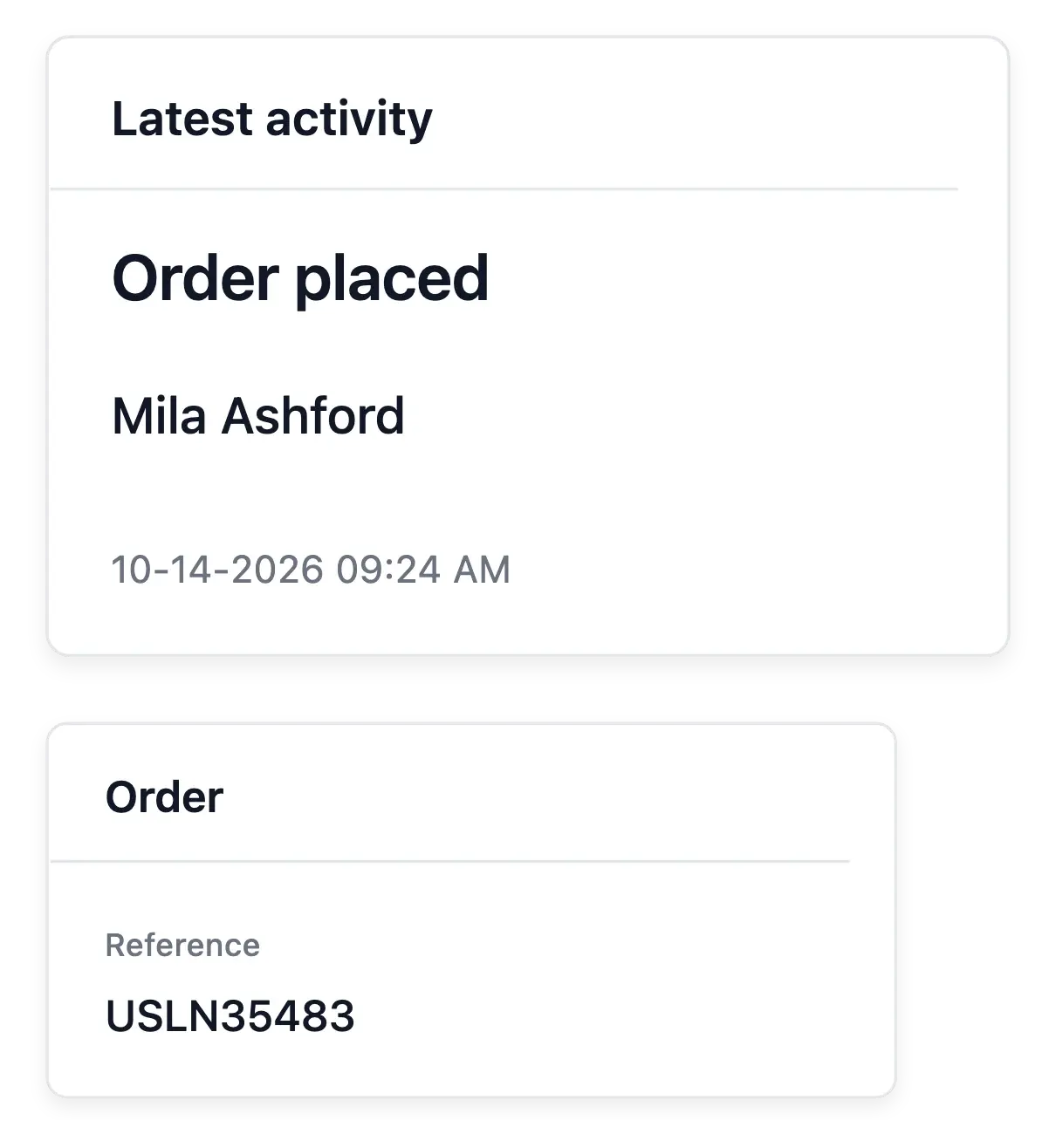
Open recent orders or customer records to investigate a concrete event. The dashboard gives you orientation; detailed payment, shipment and customer decisions remain in their own workspaces where the full context is available.
For deeper reporting, use Statistics for sales, Audience for visits and Live for current activity. Keeping those perspectives distinct helps you decide whether the next question concerns acquisition, conversion or order handling.
Move from an overview to the relevant record
Review the period. Start with the dates and recorded totals. Keep the measurement context when comparing the shop’s recent activity.
Choose the detailed view. Open Statistics for sales, Audience for browsing or Live for recent events. Each view answers a different operational question.
Investigate the case. Continue to the order, product or customer record when action is needed. An aggregate cannot establish the cause of every change.
Give your next business decision a clearer starting point
Bring the main signals together before exploring the records behind them.
Questions about Dashboard
Yes. The dashboard's period selection controls the business figures presented for that window.
No. Carts are recorded when shoppers reach the payment step; visitor activity is covered by Audience.
Yes. Recent records provide access to their detailed workspaces.
No. It identifies a point to investigate using the underlying data and buying experience.
Use Statistics for the detailed sales breakdowns, including products.
Live provides current visitors and the day's recorded events, alongside its journal.