Shop search
Help shoppers recognize the right search result
Help shoppers find categories and products with configurable search suggestions.

Help shoppers find a reference without browsing every shelf
- Find the right item
Let visitors search the catalogue from the storefront.
- Useful suggestions
Show matching products and categories while shoppers type.
- Your presentation
Configure the suggestion appearance from your navigation settings; the search bar itself follows the theme header.
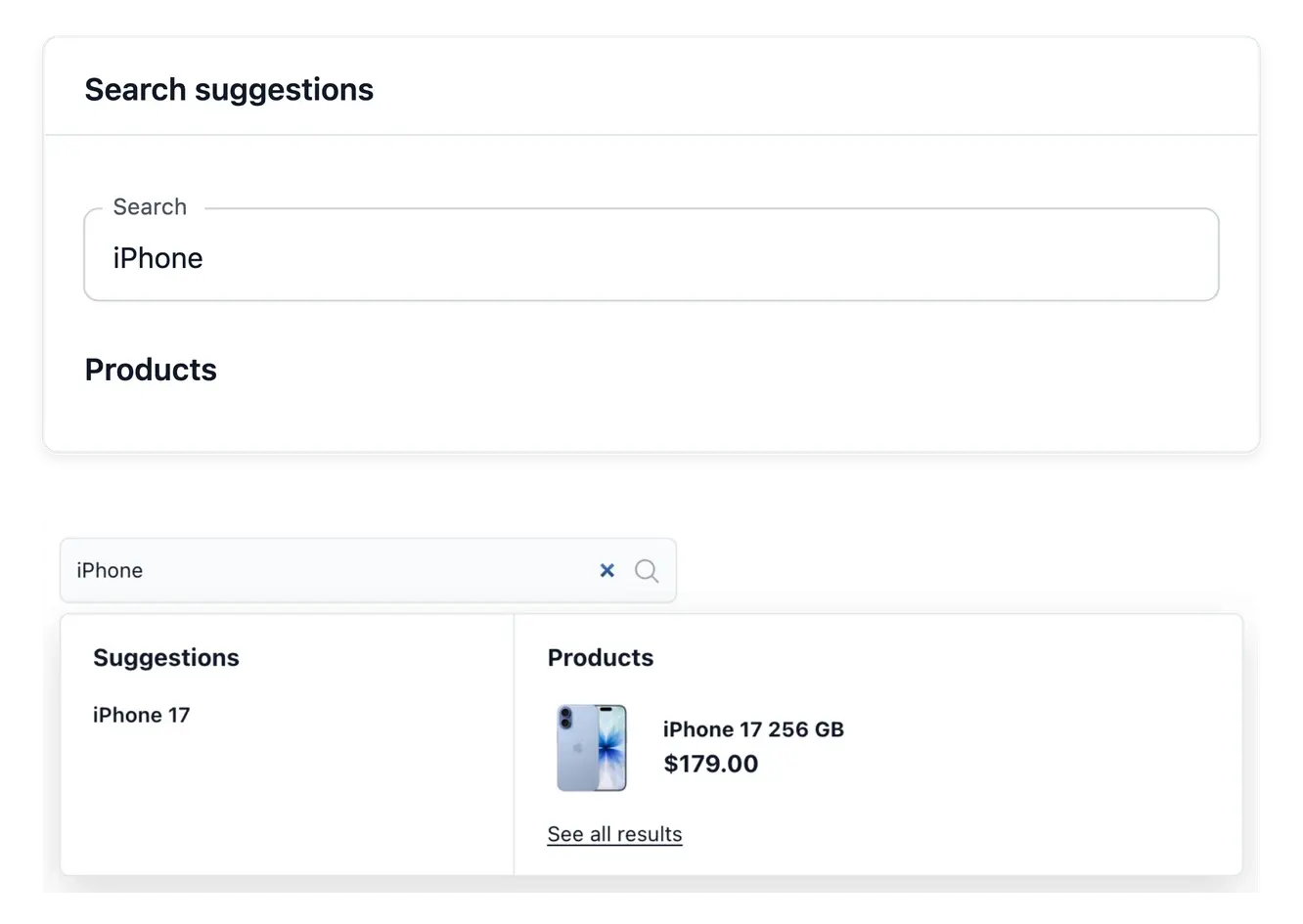
Present suggestions that reflect your catalogue
The storefront search offers matching products and categories while the shopper types. Its preview uses the shop's available catalogue content, so the presentation can be judged with actual names, pictures and prices.
Configure the supported suggestion settings: box, column titles, category and product wording, pictures and price presentation. The search field itself uses the header's appearance settings, keeping each visual choice in its own place.
Make suggestions useful at a glance
Products and categories. Present matching items and shelves while the shopper types. The suggestions rely on the catalogue’s existing names and content.
Wording and columns. Set the supported font, size, weight and color of column titles, category names and product names so a result clearly reads as a product or a category.
Images and prices. Choose the supported picture and price presentation. The header’s search-field appearance remains a separate theme setting.
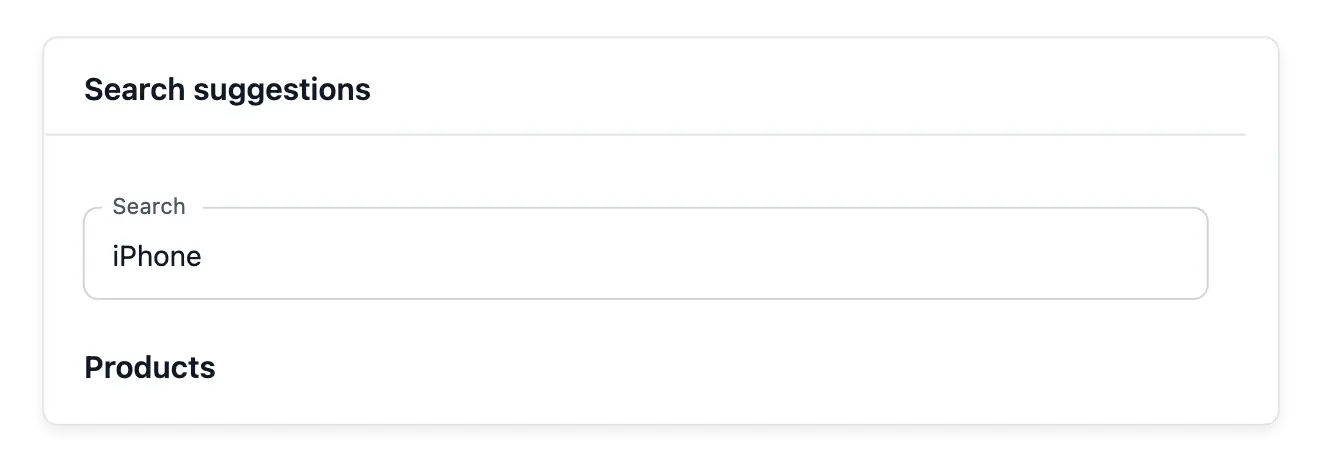
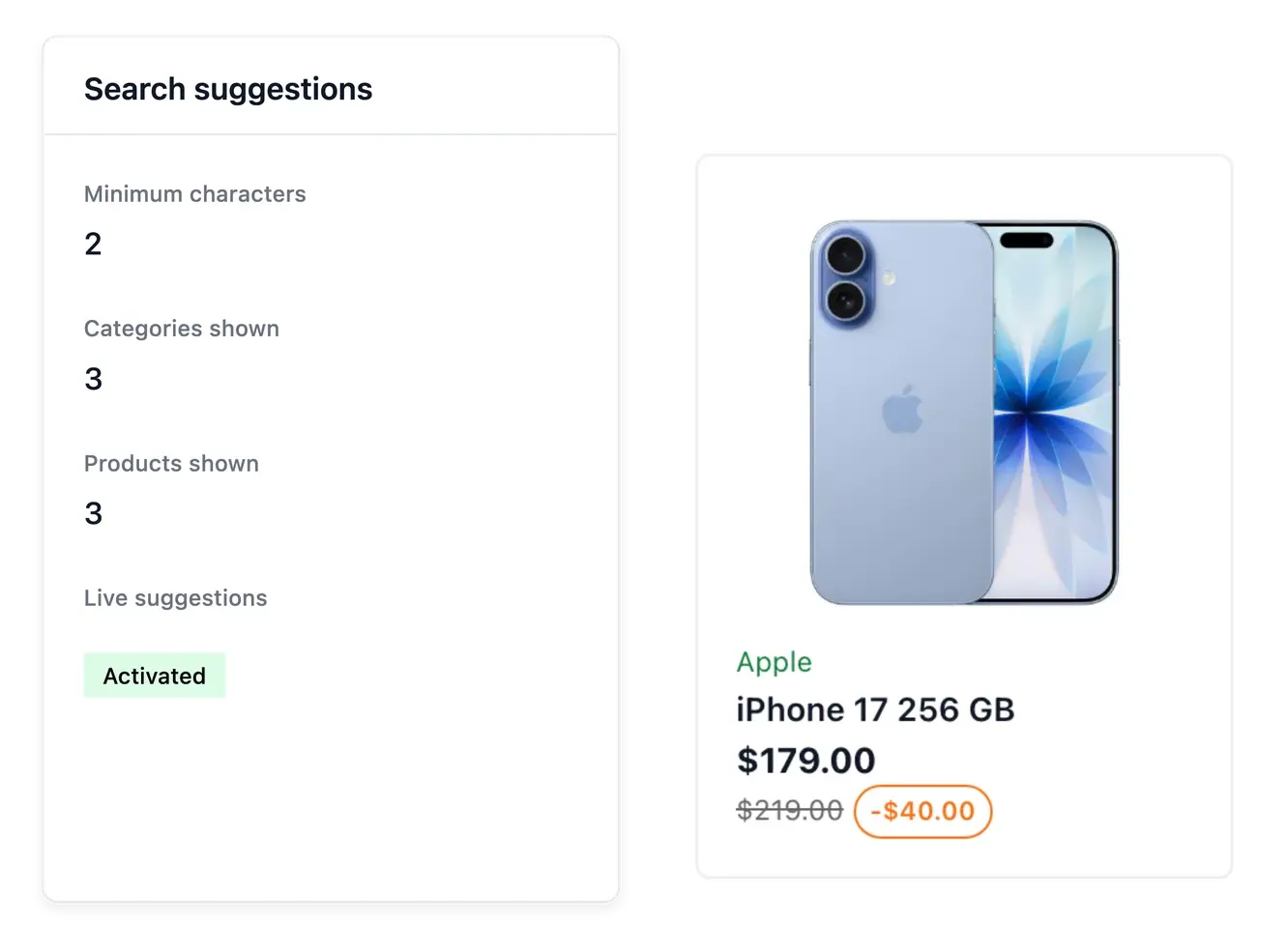
Keep search and catalogue preparation aligned
Clear names, useful categories and product images give suggestions better material to present. Search appearance cannot compensate for a reference that is missing or poorly described in the source catalogue.
Use the category menu when visitors prefer browsing and search when they already have an item in mind. Both routes lead into the same shop catalogue rather than maintaining a second set of products.
Prepare search from the catalogue outward
Check the source content. Review product names, category names and pictures. Search presentation cannot supply details missing from the catalogue.
Tune the suggestions. Set the box, the number of suggestions, the text styles and supported visual options. Inspect the preview with recognizable product references.
Review the destination. Open a matching suggestion and check the product or shelf it reaches. Coordinate this direct route with the category menu.
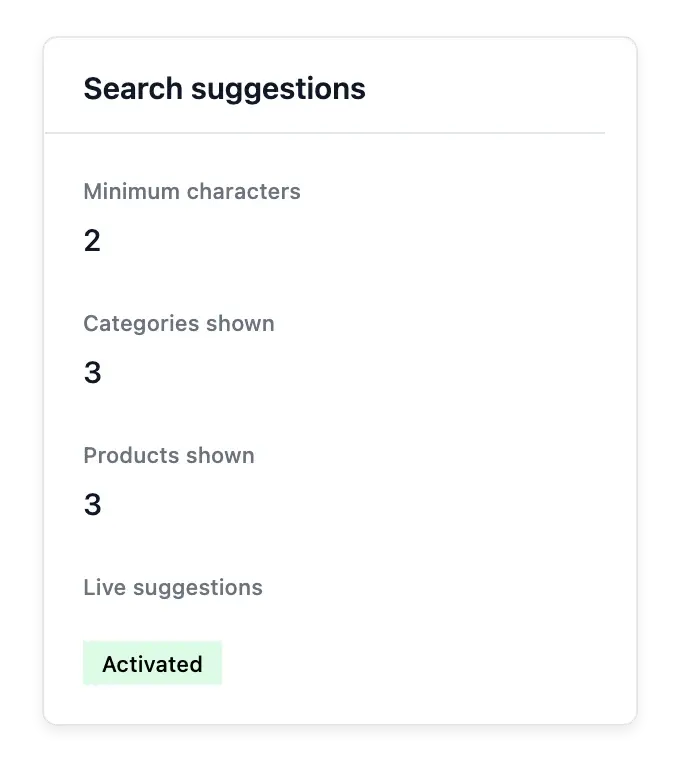
Give a larger range a shorter path to discovery
Prepare readable suggestions and a search field that fits your shop.
Questions about Shop search
Supported suggestions include matching products and categories.
Yes. The preview uses available shop content and falls back to samples when needed.
In the theme's header search-field settings.
In the search settings alongside navigation, using the supported groups of controls.
No. It presents information from your shop's catalogue.
No. Maintain the product and category data at its source as well.