Checkout
Bring delivery and payment into one clear buying journey
Keep cart, delivery choices and payment steps connected and consistent with your shop’s theme.
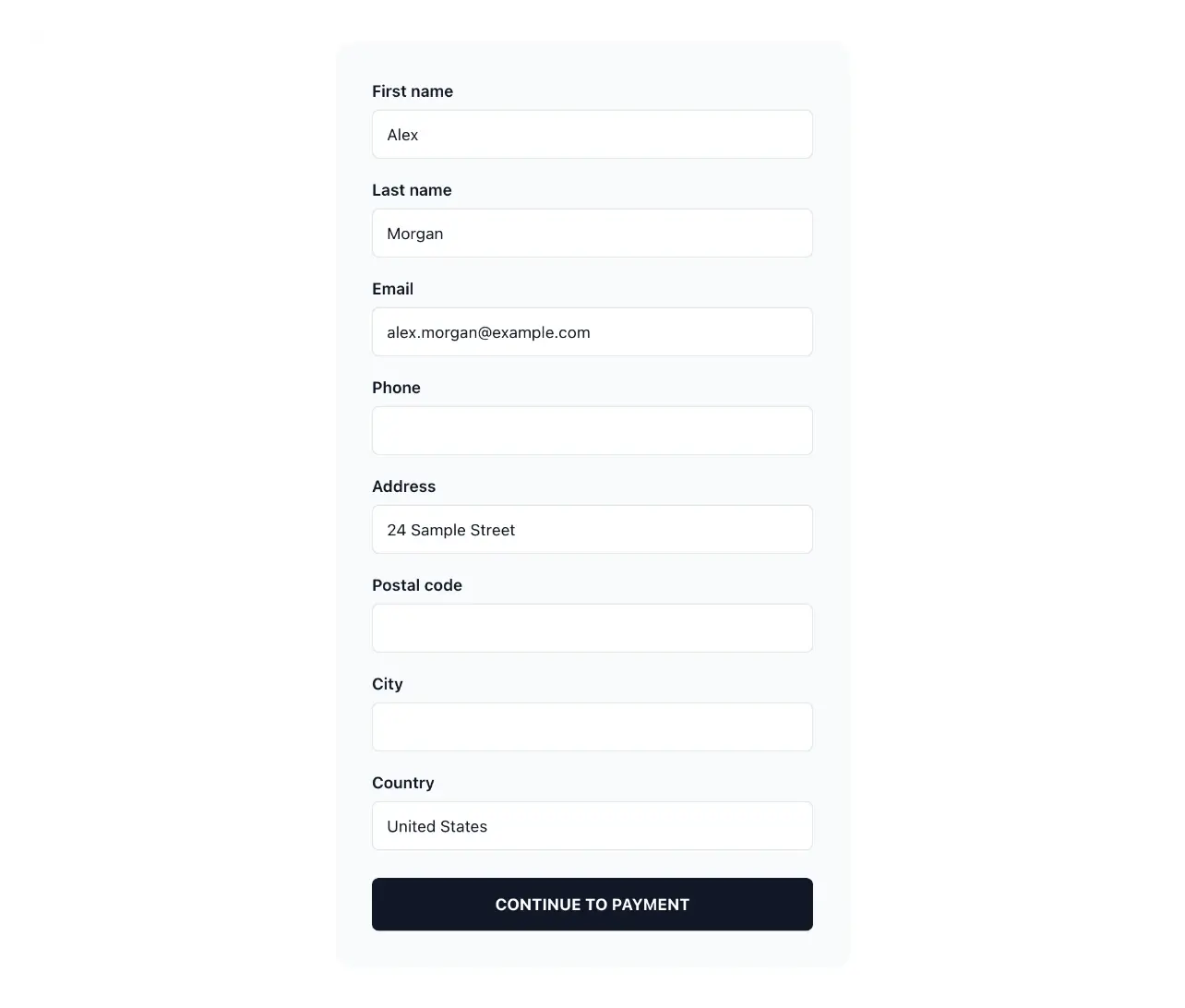
Give selected products a coherent path to an order
- From basket to order
Carry the selected items through the order steps.
- Delivery and payment
Offer the methods you configured for the shop and the customer’s destination.
- Your shop’s look
Apply the shop theme to cart, checkout, payment and confirmation pages.
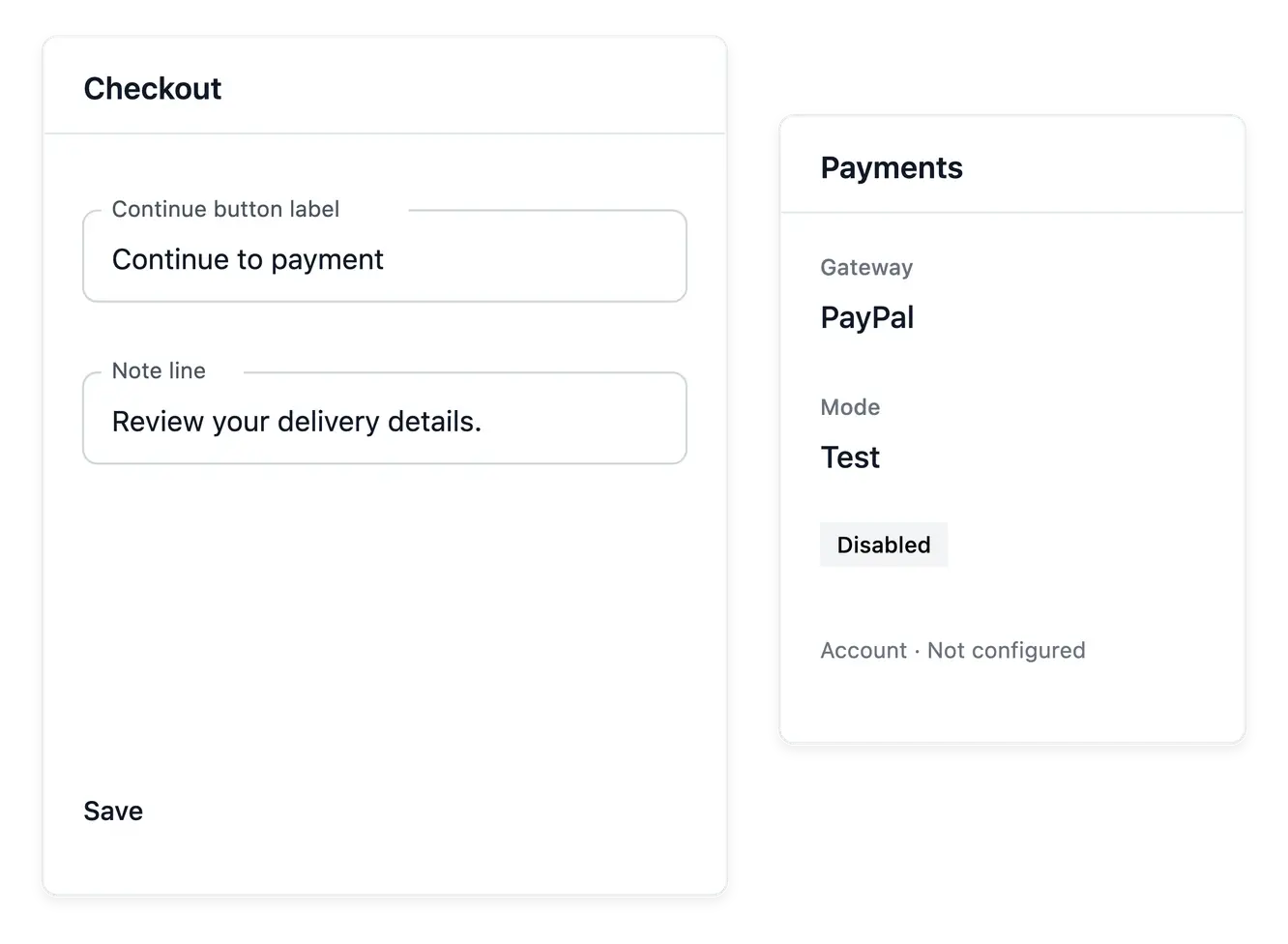
Carry the basket into delivery and payment
Checkout takes the selected items through the order steps. The shopper's destination and your shop settings determine the delivery and payment choices that can be offered, so configuration is part of the buying experience.
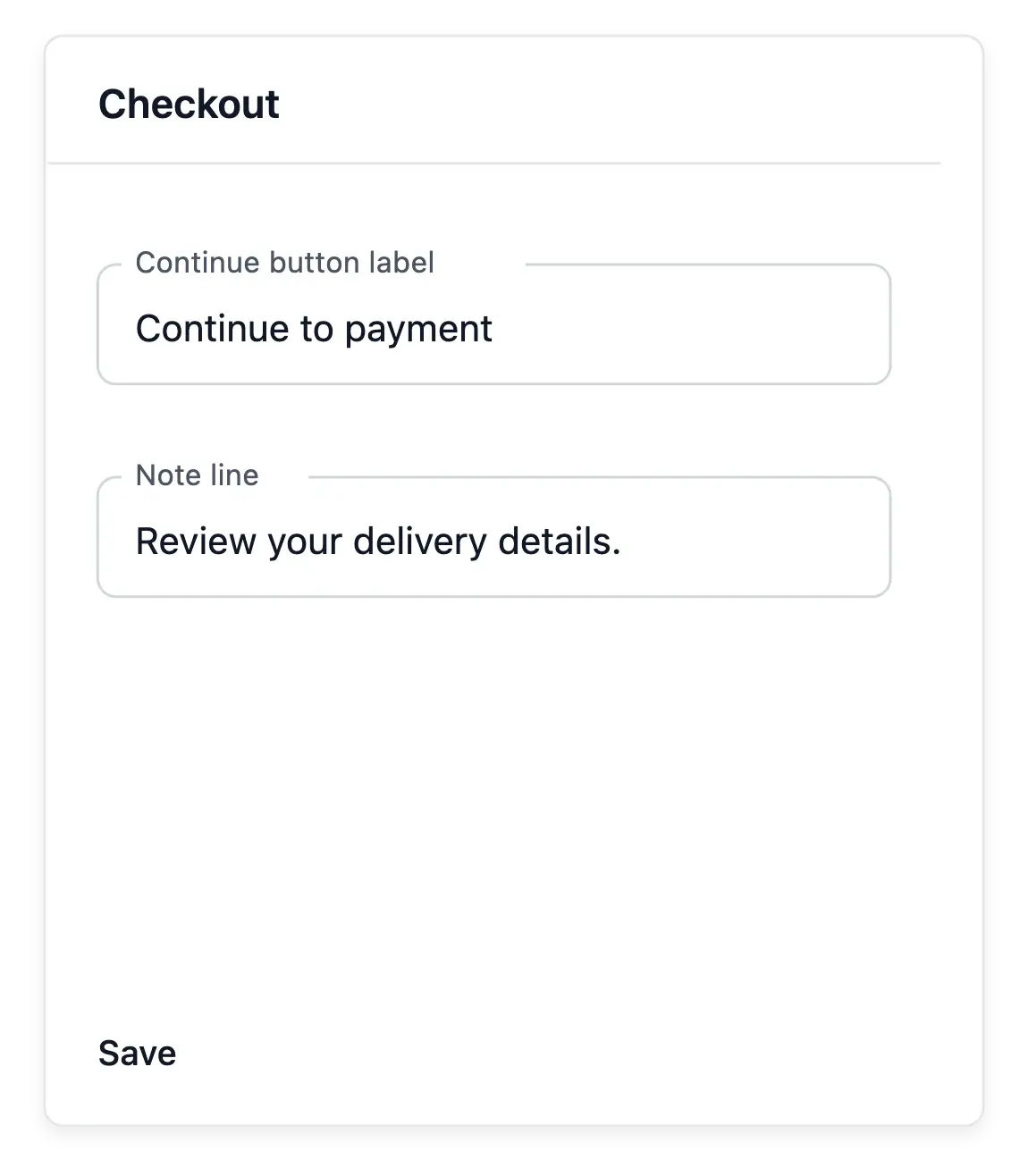
Apply your shop's appearance to basket, checkout, payment and confirmation pages through the supported theme settings. A consistent presentation helps the customer recognize the same shop as the purchase moves forward.
Coordinate the choices offered at purchase
The customer’s destination. Delivery choices depend on the destination and configured coverage. A published country still needs an applicable delivery method.
Configured payment methods. Use the methods supported by the configured payment services. Displaying a payment choice is separate from completing its transaction.
Appearance across the steps. Apply the supported shop styling to basket, checkout, payment and confirmation. Keep the customer in a recognizable buying environment.
Make the resulting records understandable
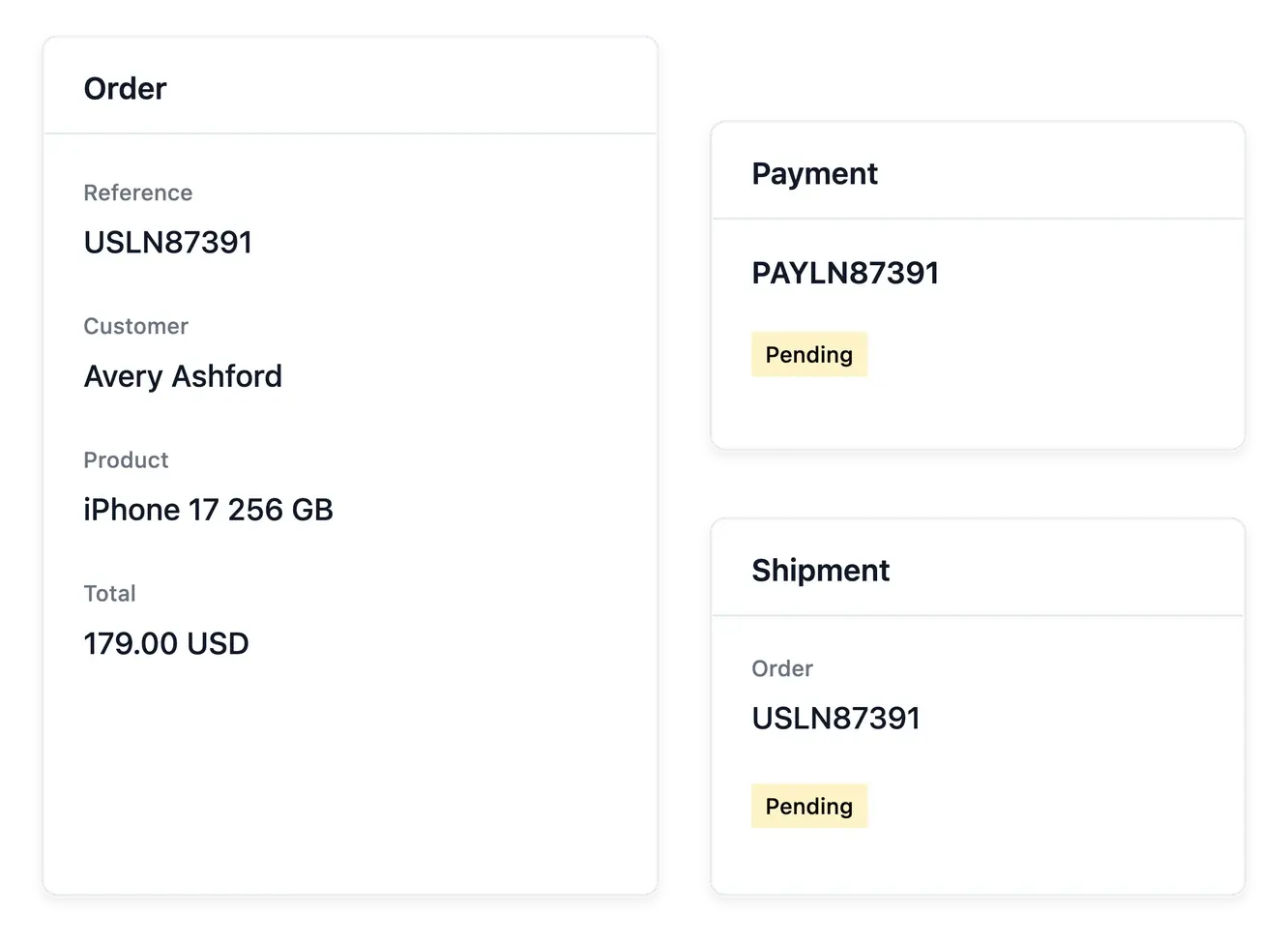
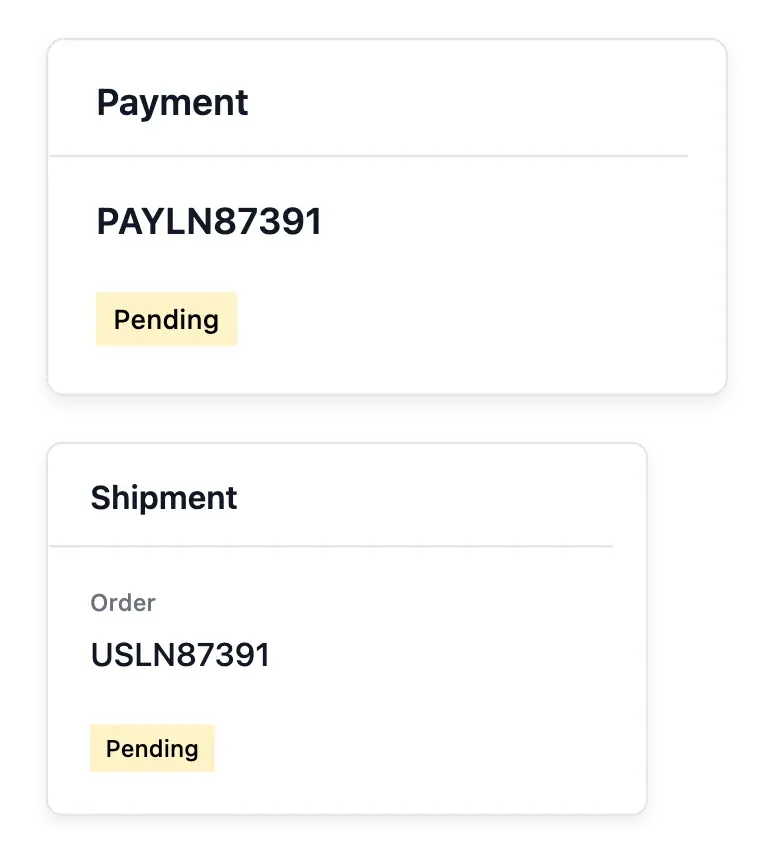
When the basket reaches payment, it can be recorded for merchant follow-up. The resulting order connects items, customer, payment and shipment information; those records explain what happened after the shopper made a choice.
Test the actual destination and configured methods before opening a new market. A styled checkout does not create a delivery zone or activate a payment provider, and a payment attempt is not automatically a completed purchase.
Check the journey before opening a market
Prepare delivery and payment. Check zones, rates and payment-provider setup for the intended market. Styling alone does not supply an operational buying path.
Review the customer journey. Inspect the steps using an applicable destination and available item. Check wording and choices alongside the shop’s appearance.
Follow the resulting records. Use the recorded basket, order, payment and shipment to understand what happened after checkout. Each record carries its own operational state.
Give your shop's next sales a clearer buying journey
Connect the offer, destination, available methods and resulting order.
Questions about Checkout
Those applicable to the shopper's destination under your configured zones and methods.
In the shop's payment settings, with the supported provider accounts.
Yes. Supported theme settings cover basket, checkout, payment and confirmation presentation.
When the shopper reaches the payment step.
No. Follow the actual payment and order outcomes rather than the attempt alone.
No. Prepare delivery and payment configuration for the market before accepting its orders.